
A product team has to check a new checkout flow in another region. A researcher needs to revisit a page that may change tomorrow. A support engineer wants to reproduce a bug without disturbing their everyday browser. Each job benefits from the same simple setup: a separate browser session that can be started for a specific task.
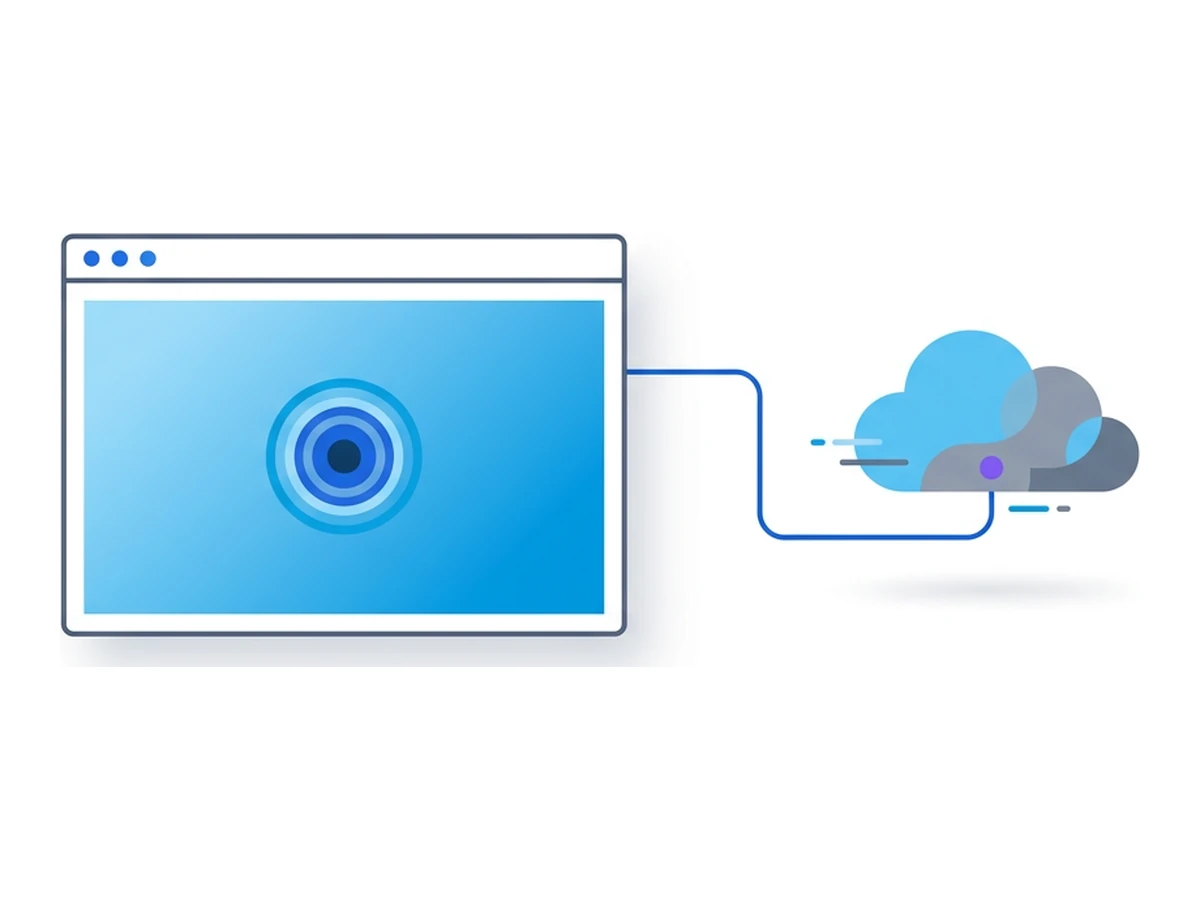
A virtual browser runs remotely, away from the browser and files on your own device. That separation makes it useful for research, testing, and review as well as security work. It does not make a session anonymous, turn it into a physical phone, or automatically preserve a defensible record. The value comes from choosing the right task and pairing the session with the right tools and process.
Ten useful jobs for a virtual browser
These examples share an isolated browser, but each has different requirements for access, automation, evidence, and scale. Check those requirements before treating one session as a complete solution.
1. Competitive price checks
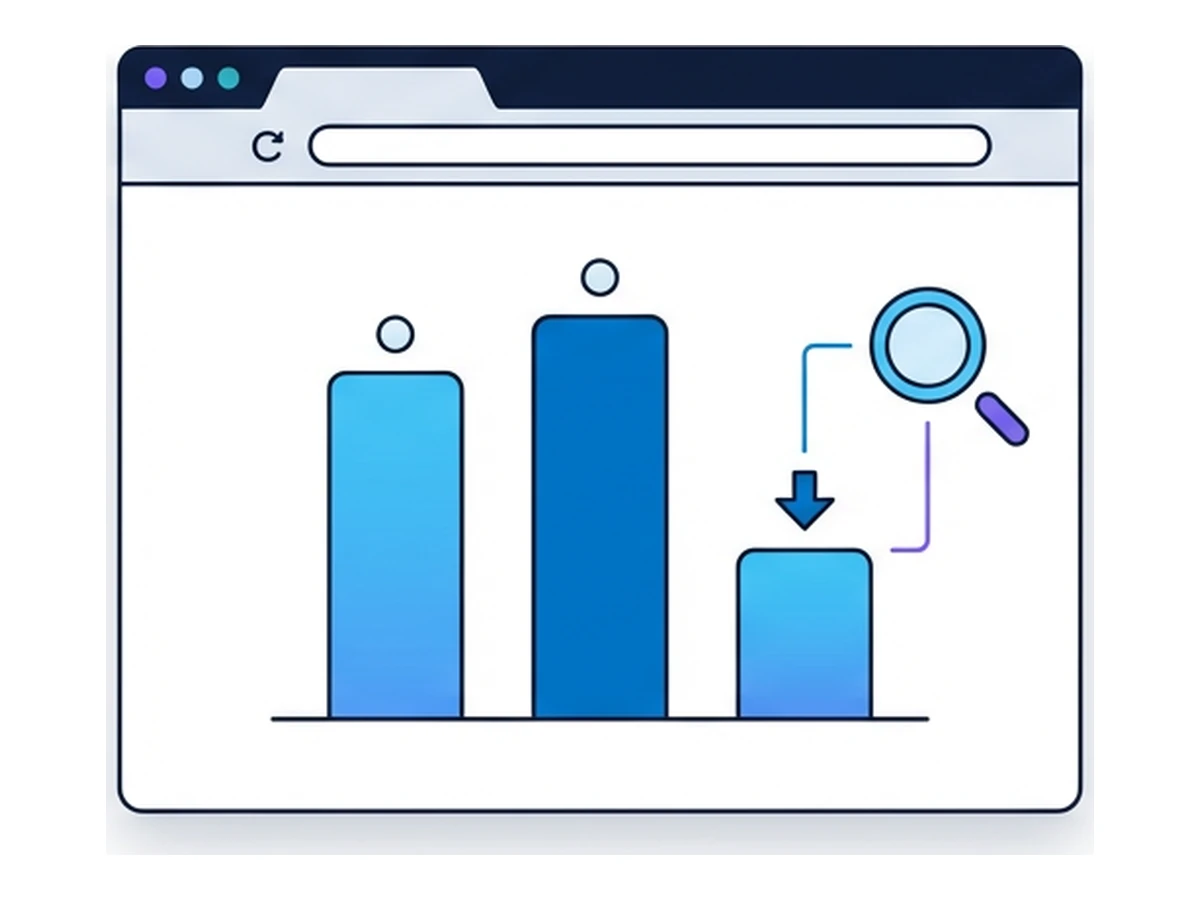
A retailer can use an isolated browser to check how a competitor presents a price, promotion, or stock notice to a visitor. That matters when a page changes with location, language, or the state of a browser session. Record the product, timestamp, selected region, and visible offer alongside any price you collect. Without that context, a number in a spreadsheet can be difficult to explain later.
Automation can repeat the checks where site rules and your access rights allow it. Set a modest request rate, expect pages to change, and review exceptions by hand. A separate browser helps keep the collection environment consistent; it does not guarantee a fresh IP, defeat rate limits, or make scraping permitted by the site.
2. Pre-launch checks for A/B variants
Before an experiment reaches customers, a team can open each variant in a separate session and check that the intended content appears. Test navigation, form validation, analytics events, and checkout handoffs with test accounts and test payments. Starting from a clean browser state makes it easier to spot a cookie or cache dependency that would otherwise hide a broken variant.
This is pre-launch quality assurance, not a substitute for an A/B test with real participants. A script can tell you whether a flow completes and whether an event fires; it cannot tell you which message people prefer. Use the isolated sessions to catch implementation mistakes, then measure user outcomes through the experiment itself.
3. Browser QA alongside device testing
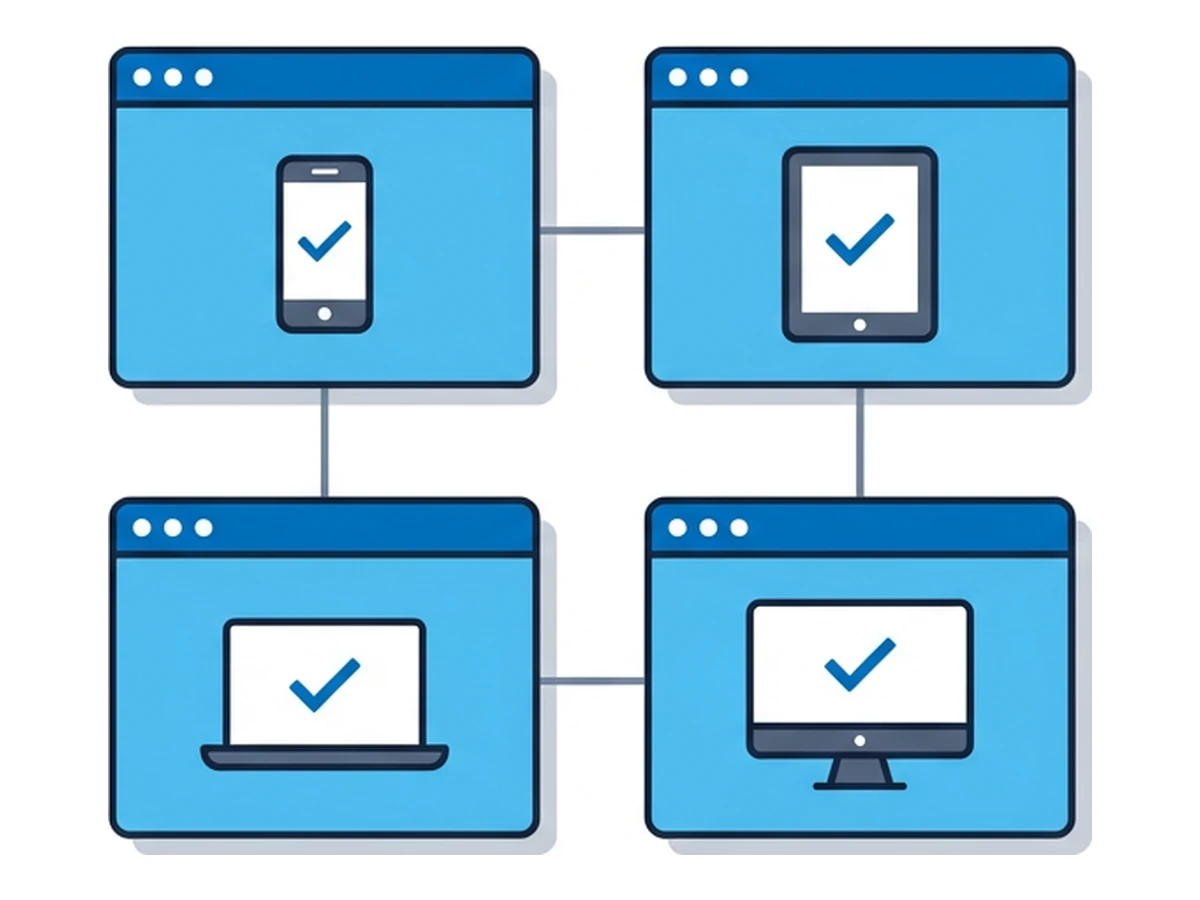
A remote browser is useful for checking a page in the browser images your service actually offers. It gives a tester another environment for layout, navigation, and basic interaction checks without changing their local browser profile. Keep a short record of the browser image and settings used for each result, especially when a bug only appears in one environment.
Browser coverage and device coverage are different. A remote desktop browser does not reproduce mobile Safari, touch input, a phone GPU, or a physical device's operating system. For a responsive layout, combine browser checks with your usual viewport tools; keep real-device tests for hardware-specific behaviour. That division makes the test matrix more honest and easier to maintain.
4. Disinformation and influence-operation research
Journalists and researchers sometimes need to visit unfamiliar sites while tracing a claim across forums, social platforms, and linked pages. A separate browser limits what that visit can reach on their own device and keeps a research session apart from personal accounts. Record the source URL, capture time, and the path that led to each page so a colleague can follow the same trail.
Isolation is a boundary, not a disguise. A site may still log the connection, ask for an account, or recognize a browser through its behaviour and settings. Sensitive investigations need an explicit research protocol for account use, identity, evidence handling, and legal review. A fresh session alone does not make an investigator invisible.
5. Localised content testing across regions
A multilingual site can show different prices, legal notices, languages, and offers according to the visitor's location. Where a service offers the relevant exit location, a team can open the same page from each supported region and compare the result. Keep the URL, selected location, browser language, and time with every screenshot so reviewers know what they are looking at.
The useful check is broader than translation. Does a local payment option appear? Is a consent message readable? Does the page fall back to the wrong language after a sign-in? A remote browser makes it easier to run these reviews together, but availability of a location or browser image depends on the service and the account's entitlements.
6. Content scraping for market research
Some research questions depend on what a page renders, rather than what an API or a static download returns. A browser can expose content that appears after a client-side request, consent choice, or interaction. Start with a small sample: define which fields matter, save the page URL and time, and compare extracted values with what a person can actually see.
For sustained collection, use a permitted API or data feed when one exists. Browser automation adds cost and maintenance: selectors break, pages change, and site terms or rate limits still apply. Isolation helps separate this work from a researcher's ordinary browser; it does not grant permission to collect data or guarantee uninterrupted access.
7. Legal eDiscovery and evidence collection
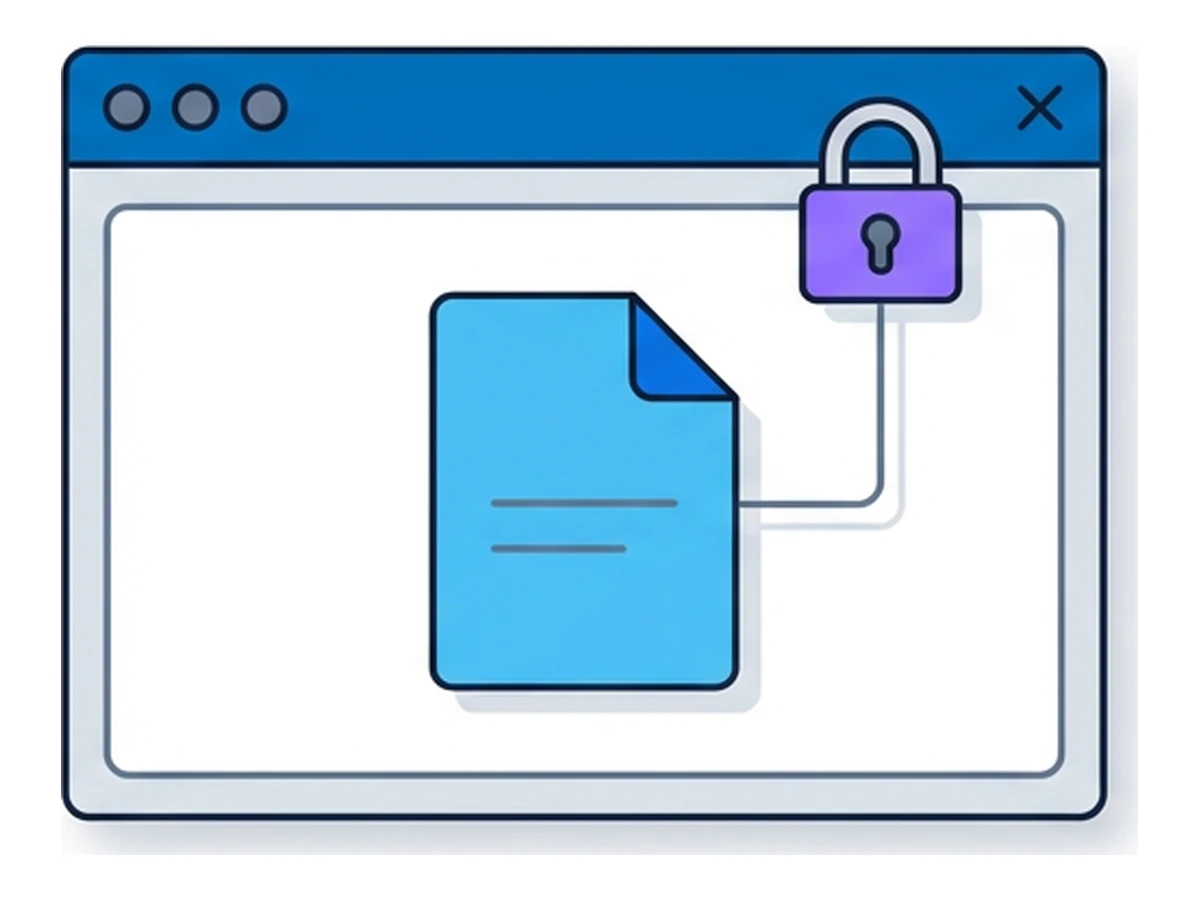
A legal team may need to inspect a page that could change or disappear. Opening it in a separate browser keeps the visit away from the team's usual browsing environment. The team can then capture the page, note the URL and time, and document who collected it and how. Repeating the process consistently is more useful than relying on a screenshot with no context.
A browser session by itself is not an evidence vault. It does not automatically create an immutable archive, a cryptographic hash, or a chain of custody. If a matter requires those controls, use approved capture and records systems and follow counsel's procedure for preservation and review.
8. End-to-end testing of API-backed flows
An end-to-end browser test can exercise the route from a click to an API response: rendering, authentication, form state, and navigation all matter. Run a small set of realistic journeys in isolated sessions and compare the results with API-level tests. If a flow fails only in the browser, the difference can point to a client-side state or integration problem.
That is functional testing, not a replacement for a load generator. Large-scale load tests need controlled request rates, representative traffic, explicit permission, and a dedicated tool. Browser-session concurrency and automation depend on the service and your entitlements; do not assume that hundreds of remote browsers can run at once.
9. Repeatable accessibility checks
A separate browser is a useful place to run an accessibility review from a known starting state. Check whether menus open with a keyboard, focus remains visible, forms explain errors, and the page stays usable at different viewport widths. A repeatable session helps another reviewer follow the same steps without inheriting someone else's cookies or settings.
Automated checks can flag missing labels or contrast problems, but they cannot certify WCAG conformance on their own. Manual keyboard and assistive-technology testing still matters, and a remote browser may not expose every local assistive device. Export findings to the team's issue tracker through its own tools and keep the evidence with each finding.
10. Social media bot and abuse research
Trust and safety teams often compare public posts, profile changes, and linked sites across several accounts. A separate browser session can keep a research login apart from a staff member's personal account while they document what was visible at a particular time. Use a consistent naming and capture process so observations from different reviewers can be compared later.
The session does not provide a built-in recording or guarantee that a platform will not flag the research account. If the investigation needs a durable record, capture and store it with approved evidence tools. Follow platform rules and the team's policy for interacting with accounts under review.
How to measure the value
A useful pilot starts with a baseline. Measure the work before and after adding an isolated browser instead of borrowing an industry-wide savings figure.
For a regional content check, count the minutes it takes to set up the test, capture the result, and resolve disagreements between reviewers. For QA, count reproducible defects and the time spent rebuilding a test environment. For research, count how often a captured observation lacks the context needed to verify it. These measures are modest, but they tell you whether the workflow improved.
Include the full cost: browser capacity, automation maintenance, review time, and any specialist tools needed for evidence or accessibility. Isolation can reduce setup friction and keep tasks apart; it does not remove the need for human review or automatically make a process cheaper. If the comparison does not show a benefit, change the workflow before expanding it.
How different teams can use them
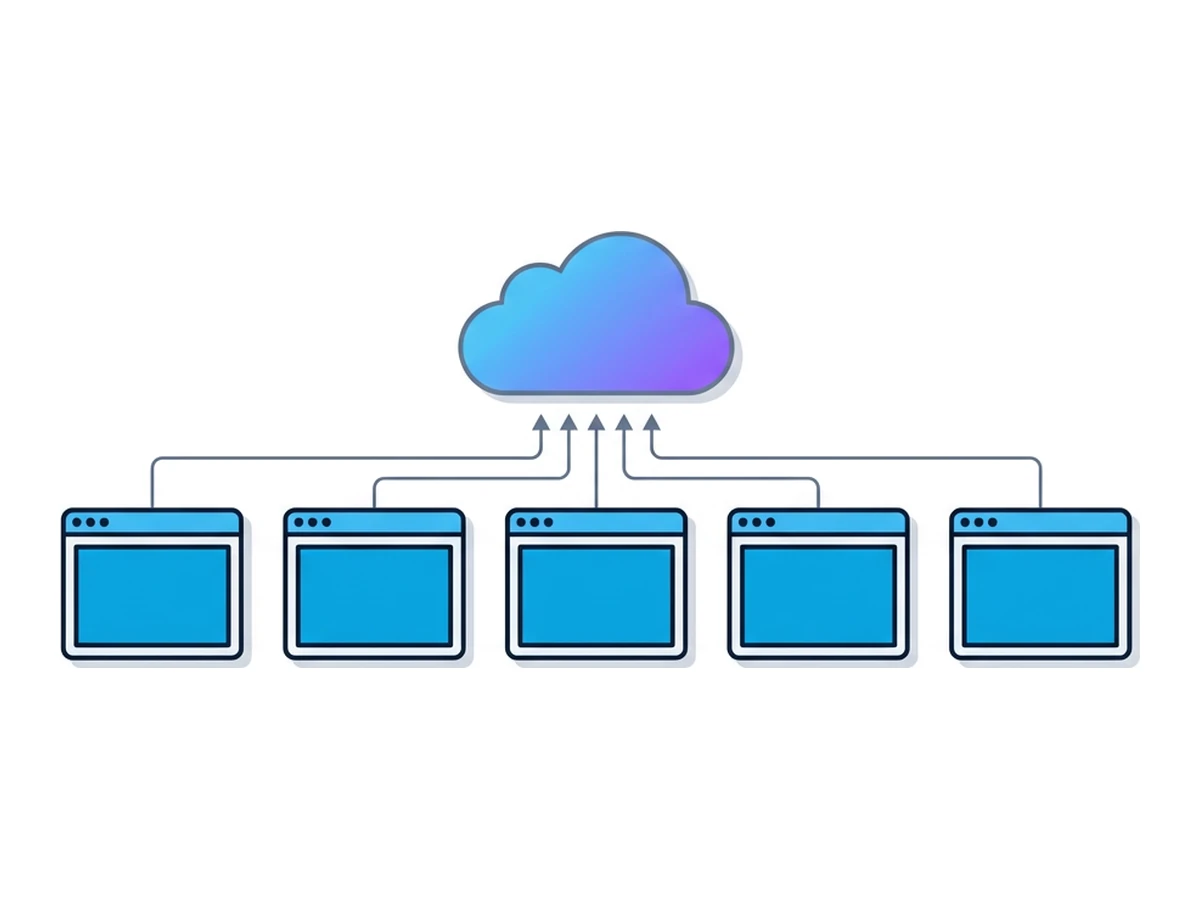
The same browser boundary serves different goals. Name the task, the evidence you need, and the tool that will keep it before choosing a setup.
Retail and eCommerce
Start with a short list of products or checkout journeys that are difficult to verify from a single region or browser state. Review the visible price, stock message, delivery promise, and payment flow, then store the conditions of the check beside the result. Use dedicated load-testing infrastructure for a seasonal traffic rehearsal; an isolated browser is better suited to checking what a customer-facing page actually shows.
Professional services
Consultants can keep client research separate from their own browser state and use a documented setup for repeated checks. Legal teams can inspect changing pages in the same way, then pass any material that matters into an approved preservation system. The browser is a place to observe and collect; the record-keeping system is what establishes provenance and retention.
Media and research
Reporters can compare public pages across supported regions, inspect unfamiliar links away from their normal browser, and share notes with colleagues without sharing a personal login. Agree on capture times, source URLs, and account rules before the work starts. Isolation is useful here, but it does not conceal an investigation from a site or replace a newsroom's source-protection practices.
Where to start
Choose a task with a visible result and a small enough scope to review by hand. These are starting points, not promises about setup time or savings.
| Use case | First deliverable | What to check | Setup effort |
|---|---|---|---|
| Price monitoring | A dated comparison of a few offers | Site rules and regional context | Low to medium |
| Pre-launch variant checks | A list of completed test journeys | Test accounts and analytics events | Medium |
| Browser QA | A reproducible issue report | Available images and real-device gaps | Medium |
| Page preservation | A captured page with source details | Approved evidence and retention process | Medium |
| Research review | A documented path between sources | Account use and source protection | Medium to high |
A four-week pilot
In week one, choose one workflow with a clear owner. Write down how it is done today, how long it takes, and what a satisfactory result looks like. Identify any rules about accounts, customer data, site access, or evidence before opening a browser. This prevents a technically successful test from becoming a process the team cannot actually use.
In week two, run a small number of checks in separate sessions. Give each run a name and record its browser image, location if relevant, date, and outcome. Keep the test narrow enough for a person to inspect every result. When something differs from the baseline, determine whether it came from the page, the chosen browser, or the test procedure.
In week three, automate only the steps that repeated reliably. Use the access and programmatic features available to the account; if the service does not support the required integration or capacity, keep that part in an existing specialist tool. Add a review step for failed runs and for results that depend on a site's changing layout.
In week four, compare the pilot with the original process. Did setup take less time? Were more issues reproduced? Is the evidence easier to review? Include the cost of follow-up work and any limitations you found. Expand to another team only when the first workflow has a reliable owner and a result worth repeating.
Beyond security
Security is an obvious reason to keep a browsing task apart from a local device. The same separation can help a product team compare regional pages, a researcher document changing content, or a tester reproduce a failure from a clean starting point. The common benefit is a task-specific environment whose setup can be described and repeated.
Choose the first use case by what the browser can genuinely improve. Keep real-device tests, approved evidence systems, and load tools where those jobs call for them. An isolated browser earns its place when it makes a useful web task clearer, safer to run, or easier to repeat.
Need an isolated session for your next task?
Open an isolated desktop browser and get started in your browser.
Start a SessionNo browser installation required • Features vary by plan