
A .onion address leads to a service reachable through Tor, not through an ordinary public DNS lookup. People use these services for news, private submissions, and other ordinary activities; malicious sites also exist. The address alone says nothing about whether the operator or the content is trustworthy. The useful question is which risks Tor Browser addresses, and what changes when you run it on your device or in a remote browser session.
Tor Browser is designed for local use and remains the Tor Project's recommended browser for Tor. Browser.lol also offers a Tor Browser image in a remote container. That can separate website execution from your usual browser, but it adds a provider to your trust model and does not guarantee anonymity. This guide explains both routes and a practical way to evaluate a visit.
Surface, deep, and dark web, separated
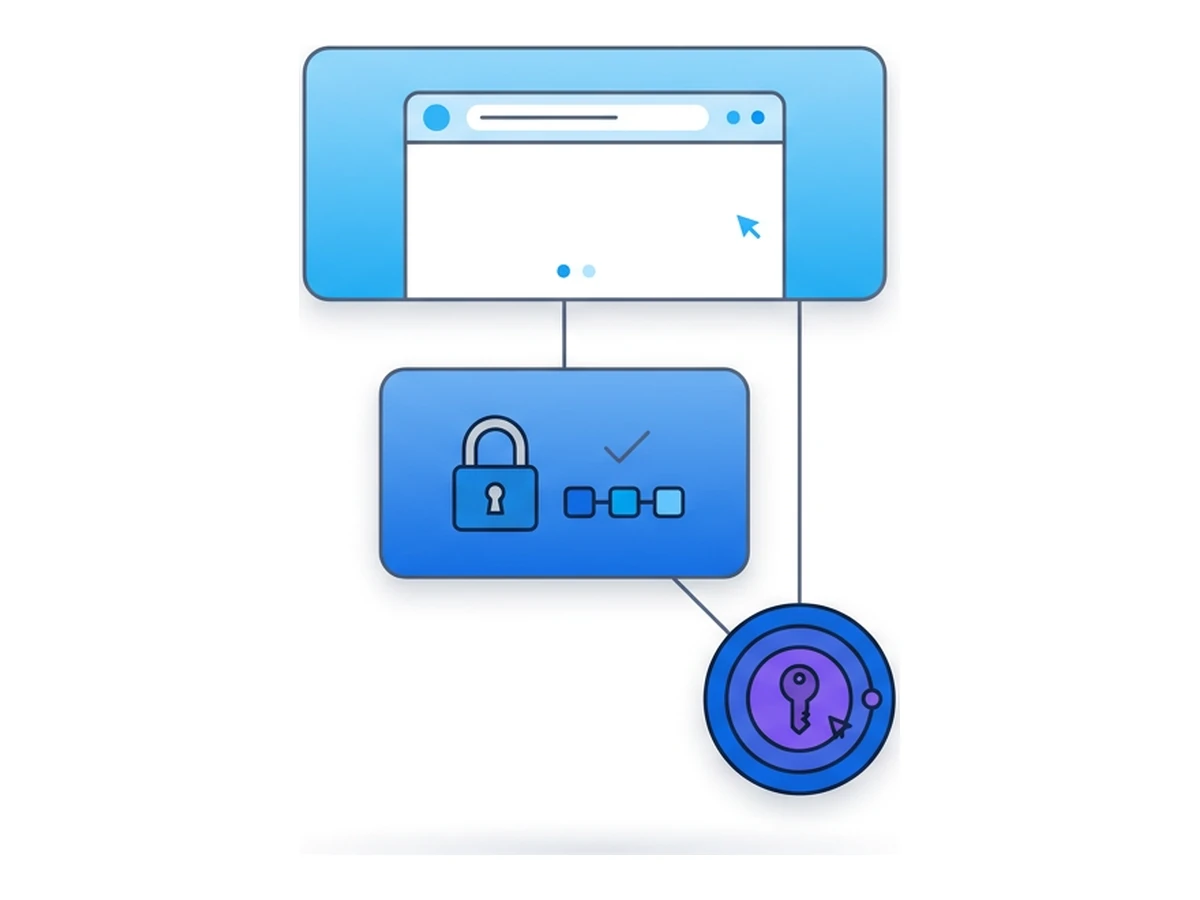
The surface web is the part that search engines can index. The deep web is simply content they cannot index, such as a private document, an account page, or an internal company wiki. There is no reliable single percentage for either category, and being unindexed does not make a page suspicious.
This article uses dark web to mean Tor onion services. Their v3 addresses have a 56-character label followed by .onion and are reachable through Tor, without a conventional exit relay. Tor hides the service's network location and encrypts traffic to it end to end. The address cryptographically identifies the service, but you must still obtain the correct address from a source you trust. The Tor Project's onion-service guide explains these properties.
Other privacy networks exist, but their addresses and tools work differently. Do not confuse an ordinary page that is hidden from search engines with a .onion service. Both can host harmless or harmful material. Judge a site by its operator, address, content, and your reason for visiting.
What local Tor Browser protects
Running the official Tor Browser on a supported device is a normal way to visit onion services. It routes its own traffic through Tor and includes privacy defenses that an ordinary browser pointed at a Tor proxy lacks. The Tor Project explicitly recommends Tor Browser for this purpose. Its limits are worth understanding rather than treating local use as inherently unsafe.
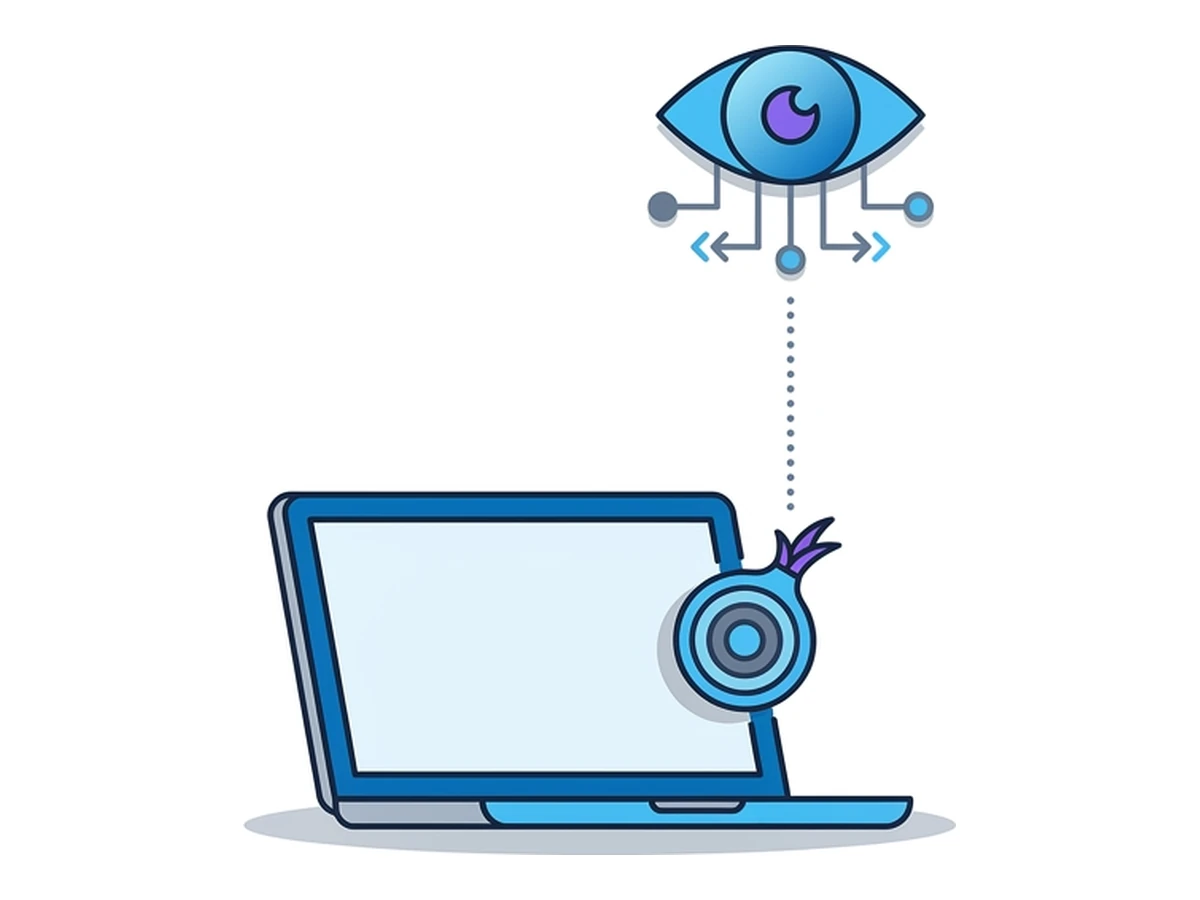
Your network may see Tor use. A network observer can often recognize a direct connection to a Tor relay, though Tor hides which onion service you visit. If that observation matters to your situation, Tor offers bridges that are not listed as public entry relays. A remote-browser provider changes which network makes the Tor connection, but it cannot erase other identifying signals.
Downloads need a separate decision. A file saved to your device can remain after Tor Browser closes. Opening a document in an external application can also make network requests outside Tor. The Tor Project's safety guidance specifically warns about downloaded documents. A remote session changes where the file first lands; transferring it back to your device restores the local risk.
Fingerprinting is reduced, not solved. Tor Browser tries to make its users look alike. Window changes, installed add-ons, logins, and behavior can still make a visit distinctive. A remote container does not give every session a unique or untraceable identity. For the mechanisms, see Browser Fingerprinting.
Other applications are not automatically covered. Tor Browser routes its own connections; it does not route every application on the device. A link opened in a regular browser follows that browser's network path, and a .onion address may fail there altogether. Check which application handles links and avoid mixing accounts or copied material between contexts when separation matters.
Browser vulnerabilities remain possible. Tor Browser receives security updates, and its security levels can disable risky web features. Neither setting proves a page safe. A remote container puts the website's code in another environment, but input, downloads, the viewer connection, and the provider remain part of the threat model. Keep the browser and your local device updated.
What a remote Tor session changes
Browser.lol has a Tor Browser image that runs in a remote container. You control it through the viewer in your local browser. The Tor Browser process and its Tor connection run remotely, while your device still handles the viewer, keyboard input, clipboard, and any file transfer. This shifts some exposure rather than removing every risk.
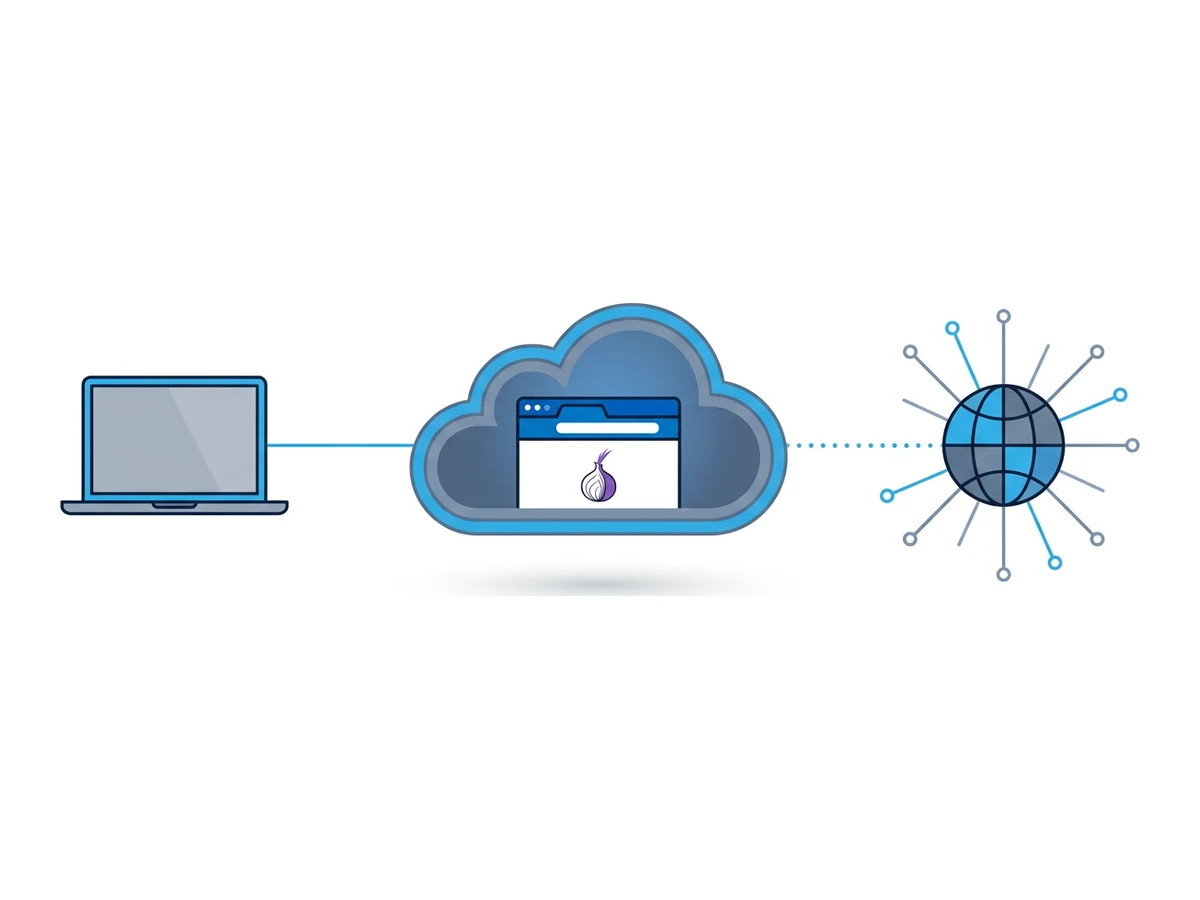
The first visible connection changes. Your local network sees the connection to Browser.lol, not the remote Tor Browser's connection to Tor. Browser.lol and its infrastructure can observe session metadata and may technically access the hosted environment. The onion service sees its Tor-side connection and whatever you reveal through the page. None of these observations alone proves anonymity or concealment from every observer.
Files and browser state need care. A temporary session and a saved profile have different persistence rules; the Tor image is excluded from saved profiles in Browser.lol's current configuration. Ending a temporary session is different from closing the viewer tab. Downloading a file into the remote browser does not make it harmless, and transferring it to your own device creates a local copy. Keep Tor work separate from identified accounts and other browser sessions when that separation matters.
Trust shifts to the service operator. Hosting the browser gives the provider technical access to the environment where pages are displayed and actions occur. Tor's protection against an outside network observer is not a promise that the hosting provider cannot see content. Consider its privacy terms, your account activity, and the sensitivity of the task before choosing remote execution.
| Question | Local Tor Browser | Remote Tor Browser |
|---|---|---|
| What the local network sees | A Tor connection may be visible; bridges can change this | A connection to Browser.lol, with Tor used remotely |
| Where downloads first land | On your device if you save them | In the remote session; local transfer creates another copy |
| What the site can link | Tor Browser traits, logins, inputs and behavior | Remote browser traits, logins, inputs and behavior |
| After a browser exploit | Local browser and device need assessment | Remote container is affected first; viewer and transfers still matter |
| Who is in the trust model | Your device, Tor Browser and relevant network operators | Those parties plus Browser.lol and its infrastructure |
A careful access workflow
These six steps help you check the route and limit avoidable exposure. They do not certify a site or guarantee anonymity.
- 1
Choose where Tor Browser should run
Use the official Tor Browser locally if that fits your threat model. If separation from your usual browser is useful, select Browser.lol's Tor Browser image and start a temporary session. Check the current image and account options rather than assuming every browser supports .onion. - 2
Check the Tor connection and the address
From inside Tor Browser, visit check.torproject.org if you want to check its Tor route to a public website. That test does not authenticate an onion destination. Obtain the intended .onion address from the operator's official site or another source you can verify. - 3
Understand onion authentication
A v3 onion address binds the connection to that onion service and already encrypts traffic end to end. HTTPS may provide additional website identity information, but it is not required for onion transport encryption. A correctly connected onion service can still be malicious. - 4
Set Tor Browser's security level deliberately
The shield menu offers Safer and Safest. According to the Tor Project's security-level guide, Safer disables JavaScript on non-HTTPS sites; Safest disables it by default on all sites. Higher levels can break pages and do not eliminate every exploit route. - 5
Separate identified activity when needed
Logging in or providing a name can identify you to that site regardless of Tor. Avoid mixing personal accounts, copied text, or files with a visit that must remain separate. A remote browser cannot prevent a compromised local device from observing what you type. - 6
End the session explicitly
In Browser.lol, use the session's end control and wait for confirmation. Closing the viewer tab alone does not prove the container has stopped. Treat files transferred to your device and any data entered into sites as separate from the temporary browser's lifecycle.
Legitimate reasons to open a .onion
Onion services are not a single kind of website. They can support publishing, private communication, and access when an ordinary site is unavailable. Choose a service for a specific purpose and verify its address independently.
Publisher and organization sites may offer onion counterparts to their public websites. Find the address on the organization's own official site, not in a search result or an unsolicited message. An onion address does not prove that a site has a particular publisher unless you have verified the address.
SecureDrop gives sources a way to contact participating news organizations through onion services. Its source instructions explain how to obtain and verify the organization's own address. Reporting sensitive information needs a fuller safety plan than opening a remote browser alone.
The Tor Project publishes a list of its own onion services. That is a better starting point for checking an official Tor service than an unverified directory. Other operators may publish onion addresses too, but availability can change.
Search and community services may also use onion addresses. Using an onion service avoids the ordinary Tor exit relay for that destination, but the service itself can still log searches, require an account, or collect information you submit. Read its own privacy terms before assuming otherwise.
Mistakes to avoid
These precautions address common ways to reveal information or move a risky file outside the browser.
Keep identified logins separate when needed. Signing in tells that site which account you use, whether the page is reached through Tor or not. It does not magically reveal every other page in the session, but shared cookies, timing, and behavior can permit links. Decide on separation before you log in.
Do not dismiss document warnings. External document readers may contact the internet outside Tor. Do not transfer an untrusted download to your own device simply because it came from a remote session. Use an approved file-analysis process if a document must be examined, and keep the source's instructions in mind.
Verify addresses at the source. An unverified directory, screenshot, or shortened link can point to an impersonator. Copy a full v3 address from an official publisher page or another authenticated channel. The Tor Project's list covers its own services, not every legitimate onion site.
Choose security settings knowingly. Safer and Safest disable different web features; neither is an all-purpose malware shield. If a site demands weaker settings, consider whether you need to visit at all. Keep Tor Browser updated rather than relying on one toggle.
Limit identifying details. Reused usernames, personal facts, uploaded files, and distinctive text can link activity across services. A remote browser does not remove the information you choose to disclose. For high-stakes work, follow your organization's dedicated security process rather than an article's checklist.
Rules and local law
The address scheme does not determine whether an activity is lawful. Local rules may apply to the use of Tor, the site you visit, the material you access, or what you do with it. This varies by place and can change. Do not treat a .onion address or a remote container as permission to do something that would otherwise be prohibited.
Network policies and service terms matter as well. A workplace may restrict Tor use, and Browser.lol's acceptable use rules still apply in a remote session. If access is restricted where you are, changing the route does not settle the legal or organizational question. Seek qualified local guidance before a sensitive or regulated use.
This article explains technical behavior, not legal advice. Verify the current rules that apply to you and the policies of any service you use. For high-risk reporting or research, use the procedures of the organization supporting the work.
A short FAQ
What can my local network see with a remote Tor Browser?
It generally sees a connection from your device to Browser.lol, not the remote container's Tor connection. The provider and other observers can still have metadata, and a compromised local device can observe your actions. A local Tor Browser may expose Tor use to the network; Tor bridges offer a different entry path when needed.
How much onion content is illegal?
There is no reliable current percentage for all onion services or their traffic. Measurement depends on which services researchers can discover, how they classify content, and when they look. Legitimate examples include publisher sites and SecureDrop; harmful and unlawful services also exist. Evaluate the particular destination rather than relying on a headline statistic.
Can a site attack Tor Browser just by loading?
A browser vulnerability can be triggered by page content, though simply viewing a page does not normally infect a device. Keep Tor Browser updated and consider its security level. Remote execution places the browser process in a container first; it does not prove that an exploit cannot affect the viewer, transferred files, or the service.
Does a VPN help on top of Tor?
It changes a network path but is not an automatic privacy upgrade. The Tor Project generally advises against combining them without a clear need and a sound configuration. With Browser.lol, a VPN on your device does not become the remote Tor Browser's exit. Decide which observer or access requirement you are trying to address before adding one.
Choose the route for your risk
Onion services can help people publish and communicate without exposing an ordinary server address. They are also used for news access and private submissions. Tor Browser protects its network route and reduces tracking, but it cannot certify a site's intentions or prevent you from disclosing your identity. A remote Tor Browser changes where web code runs and which network connects to Tor, while adding Browser.lol to the trust model.
For an ordinary visit, choose the official Tor Browser locally or Browser.lol's Tor image according to your needs. Verify the onion address at its source, check the security settings, avoid unnecessary logins and file transfers, and explicitly end a remote session when finished. For sensitive work, follow the operator's dedicated guidance. To compare the limits of other browsing methods, read Anonymous Browsing: VPN, Tor, or Virtual Browsers? and Incognito Mode Is a Lie.
Need an isolated session for your next task?
Open an isolated desktop browser and get started in your browser.
Start a SessionNo browser installation required • Features vary by plan