
A VPN, Tor Browser, and a remote browser can all change what an observer sees, but they change different parts of the connection. A VPN moves trust from the local network to a provider. Tor Browser routes browsing through the Tor network and reduces tracking by browser fingerprint. A remote browser moves page execution away from your device. Choosing well starts with the observer and the information you need to protect.
We will compare these tools, then apply the differences to common tasks. The distinction matters most when you combine them: a VPN or Tor running on your own device protects your connection to a remote-browser service, but it does not automatically route that remote browser's visits to websites through the same network.
Anonymity, privacy, and security solve different problems
These terms overlap in everyday speech. For a practical choice, ask what each one means in your situation.
Anonymity is about making activity difficult to link to a person. Tor Browser is designed for this goal, but logging in, disclosing personal details, or a capable observer correlating traffic can still identify someone.
Privacy concerns what others can observe, collect, or link. A VPN changes which network operator sees connection metadata. A remote browser separates website state from your local browser, but the service and visited sites still receive information about the session.
Security is about reducing the chance and impact of compromise. A remote browser puts website code in a container away from your device, though downloaded files, credentials you enter, and flaws in the streaming client still need care. A VPN encrypts the connection to its provider; it does not make a malicious website safe to open locally. None of these tools provides complete protection on its own.
Start with your threat model
Start with three questions: Who might observe this activity? What information would matter if exposed? Which controls can you use consistently? Write down whether the concern is your local network, the destination website, the remote-browser provider, an account you sign into, or a stronger adversary able to compare traffic at several points.
Each observer calls for a different response. A VPN can limit what a local network sees but asks you to trust its operator. Tor Browser is designed to make browsing harder to trace to your network address. A remote browser keeps page execution away from your device but makes the service part of the trust model. Review the choice when your task or the people who may observe it change.
What a VPN actually does
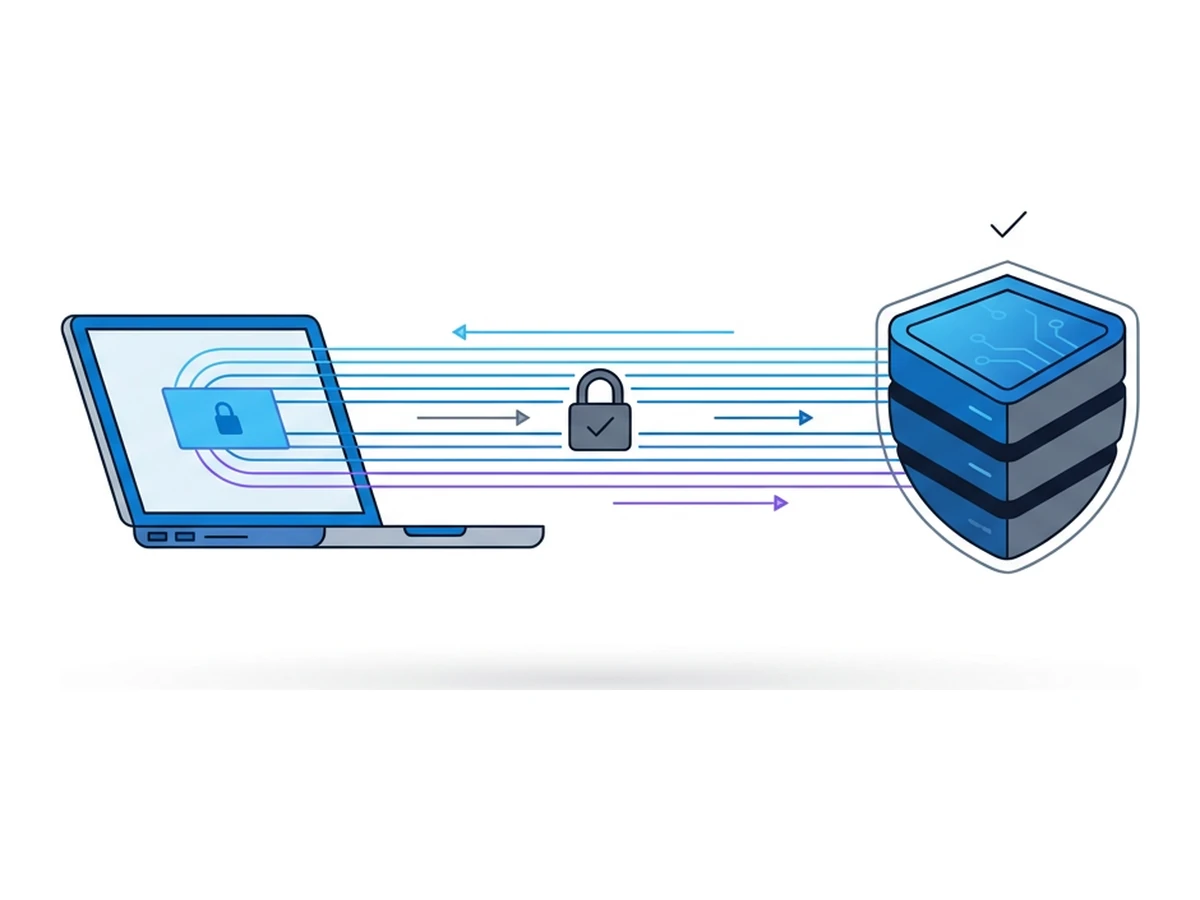
A device-level VPN sends the device's traffic through an encrypted tunnel to its provider. Your local network and ISP can see the VPN connection rather than the websites reached through that tunnel; the VPN operator becomes another party you must trust. Websites reached directly through it see the VPN exit IP, while accounts, cookies, and browser fingerprints may still identify you. HTTPS remains important between the exit and the website.
A VPN may be useful when you do not trust the local network or need an exit in a region the provider offers. It does not prevent a site from running code in your local browser, stop tracking through a signed-in account, or guarantee access to a region-restricted service. Speed depends on the provider, route, server load, and your own connection; a fixed latency or throughput figure would be misleading. If you browse through Browser.lol, a VPN on your device protects the leg to Browser.lol. The remote browser's website traffic uses its own exit settings. The EFF's VPN guide explains the provider trust and tracking limits in more detail.
What Tor actually does

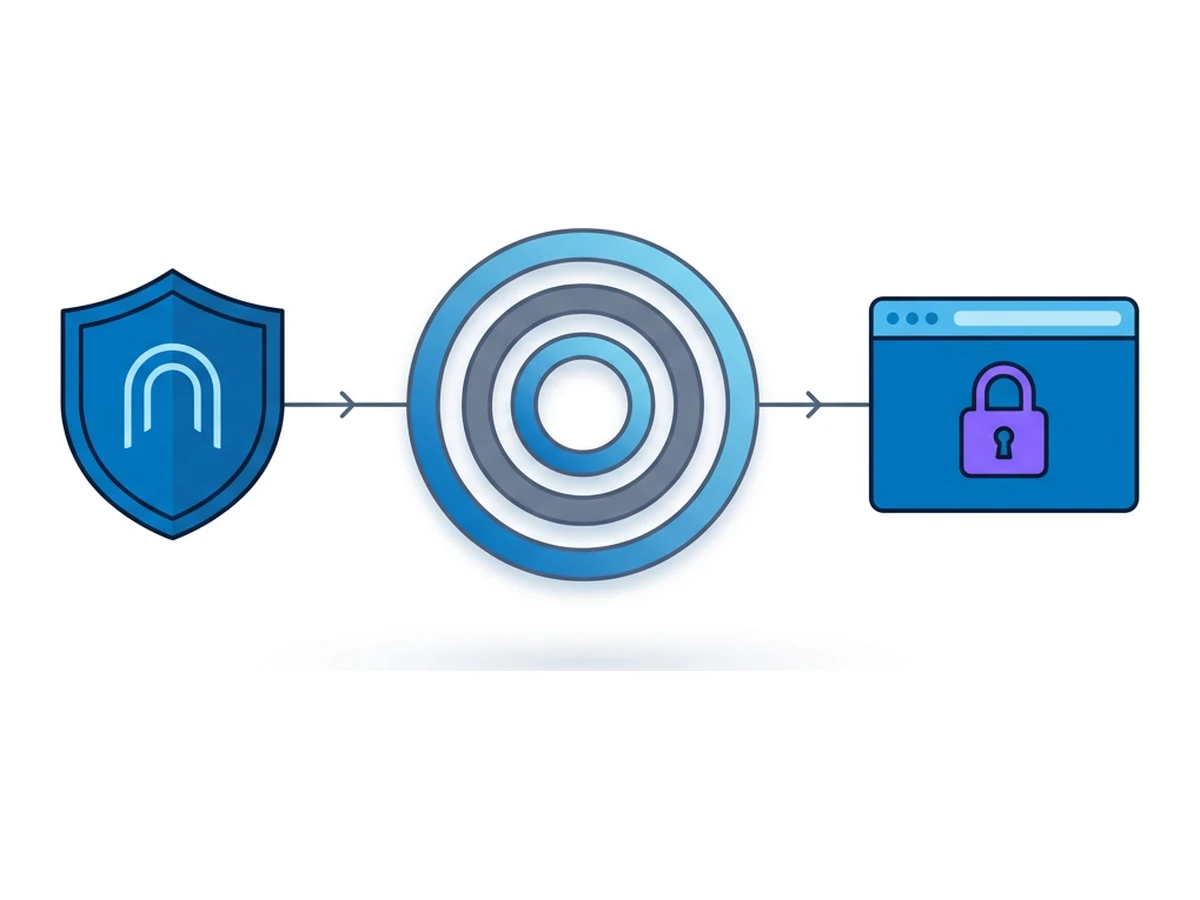
Tor Browser sends ordinary web traffic through a Tor circuit, typically with a guard, middle relay, and exit relay. Its browser changes also aim to make users harder to distinguish through fingerprinting. This is stronger protection against linking a website visit to your network address than a conventional VPN, but it is not a promise of anonymity. A website can still identify you if you sign in or reveal personal details. See the Tor Project's safe-use guidance.
Tor can be slower and some sites challenge or block exit relays. Avoid installing extensions that weaken Tor Browser's protections, and use HTTPS when entering sensitive data: Tor does not encrypt an unencrypted website connection after the exit relay. Traffic correlation by a powerful observer remains possible. A remote Tor Browser, where a service offers one, adds distance between website code and your device, but you must also trust that service and its configuration.
What virtual browsers actually do
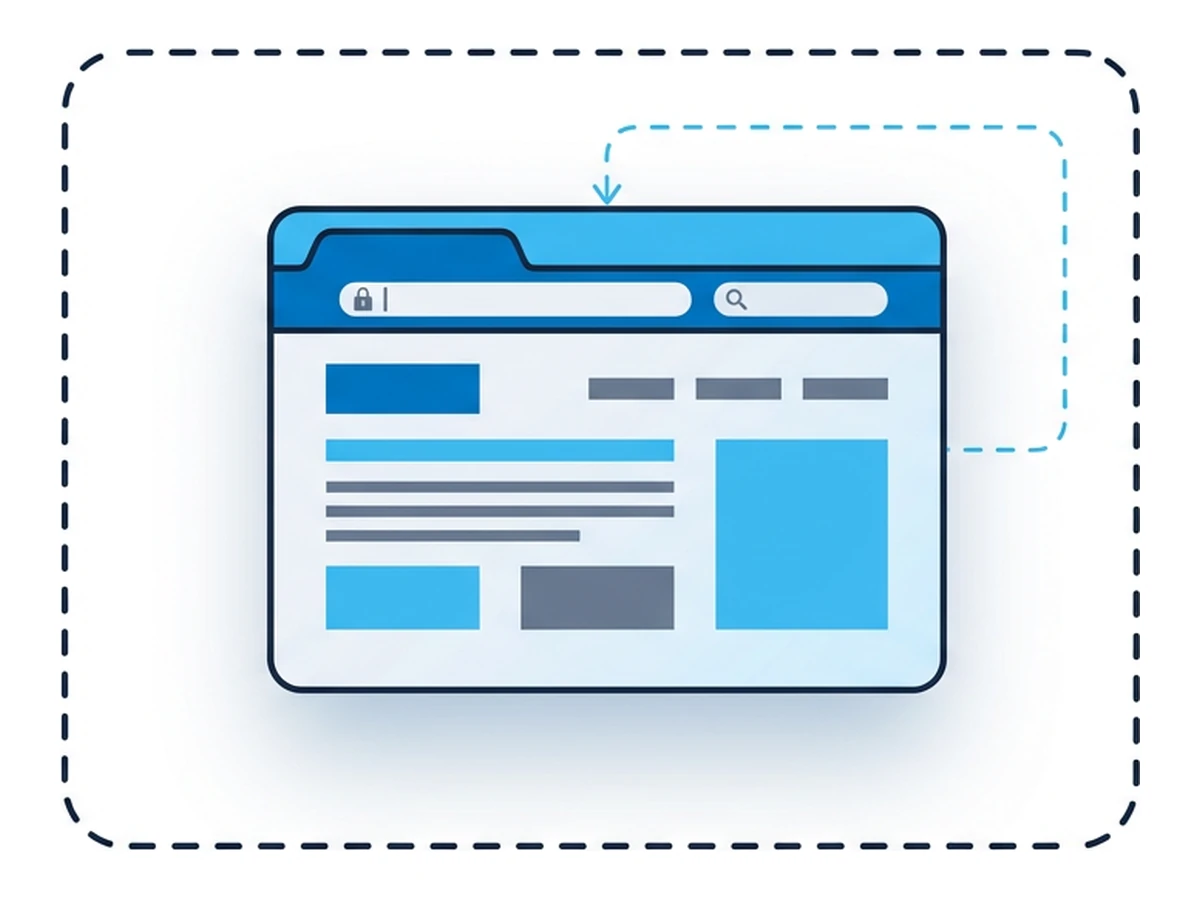
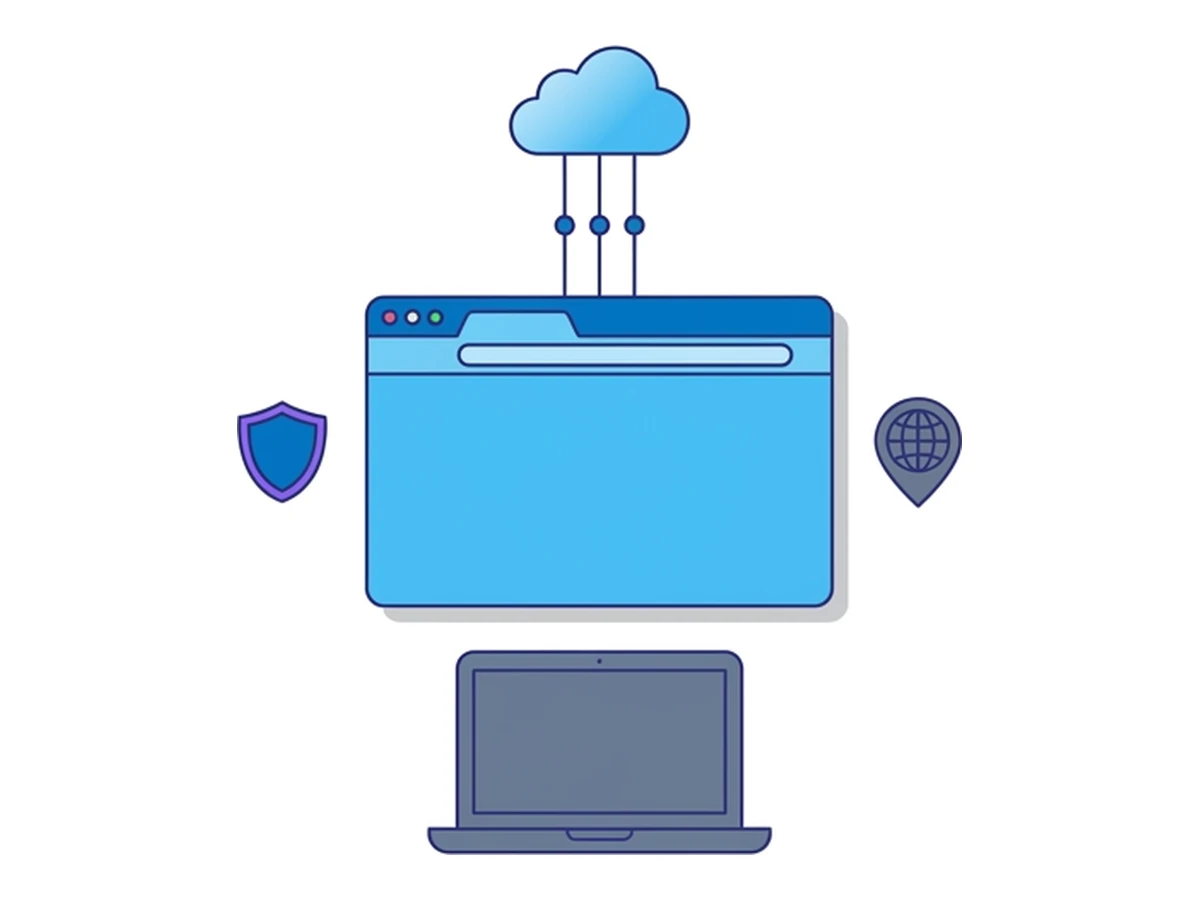
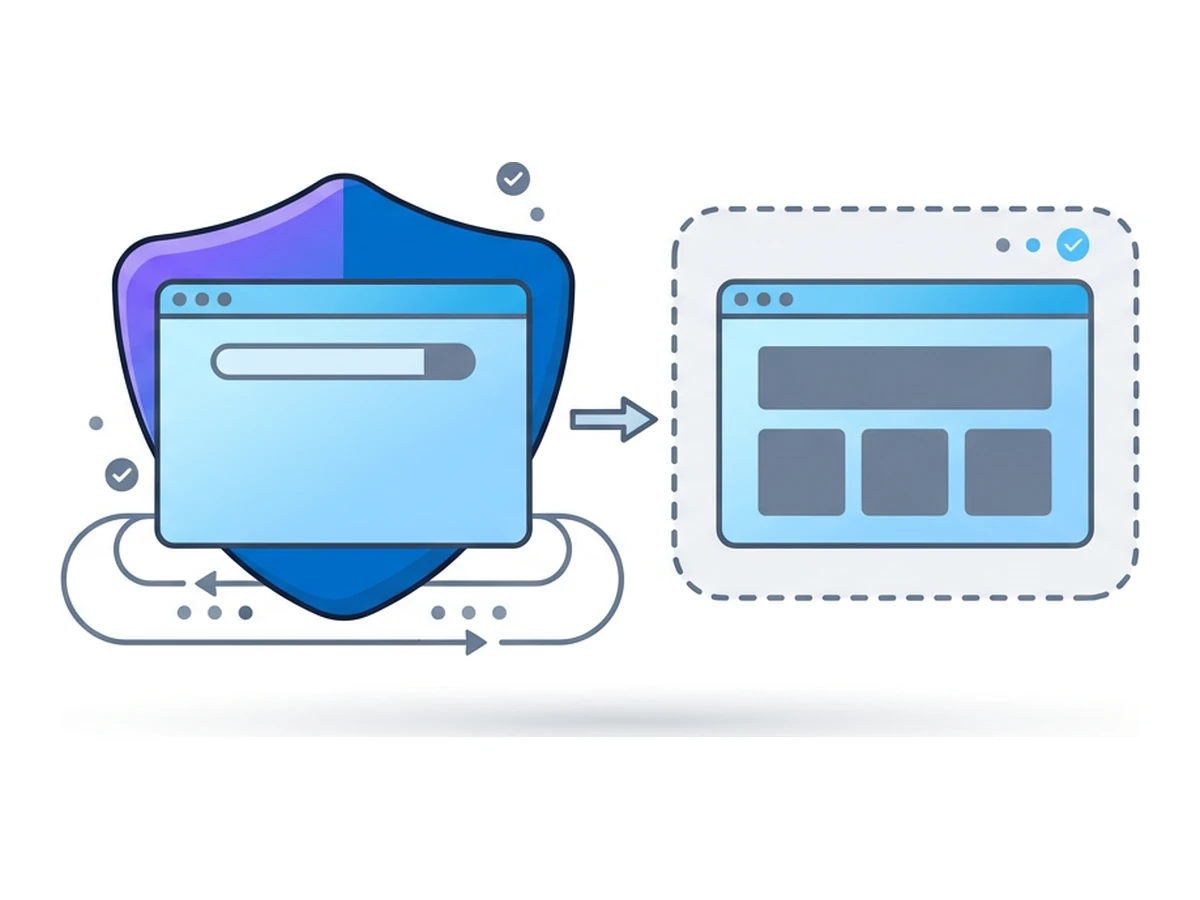
Browser.lol runs the browser in a remote container and streams its display to your device. Website JavaScript, browser cookies, and ordinary downloads stay in that environment unless you deliberately transfer a file or data. That limits direct exposure of your local browser to a visited page. Temporary sessions are cleared when they end; saved profiles deliberately keep selected browser state between sessions.
Isolation is useful for opening an unfamiliar page or keeping research separate from your usual browsing state. It does not make a visited site harmless, guarantee a new fingerprint or IP for each session, or erase the service's account and operational records. The website sees the remote browser's exit, not your device's direct connection; the service can see your connection to it. Where available, choose the remote session's exit location or Tor browser image according to the task, and check the privacy terms before sensitive use.
Compare the parts that matter
The outcome depends on configuration and behaviour. These are typical boundaries, not security scores or product guarantees.
| Question | Device-level VPN | Tor Browser on your device | Remote browser |
|---|---|---|---|
| IP seen by a website | VPN exit IP | Tor exit IP | Remote session exit IP |
| What the local network sees | A connection to the VPN | A Tor connection, unless bridges change it | A connection to the browser service |
| Who must be trusted | VPN operator | Tor software and network design | Browser service and its infrastructure |
| Browser fingerprint | Your browser remains the same | Tor Browser works to reduce uniqueness | Depends on the image and saved state |
| Where page code runs | On your device | On your device | In a remote container |
| Signed-in account tracking | Still possible | Still possible | Still possible |
| Cookies after a session | Depends on your browser | Tor Browser clears session state by default | Temporary sessions clear; saved profiles retain state |
| Choice of exit region | Depends on the VPN | Not a reliable region selector | Depends on available exits and entitlements |
| Access to blocked sites | Not guaranteed | Not guaranteed | Not guaranteed |
| Connection speed | Varies with route and provider | Varies with circuit and congestion | Varies with stream and remote exit |
| Handling downloads | Files usually reach your device | Opening files locally needs care | Transfer to your device is a separate step |
| Costs | Provider and plan vary | Tor Browser is free | Service and plan vary |
| Operational records | Depends on VPN policy | Sites and local actions can still leave records | Service may retain account and operational records |
| Setup effort | Install and configure a VPN | Install and learn Tor Browser | Create and operate a remote session |
| Main limitation | Moves trust; does not isolate websites | No perfect anonymity; local execution | Isolates execution; provider remains in trust path |
Combining tools without confusing their routes
Combining tools can address more than one concern, but only if you know which connection each one affects. These four setups illustrate the difference.
A device VPN plus a remote browser tunnels your connection to the browser service through the VPN. The service sees the VPN exit as your connecting IP. The website opened inside the remote browser sees that session's exit IP, chosen separately through the service. This combination may help on an untrusted local network, while the remote container limits direct exposure to website code.
Tor Browser plus a remote browser can route the connection to the service through Tor, subject to whether the service and its streaming interface work over Tor. It does not make the remote browser's website visits leave through Tor. For that, the remote environment itself needs Tor routing, such as a supported Tor browser image. The service remains able to associate a signed-in account with the session.
A VPN plus Tor Browser on one device changes what the local network sees, but it also adds another party and another configuration to trust. The Tor Project generally advises against this combination unless you understand how to configure it without weakening Tor's protections.
All three together add more moving parts, not automatic anonymity. Map the client-to-service connection, the remote browser's exit, and the identities held by each provider before using such a setup. For work where revealing an identity could cause serious harm, seek guidance from a qualified security adviser rather than assuming that more layers are safer.
Choose controls for the task
Use these as questions to ask, not fixed recipes. Your accounts, service configuration, and observer determine the right choice.
| Task | A useful starting point | Check before relying on it |
|---|---|---|
| Research a sensitive topic | Tor Browser if hiding your network address matters; a remote browser if local isolation matters | A signed-in account or the remote service can still link the activity |
| Inspect a suspected phishing page | An isolated remote session | Do not enter real credentials or transfer untrusted files; isolation is not a safety guarantee |
| Contact a confidential source | Follow a newsroom safety protocol; Tor Browser may be one part | Account identity, metadata, and the trust placed in any remote service |
| Check a regional ad campaign | A remote browser with an available regional exit | Exit availability, plan access, and platform rules |
| Compare shopping offers | Separate sessions with documented regions and account states | Prices can depend on many signals; no tool promises a lower price |
| Bank on public Wi-Fi | Use the bank's genuine HTTPS site; a trusted device VPN can add a network layer | Bank credentials in a remote service add another party to trust |
Mistakes that weaken protection
Signing into a personal account links activity to that account for the service you use, regardless of the exit IP. Reusing cookies or a saved profile across tasks can link sessions too. Extra browser extensions may add identifying signals or weaken Tor Browser's protections. Treat a research identity, the accounts it uses, and the browser state it retains as one deliberate set of choices.
A badly configured VPN or browser can leak traffic outside the intended route, including through DNS or WebRTC. Test the actual setup rather than assuming its label is enough. Also consider what you disclose in posts, documents, and form fields: repeated usernames, contact details, or distinctive context can link activity even when the network route changes. Tor Browser protects its own traffic, not every app on your device.
Choose the boundary you need
Start with the observer and the asset at risk. Choose a VPN when the local network is the concern, Tor Browser when unlinkability from the network address matters, and a remote browser when you need to keep website execution separate from your device. Recheck the choice whenever a provider, account, or file transfer enters the workflow.
Browser.lol can provide the remote-browser boundary, with optional exit choices where available. It is one component of a browsing plan, not a substitute for Tor's anonymity design, a trusted HTTPS connection, or careful handling of identities and files. The useful result is a setup whose limits you understand before relying on it.
Need an isolated session for your next task?
Open an isolated desktop browser and get started in your browser.
Start a SessionNo browser installation required • Features vary by plan