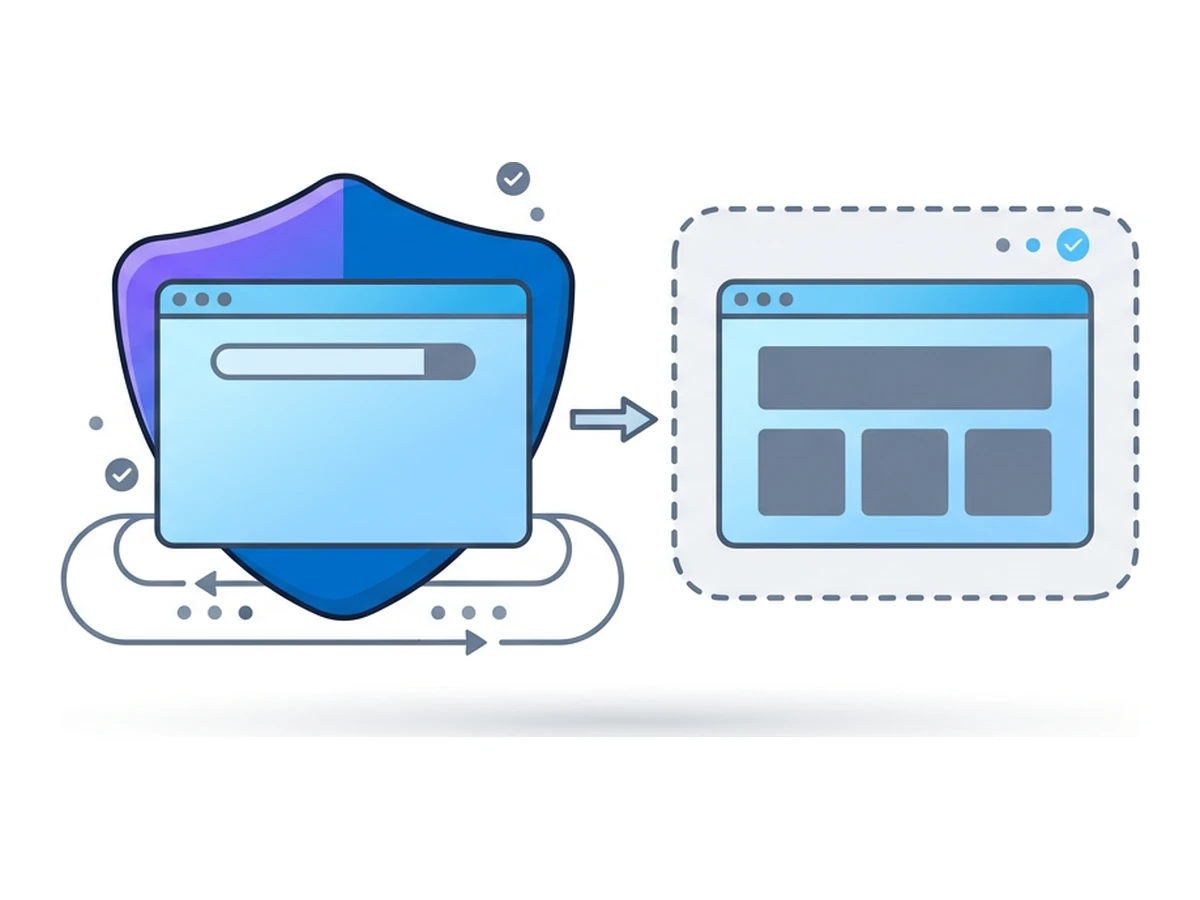

A cloud browser opens a website on a remote machine while you control it from your own device. The site executes in that remote environment, and you see a streamed view of the result. This changes where a hostile page runs, but it does not make your device, your accounts, or the connection to the provider immune to attack.
The useful question is which boundary moves. Remote browsing can keep a site's scripts away from your everyday browser profile, while your local browser still runs the viewer, sends input, and may receive clipboard data or downloads. This guide follows those paths, then compares remote browsing with VPNs, Tor, local sandboxes, and private windows.
The working definition. A cloud browser is a browser running on a remote host whose rendered output you control through a local client. Some providers stream encoded images or video; others send drawing instructions. CISA's browser security guidance describes remote browser isolation as a way to separate web activity from an endpoint, subject to the surrounding controls.
How a cloud browser actually works
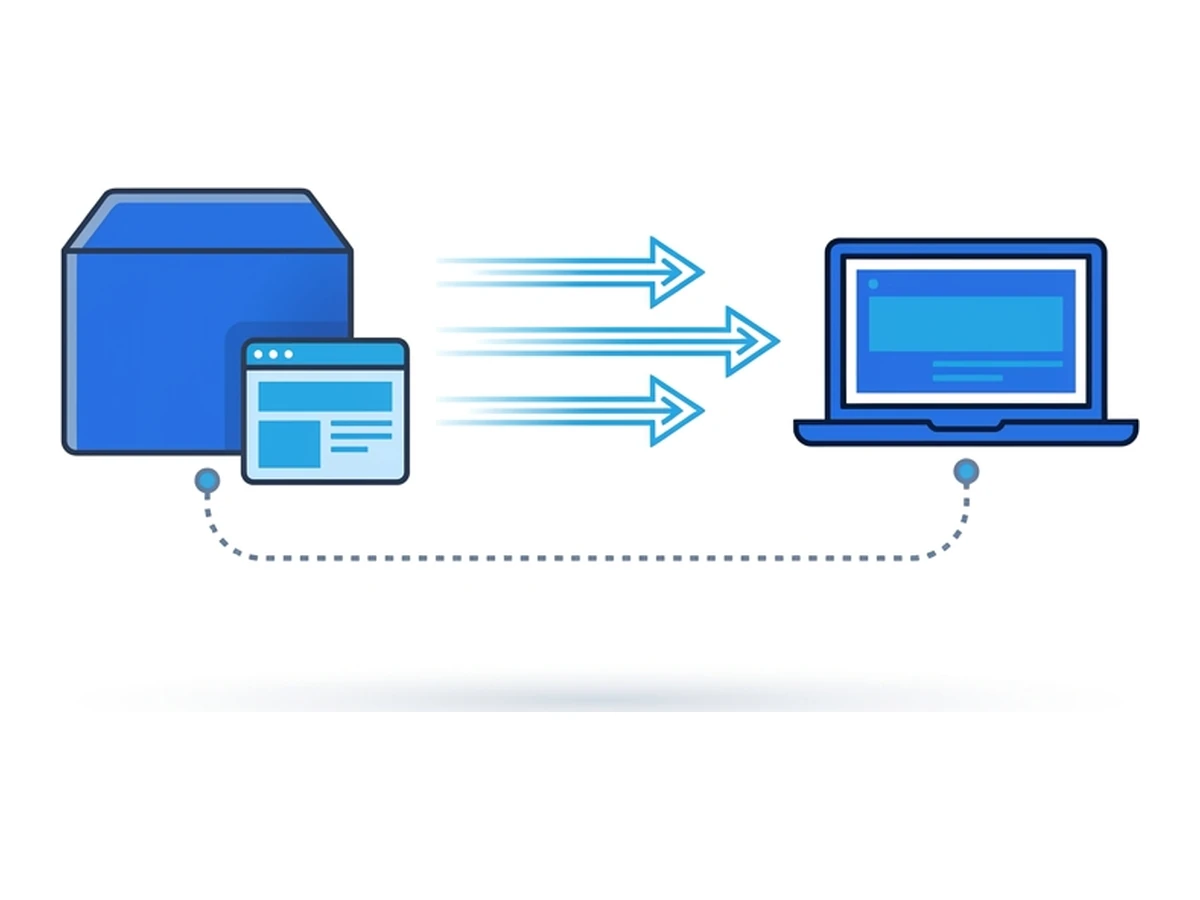
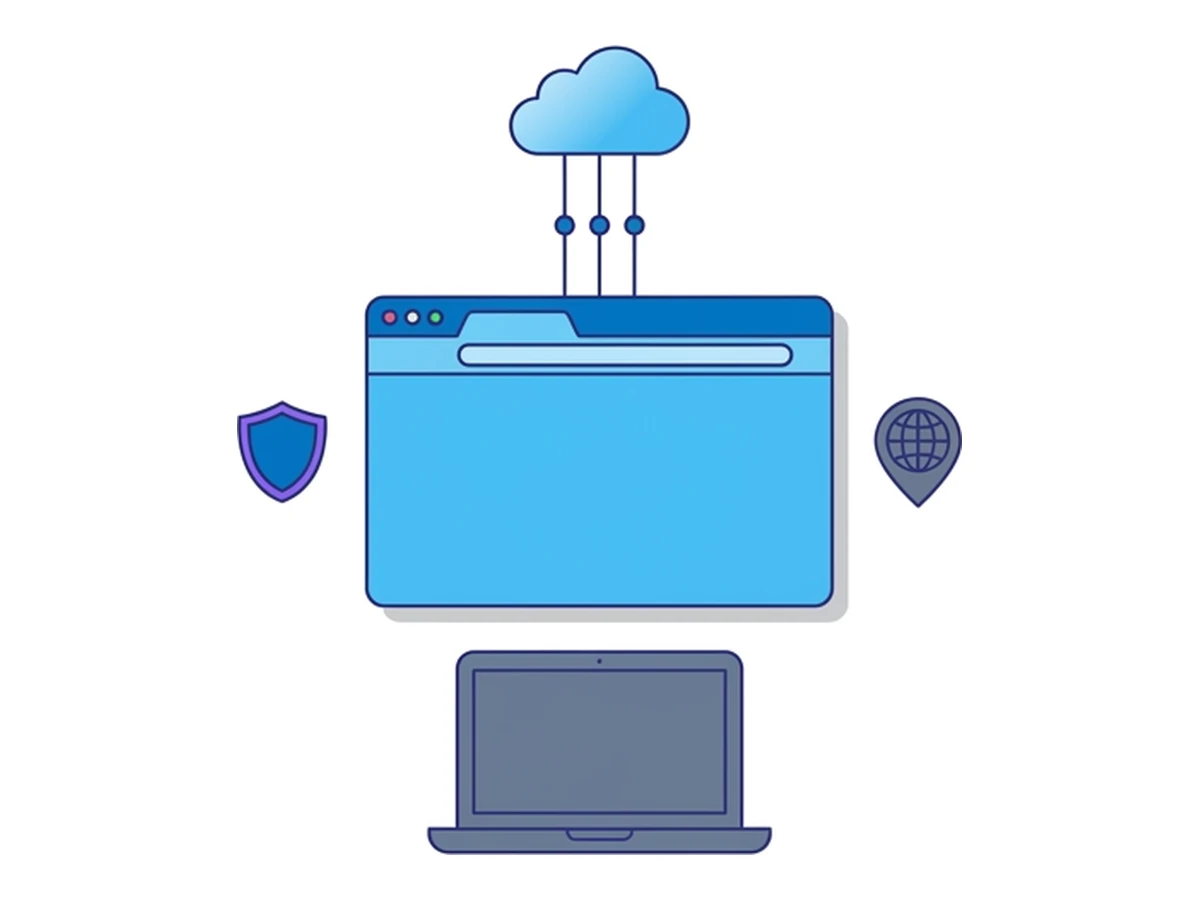
Picture two environments. Your device runs the viewer. A remote host runs the browser and its supporting software, often in a container or virtual machine. With Browser.lol, a browser container runs on an edge node and the viewer connects through the service's authenticated streaming path. Distance, network conditions, and server load determine responsiveness; there is no universal round-trip figure.
The remote browser resolves the site's name, fetches its resources, runs its scripts, and renders the page in a remote display. Input from your device controls that browser. The website normally sees the remote browser's network exit and browser environment, while the provider still handles the session and its connection to you.
The streaming layer. Browser.lol uses Selkies streaming with WebRTC and a WebSocket fallback. Other services may use video, image updates, or drawing instructions: Cloudflare, for example, documents its Network Vector Rendering approach. Protocol names alone do not predict latency or compatibility. Test the provider with the websites and network you will use.
The input loop. Clicks, scrolling, typing, and other controls travel from your local browser to the remote session. The exact transport can change during a Browser.lol session. Keystrokes still pass through your local device first, so a compromised device can observe sensitive input even when the destination page runs remotely.
Where the data lives. Site cookies, history, and cache normally live in the remote browser. A fresh Browser.lol session and a session using a saved profile have different retention: a saved profile can keep browser state across sessions. A file transferred out of the session, clipboard text copied locally, screenshots, and account data stored by the website can persist elsewhere. Closing the viewer tab does not itself guarantee that the remote session has ended.
What a cloud browser is not
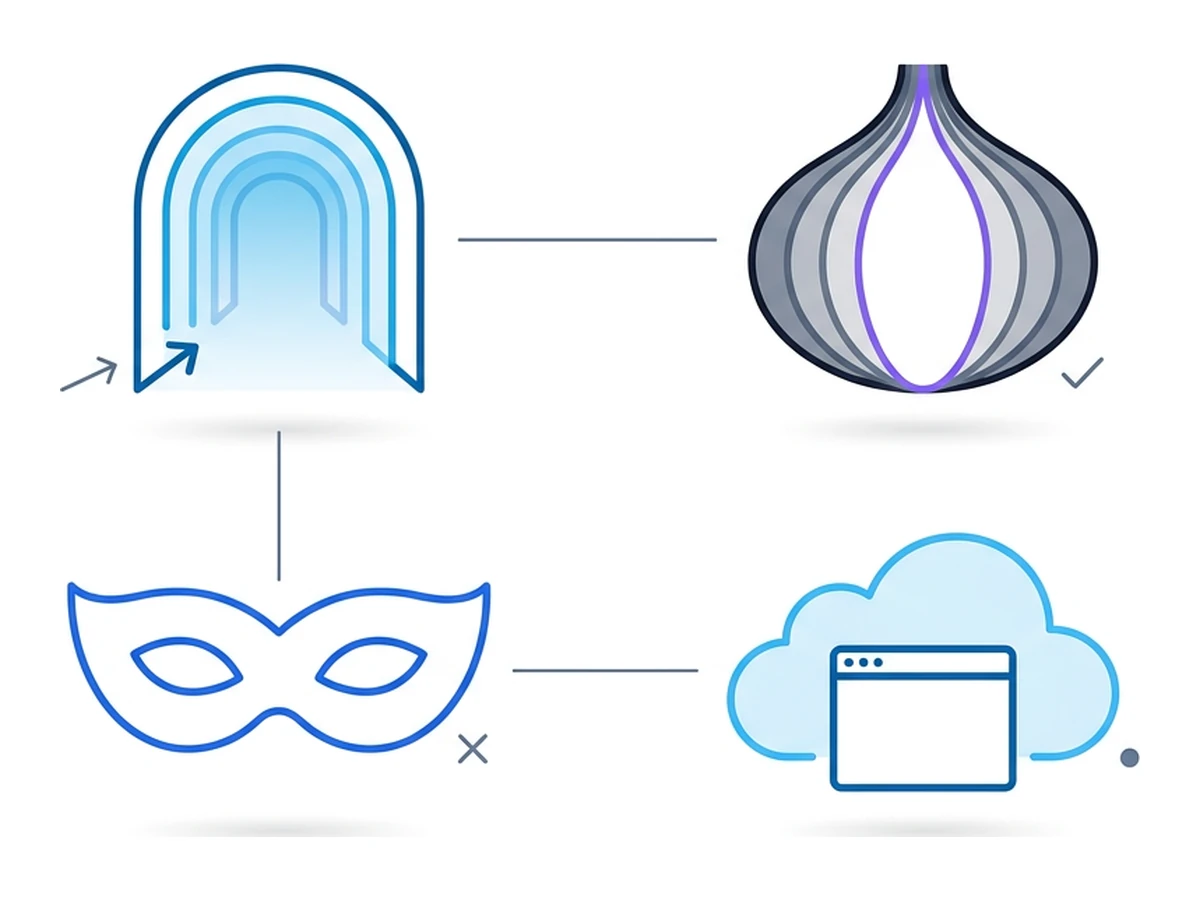
These tools change different parts of a browsing session. The useful distinction is where the page executes, which network path it uses, and which state survives afterward.
It is not a VPN. A device VPN changes the route from your device to the internet; the browser usually still runs locally with its existing profile. A cloud browser moves page execution to a remote environment. A VPN on your device may change the path to the cloud-browser provider, but does not automatically change the remote browser's exit to websites.
It is not Tor. Tor is a network and Tor Browser adds browser-level privacy defenses. Tor Browser can run locally or in a remote environment; Browser.lol offers a Tor image subject to current image availability. Running an ordinary browser through Tor does not reproduce Tor Browser's protections. The Tor Project explains why, and cautions that Tor itself cannot guarantee anonymity.
It is not a fingerprint-management tool. Some products let users configure browser characteristics for testing or account separation. Remote browsing instead presents the characteristics of the remote browser. Those characteristics are not necessarily unique, fresh, or unlinkable between sessions; logins, site storage, and behavior can still connect visits. Follow each site's account rules regardless of which browser you use.
It is not browser sync. Syncing bookmarks, passwords, or history across devices does not move page execution off those devices. A remote browser can still be signed in to an account, and phishing inside it can disclose credentials or create a lasting account session. The difference is where the browsing code runs, not whether account compromise matters.
The four real benefits
Four practical benefits follow from moving the browser, depending on the provider's configuration and what you transfer between the remote session and your device.
A separate place to open risky pages
A hostile page executes in the remote browser rather than your everyday browser profile. This can reduce the impact of page-level exploits on your device, but isolation depends on the container, service, viewer, and transfer controls. Downloading and opening a file locally crosses the boundary; typing credentials into a fake page still exposes them. For the exploit mechanics, see Drive-By Downloads: Infected Without Clicking.
Less exposure of the device's browser signals
A website measures properties of the remote browser rather than many properties of your local one. This changes some fingerprint signals, but it does not provide a new identity on demand. The remote setup can itself be distinctive, and cookies, accounts, and other signals may link visits. Our Browser Fingerprinting: How Websites Track You explains how these signals are combined.
A different network exit when available
A website generally sees the remote browser's exit IP rather than your device's IP. Some services let you choose from available locations or egress types, subject to plan entitlements and provider capacity. Websites may recognize hosting or proxy addresses, impose their own restrictions, or infer a region from account information. Location choice is useful for testing and research, not a promise that a site will treat you as a resident.
A choice between temporary and saved state
A fresh session can avoid carrying the remote browser's previous cookies and history forward. Browser.lol also offers saved profiles for eligible accounts, deliberately retaining browser state across sessions. The session ends through its lifecycle, not simply because you close the viewer tab. Local private browsing has a different purpose: it limits what the local browser retains after a private window closes, while the page still runs on your device.
Where the model still leaks
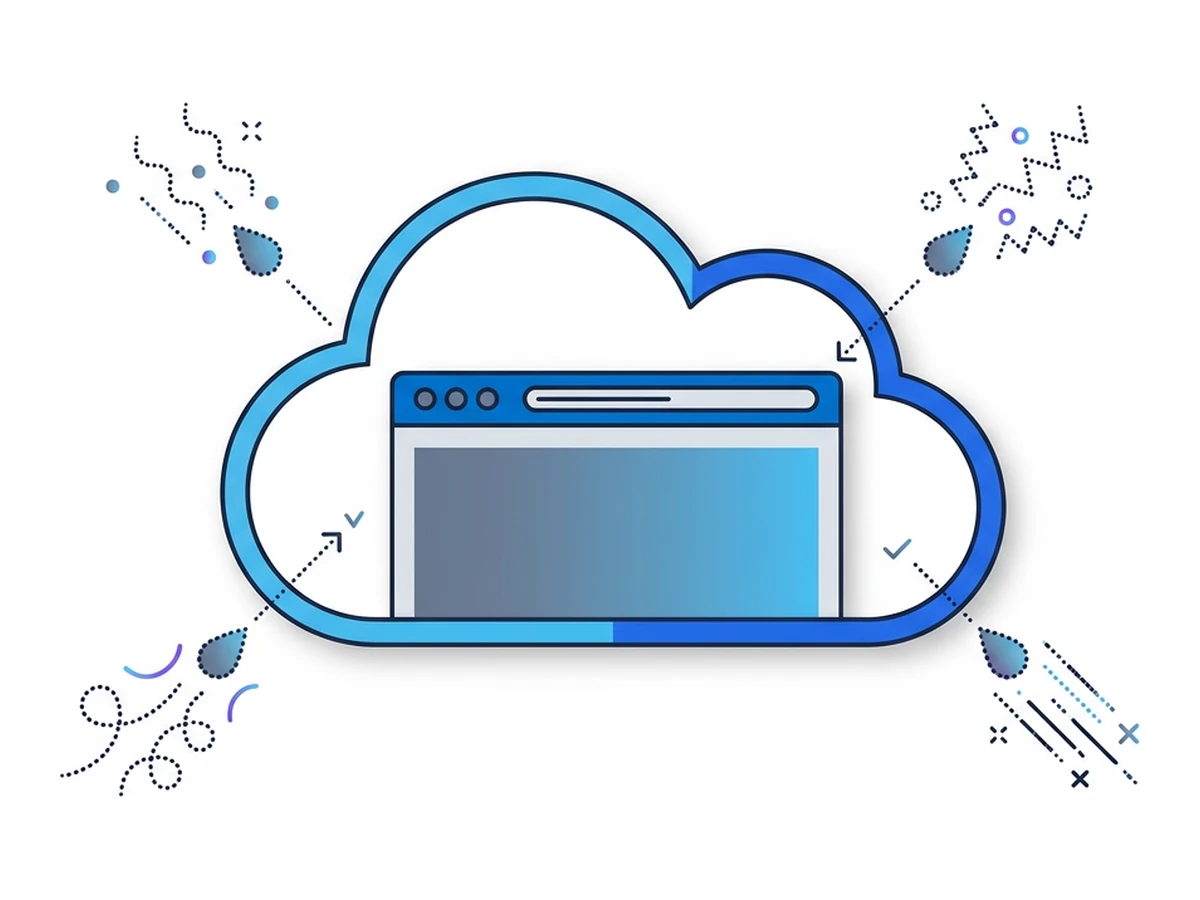
Remote execution changes the boundary; it does not remove every way a session can disclose information. Check these five paths before making it part of a sensitive workflow.
Provider trust. The operator controls the remote environment and may technically access session data. Its actual logging, retention, and access policies matter. Browser.lol does not routinely inspect browsing content; optional Guard.ch live analysis is a separate product workflow. Review the applicable privacy policy and subprocessors, especially before entering sensitive data.
Account-level tracking. Signing in tells a site which account you use, regardless of the remote browser's IP. Saved profiles can also retain a site's cookies across visits. Isolation changes where code runs; it does not make authenticated activity anonymous.
Interaction and session signals. The website may receive clicks, text, navigation, and timing from the remote browser. Some sites analyze these signals for fraud or usability. A remote session does not guarantee that visits cannot be correlated, especially when you use the same accounts or transfer identifying information.
Legal and operational context. The operator, infrastructure providers, and websites may be subject to different legal systems. No hosting country makes a session categorically immune to lawful requests. For sensitive work, consider provider location, data locations, retention policy, and your own obligations.
Network and transfer metadata. The remote browser's requests pass through network operators and the destination site. Your device also connects to the browser provider. What each party can observe depends on routing, encryption, DNS configuration, and logging. Files, clipboard contents, and credentials can cross the isolation boundary when you choose to transfer them.
Cloud browser vs. the alternatives
These tools affect different parts of a browsing session. The table describes typical designs, not universal guarantees.
| Tool | Site sees | Page runs | Main boundary | Performance | Pricing | Useful for |
|---|---|---|---|---|---|---|
| Cloud browser | Remote exit IP | Remote host | Separates page execution from device | Depends on stream and network | Provider-specific | Opening untrusted pages, remote testing |
| Device VPN | VPN exit IP | Your device | Changes device network route | Depends on tunnel and network | Provider-specific | Device routing, network privacy |
| Tor Browser | Tor exit or onion route | Local or remote host | Tor routing plus browser defenses | Varies by route and site | Tor Browser is free | Research needing Tor's threat model |
| Configurable browser | Its current network exit | Usually your device | Configures browser environment | Depends on setup | Provider-specific | Testing browser configurations |
| Local virtual machine | Its configured network exit | Your hardware | Separates guest OS from host | Uses local resources | Setup-dependent | Testing with local control |
| Private window | Your current network exit | Your device | Limits local browser history retention | Similar to local browsing | Included in browser | Reducing traces for device co-users |
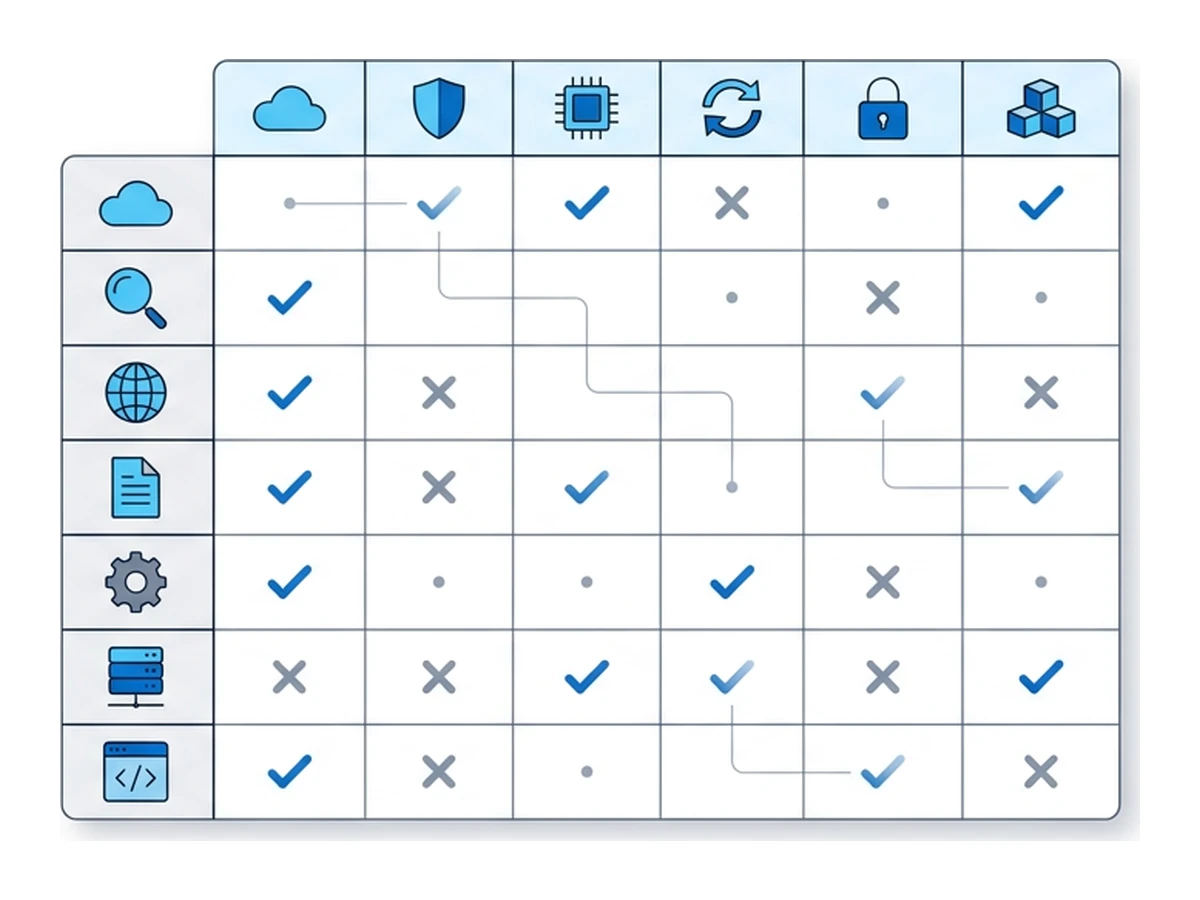
Choose according to the boundary you need. A VPN changes device routing; Tor Browser combines a different route with browser privacy protections; a local virtual machine keeps the test environment under your control. A cloud browser moves page execution off your device, while its viewer and transfer paths still run locally. Combining tools requires checking each route separately: a device VPN does not automatically change the remote browser's exit. We compare these choices in Virtual Browsers vs. VPNs and Anonymous Browsing: VPN, Tor, or Virtual Browsers?.
Five ways to use a remote browser
These are illustrative workflows, not customer stories or promises that every provider supports every step. Each still needs its own account, transfer, and policy checks.
Opening a suspicious link from a support ticket
A support ticket contains an unfamiliar URL. A remote browser lets you inspect the page without running its scripts in your everyday browser. You can take a screenshot with the viewer if needed, but treat any downloaded file, copied text, or login prompt as a separate risk. End the session explicitly when you finish. Remote isolation is one layer of a broader inspection workflow.
Checking a site from an available region
A product team may need to see how its own website behaves from another location. If the provider offers that exit, a remote browser can help test regional content, consent banners, or localization. Results can differ from those of a local resident: sites also use account settings, language, payment region, and IP reputation. Respect the site's terms and applicable rules.
Testing a separate authorized account
A QA team may need to compare an administrator view with a test user's view. Separate browser sessions can reduce accidental cookie and account mixing, especially when fresh sessions are used. A saved profile deliberately retains account state. The site's account rules still apply, and neither remote hosting nor a different IP ensures that accounts cannot be linked.
Researching a public site with fewer local signals
A researcher can inspect a public site from a remote browser so the destination sees the remote exit rather than the device's direct connection. That does not make the visit anonymous: sign-ins, referrers, shared links, searches, and timing may disclose context. Plan the workflow before browsing, as discussed in OSINT Without Burning Your Identity.
Letting an AI agent browse for you
An automation agent needs a browser somewhere. Running a remote browser can separate its page execution from your own browser profile. Browser.lol offers programmatic access where the account is entitled to it; inspect the API and tool permissions before giving an agent access. An agent can still submit forms, change accounts, reveal secrets supplied to it, or download unsafe files. Remote execution does not undo those actions.
How to evaluate a cloud browser provider
Test the provider with your own sites, network, and account needs. These eight questions reveal more than a single speed or security claim.
- 1
Streaming technology
Ask how the viewer sends frames and input, what happens when the preferred transport fails, and whether it works on your network. Test typing, scrolling, audio, and recovery from a brief disconnect. Codec or protocol names alone are not performance results. - 2
Browser selection
Check which images are currently available for your account and whether the target site supports them. Browser choice matters for compatibility and privacy testing; Tor Browser has a distinct threat model. Do not infer a provider's current images from an old marketing list. - 3
Session length and concurrency
Ask how sessions end, how many can run at once, and whether disconnecting the viewer changes a running session. Check the live entitlement rather than assuming a fixed free quota or lifetime. If you need continuity, ask whether saved profiles are supported. - 4
Resource allocation
Run a representative workload: a heavy dashboard, document viewer, video, or development console. Compare responsiveness and stability under normal network conditions. CPU and memory allocations matter, but fixed hardware numbers do not predict every site's behavior. - 5
Data jurisdiction and retention
Check where session data and saved profiles live, who operates the service, what logs are retained, and how deletion works. Read the privacy policy and subprocessors list. Ask separately about any optional analysis feature. - 6
Pricing model
Compare current plan terms for session time, concurrency, locations, saved profiles, and programmatic access. Some providers bill by time or usage; others offer recurring plans. Check renewal and overage terms before committing. - 7
Audio, clipboard, file transfer
Test each transfer path you need. Audio and clipboard behavior can vary by client and browser permission. Uploads and downloads move data across the isolation boundary, so decide whether they should be available before handling untrusted content. - 8
API access
If automation matters, check how sessions are created, controlled, observed, and ended. Review authentication, quotas, and tool scope. Browser.lol's API and MCP access depend on current entitlements; a viewer alone is not an automation interface.
A short history and common questions
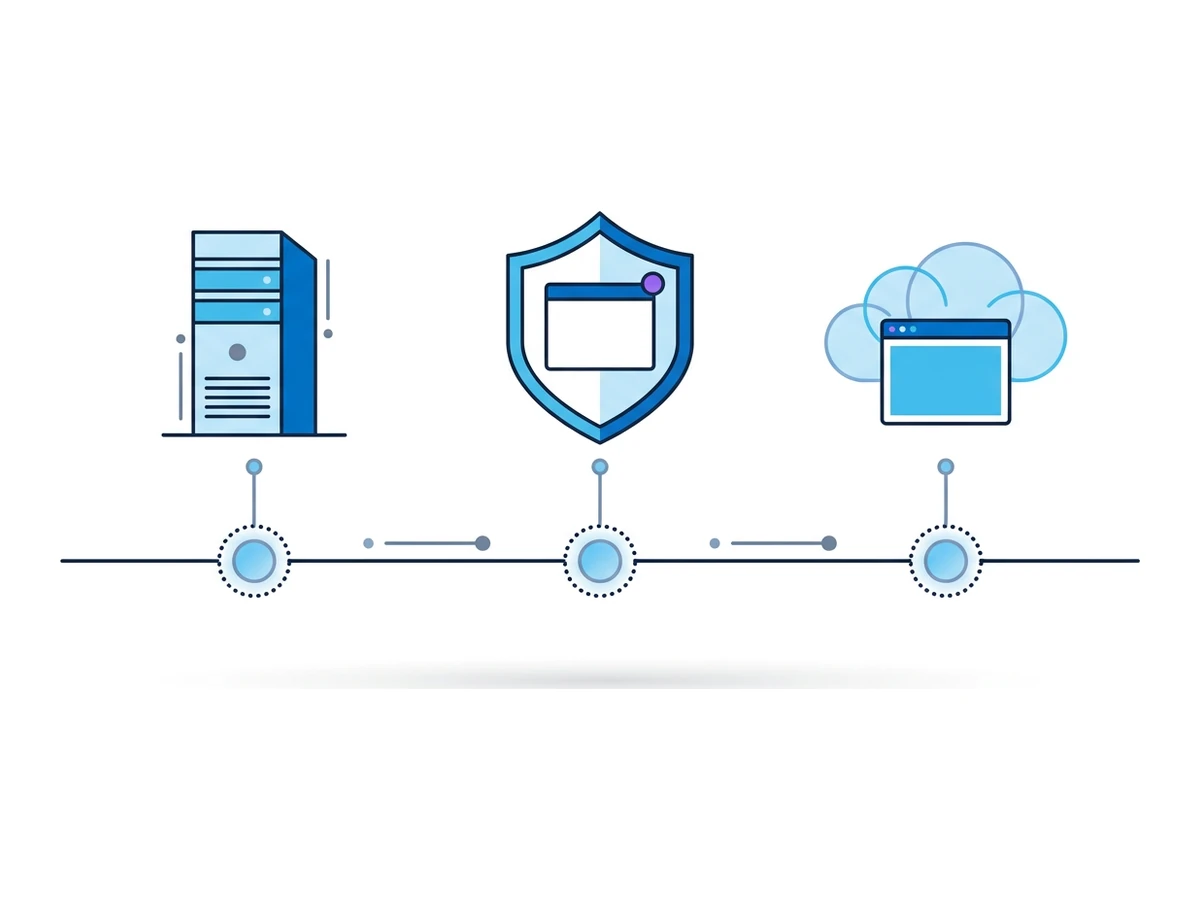
Remote application delivery predates today's cloud-browser products: a browser can run on a server and be controlled from a client. Later, security vendors developed remote browser isolation to keep web content away from managed endpoints. The implementations differ. Cloudflare's 2020 account of its S2 acquisition shows one path from enterprise isolation to a cloud service; it does not describe every provider's architecture.
Browser.lol brings remote sessions to a public web interface, with available browser images, viewer controls, and optional saved profiles. Other services focus on team policy, collaboration, or automated browsing. Better web media support and wider cloud infrastructure make several designs possible, but responsiveness still depends on location, congestion, codec, page workload, and device. Try the actual workflow rather than relying on a historical speed claim.
Is a cloud browser legal?
Using a remote browser is generally an ordinary way to access a hosted service, but legal rules depend on your location and activity. The tool does not change a website's terms or make otherwise prohibited conduct lawful. Check applicable rules and the provider's acceptable-use policy for your use case.
Will Netflix detect that I'm using one?
A streaming service may restrict access based on IP reputation, account region, licensing, or playback compatibility. A cloud exit does not guarantee access or a particular video quality. Check the service's terms and test the supported workflow.
Can my employer see my cloud browser sessions?
A managed network or device may observe the connection to the provider and may have local monitoring software. What it can see inside the viewer depends on device management, network controls, and the service's design. Remote browsing is not a way around workplace policy.
Does it work on mobile?
Many remote-browser viewers work in mobile browsers, though controls, file transfer, audio, and WebRTC support can vary by device and browser. Browser.lol's viewer has mobile controls for a remote desktop browser. Test the specific sites and gestures you need.
Is it faster or slower than my normal browser?
It depends. A remote server may fetch a page quickly, but every input and rendered update crosses the viewer connection. Distance, network quality, page complexity, and server load all matter. Compare page loading and interaction separately on your own device.
What happens when I close the tab?
Closing the viewer tab does not itself guarantee that Browser.lol ends the session. Use the session controls and check its status. After a fresh session ends, its temporary browser environment is removed; a saved profile can retain browser state for later sessions. Data you transferred, account changes made on a site, and provider records follow their own retention rules.
Choose the boundary you need
A cloud browser moves website execution to a remote environment. That can help when opening an unfamiliar page, testing a site from another available exit, or keeping browser state separate from your usual profile. You still trust the operator, use a local viewer, and need to manage accounts, input, downloads, and any state you choose to save. Those boundaries determine whether remote browsing fits the task.
Ask what you are trying to separate: page code from a device, a browsing profile from another profile, or a network route from your usual connection. Then test the provider's real controls and read its retention terms. No single browser mode solves all three questions, and logging in to an account still identifies you to that site.
Need an isolated session for your next task?
Open an isolated desktop browser and get started in your browser.
Start a SessionNo browser installation required • Features vary by plan