
An employee needs access to an internal application, while an analyst needs to inspect an unfamiliar website. Both tasks involve a browser, but they expose different things. A VPN may provide a route into the private network. A remote browser moves the website's execution away from the employee's device. Choosing between them starts with the risk you are trying to reduce.
Neither tool makes an account anonymous or a malicious page harmless. A device VPN changes the first network hop and may provide access to private resources. Browser.lol runs a browser in a remote container and streams the desktop to you. The destination website sees that browser's exit path. Understanding these separate paths makes a combined setup easier to evaluate.
Two different network paths
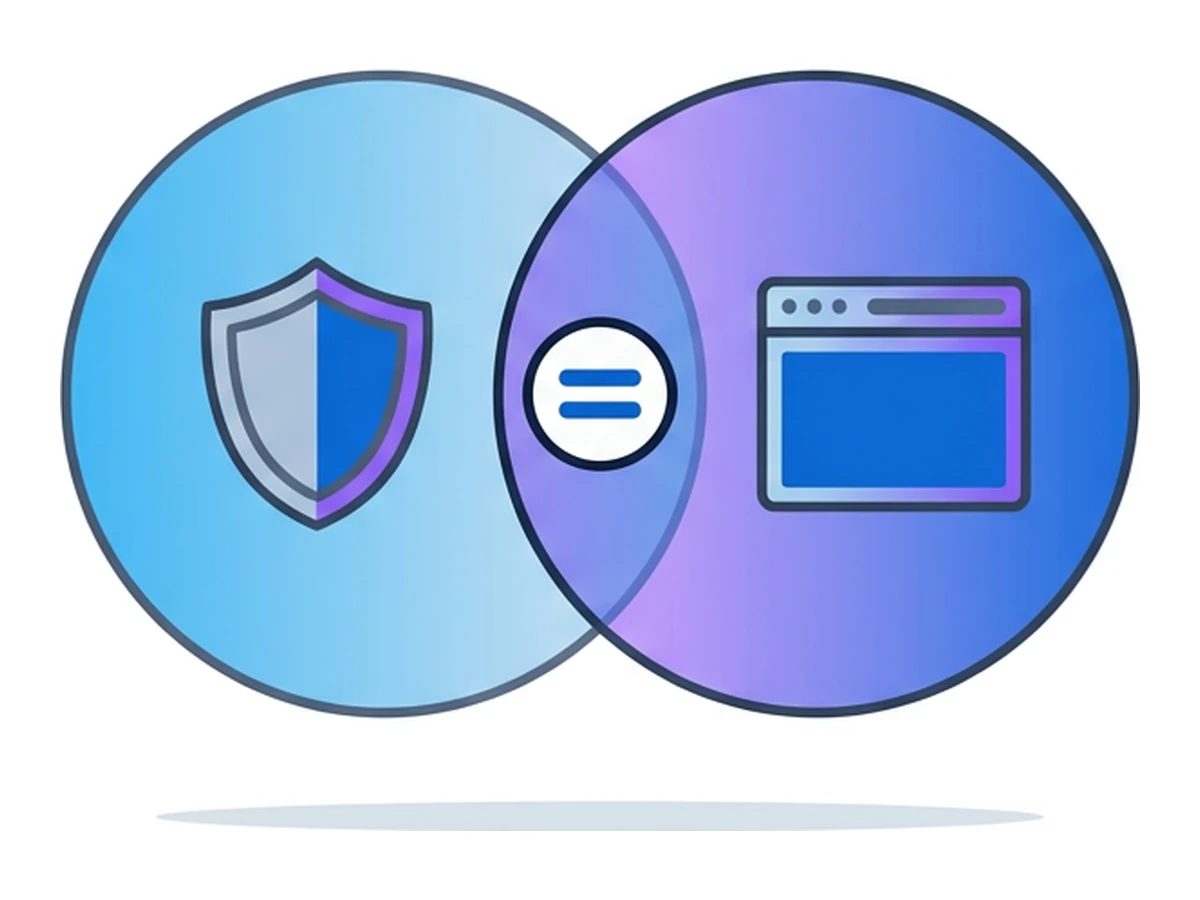
Both can change what a website sees about the visitor's network address. Their more important difference is where the browser runs. Trace the traffic from the device to the service and then to the destination website.
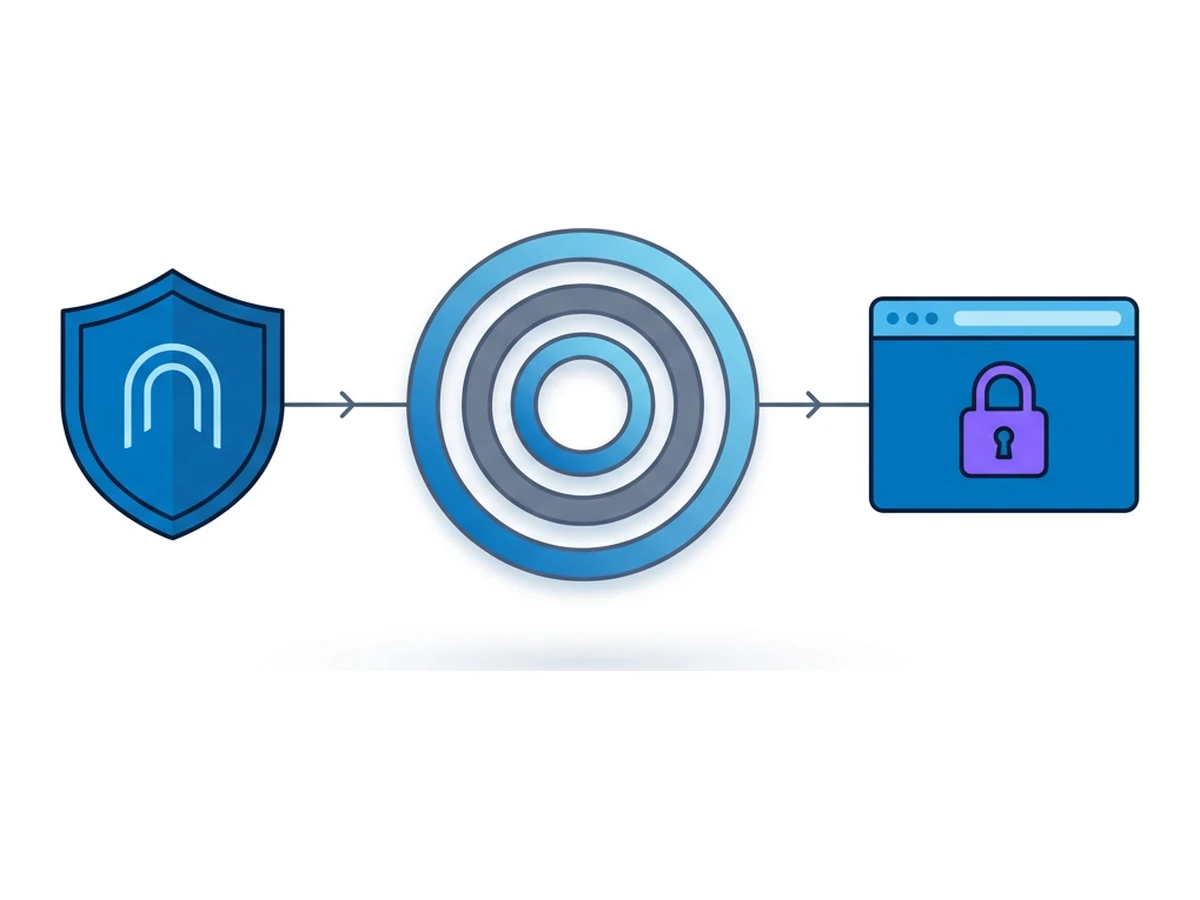
A device VPN encrypts traffic from the device to its gateway for the routes covered by the VPN. A public website reached through that gateway normally sees its exit IP, while the local network can still see that the device connected to a VPN. Corporate VPNs can also carry traffic to private applications. NIST's IPsec VPN guide describes both protected tunnels and the risk of a compromised client using one.
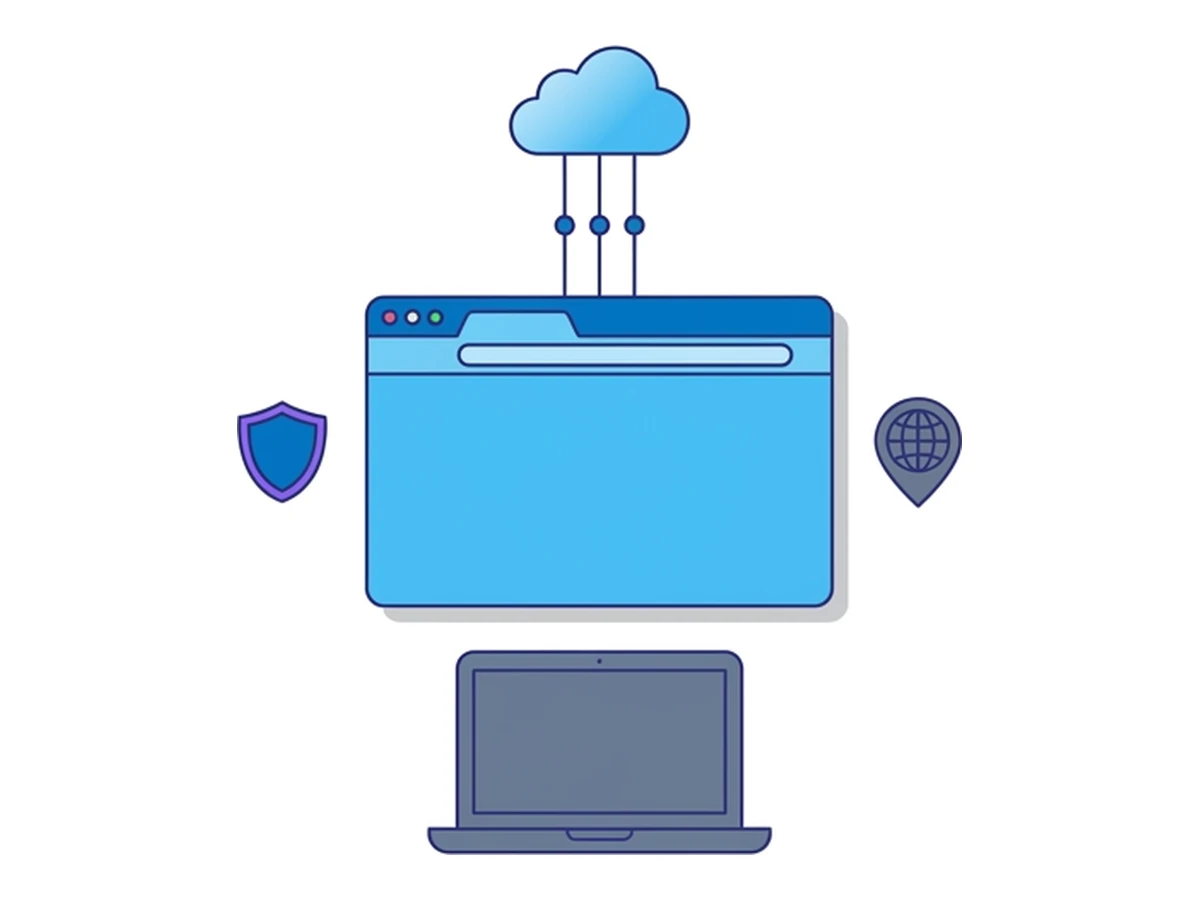
In Browser.lol, the website runs in a container and the user receives a desktop stream and sends input. This reduces direct exposure of the local browser to web page code. It does not make data flow one-way: typing, clipboard actions, file transfers and account sign-ins still need care. Temporary sessions and saved profiles also have different persistence behavior. These are separate controls for separate parts of the workflow.
What a VPN does not isolate
A VPN can be the right tool for private network access or for changing the route through an untrusted local network. Its limits matter when the task involves an unknown web page on the user's own device.
Local execution remains local. If a page exploits a vulnerability in the device's browser, a VPN tunnel alone does not move that browser elsewhere. Phishing forms can still receive credentials that the user enters. Browser updates, endpoint controls and careful authentication remain necessary. NIST's browser-isolation practice guide describes remote execution as a distinct way to reduce endpoint exposure.
Logs depend on the deployment. A basic VPN record may show tunnel events and assigned addresses. An enterprise gateway may add DNS, filtering or other telemetry, depending on its configuration. Neither is automatically a recording of what appeared in the browser. Define the evidence you need before assuming a VPN or remote browser will supply it.
Routing changes performance. A full tunnel may send much more traffic through a gateway than a split tunnel. Latency, capacity and policy enforcement depend on the chosen route and network. Measure them on real user journeys rather than assuming that every VPN slows the same workloads by the same amount.
What remote browsing changes
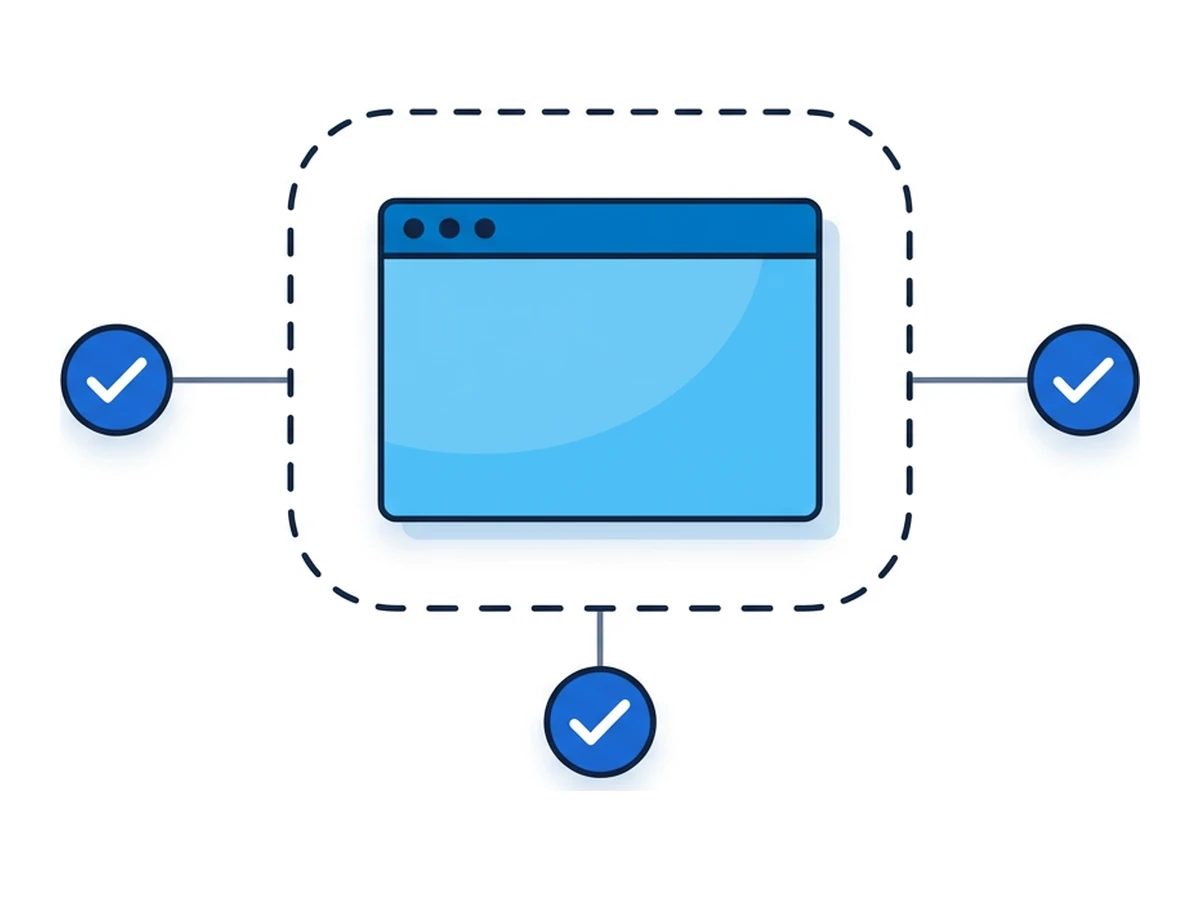
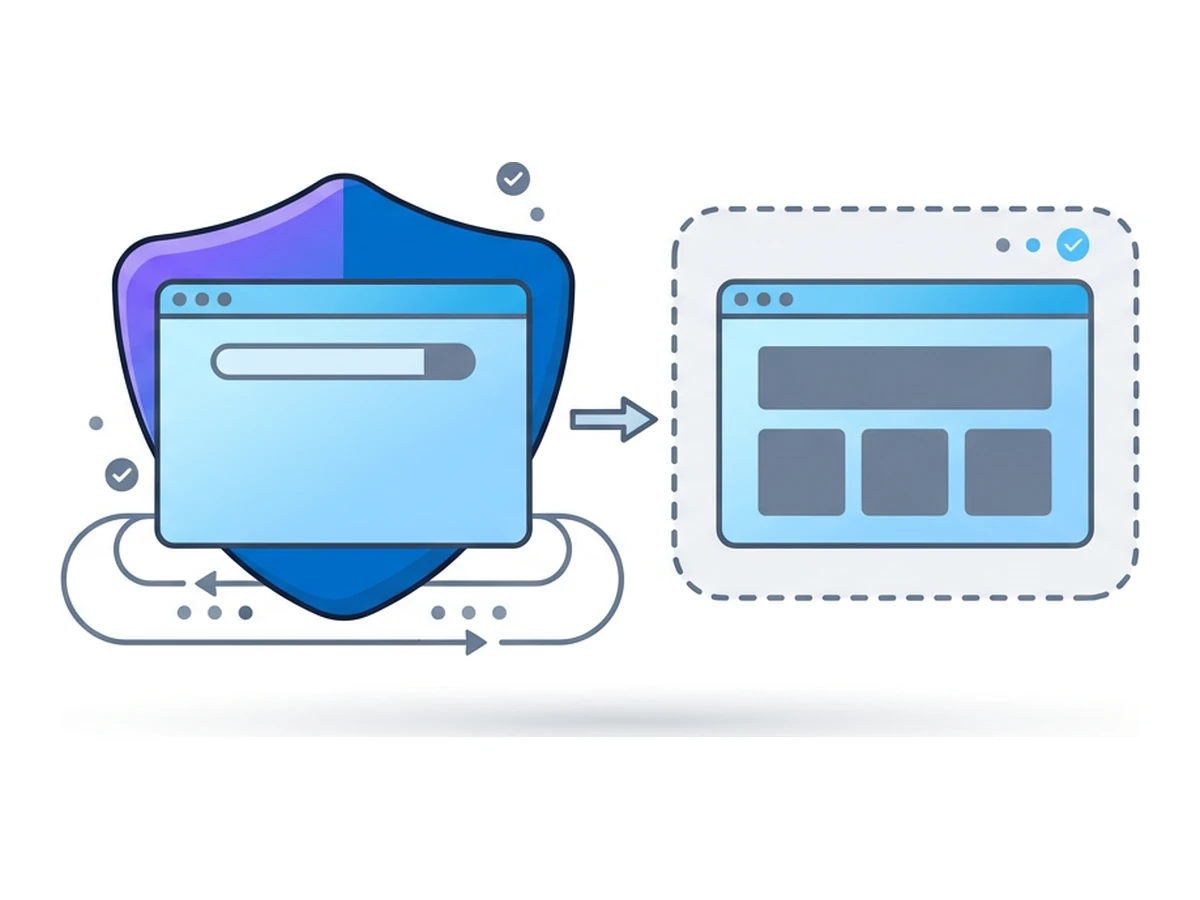
Remote browsing moves the website's execution into a different environment. That can reduce one set of endpoint risks, but the design of the stream and the paths for user input and files still matter.
Different execution boundary. A web exploit aimed at the remote browser first runs in the container, not in the device's normal browser. This does not defeat a keylogger already on the user's device, and it does not make a downloaded file safe to move locally. Ending a Browser.lol session requires the session control; closing the viewer tab alone does not prove teardown.
Configurable state and egress. A new temporary session need not use an existing saved browser profile, while a saved profile intentionally carries state between sessions. Websites can still see browser properties, the remote exit address, logins and actions. Browser.lol can offer session exit choices when the account and image permit them; neither a new session nor a different exit guarantees a new identity or unbiased results.
Evidence needs its own plan. Browser.lol does not automatically record the screen or export network logs and artefacts for a SIEM. If an investigation needs screenshots, packet capture or a legal hold, arrange approved tools and retention separately. Remote browsing is not, by itself, a forensic record.
Capability comparison
Read each row as a question about a specific route or workflow. Products differ, and optional policies can change the answer.
| Question | Device VPN | Remote browser | What to verify |
|---|---|---|---|
| Where does web code run? | In the device's browser | In a remote browser container | Downloads, clipboard and local device security |
| Which address does a site see? | VPN exit if that route uses the tunnel | Remote browser exit | Account login, browser properties and selected exit |
| What evidence exists? | Depends on VPN and gateway logging | Browser.lol has session metadata, not playback | Needed logs, screenshots, retention and consent |
| What does it connect to? | Can route to private networks | Browses from the remote environment | Whether the private app is reachable at all |
| What affects cost and speed? | Licences, routing and gateway capacity | Session entitlement, compute and streaming | Measure real usage and connection quality |
Choose by task
Start with the destination and the data involved. The same person may need different tools for an internal application and an untrusted public page.
Remote staff may need a corporate VPN to reach private applications. Public HTTPS sites already use TLS, so a VPN is not a prerequisite for an encrypted Browser.lol viewer connection. A remote browser can be a separate option for investigating an unfamiliar public site.
Security analysts can use a temporary remote browser to inspect a suspicious page without running its web code in the ordinary local browser. They still need a separate evidence and file-analysis process, and should not type production credentials into the suspect site.
Compliance and legal teams should decide their recordkeeping requirements first. Browser.lol does not supply a session replay or legal-hold archive. A VPN may be needed for an internal repository; a remote browser may help inspect an external site, with approved evidence capture arranged separately.
Research and marketing teams may compare how a site appears from available remote exits. A location choice depends on entitlement and current availability. Results can still vary with cookies, accounts, browser properties and the site's own rules, so no view is guaranteed to represent a new or local user.
How to combine them
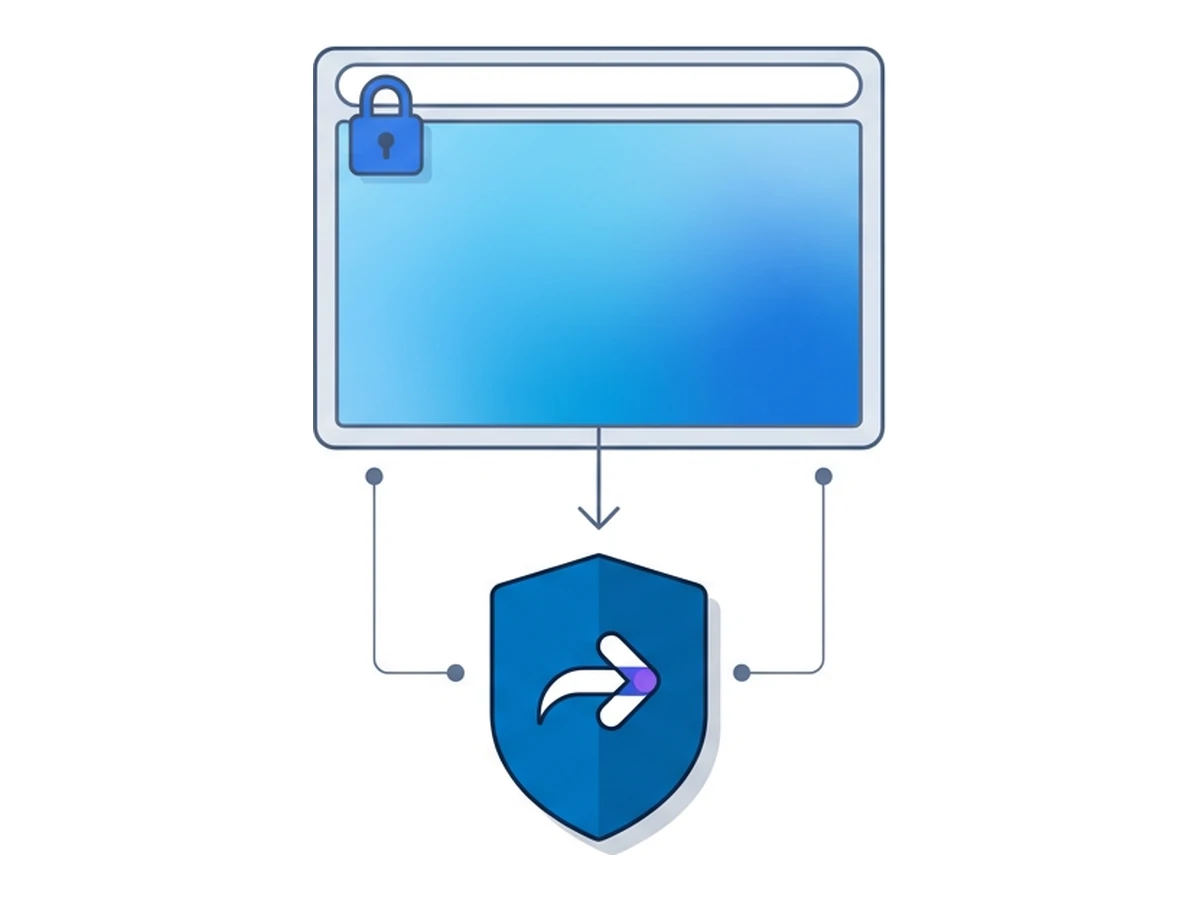
Combining the tools can serve two needs, but the order does not merge their protections. Separate the device-to-service path from the remote-browser-to-website path.
Decide which tasks merit remote execution, then launch a Browser.lol session deliberately for those tasks. Browser.lol does not automatically intercept unknown domains or open attachments from another application. If your organization wants automatic routing, that requires a separate policy and integration you have tested.
A device VPN can carry the connection from the user to Browser.lol when the VPN routes that traffic. The viewer's HTTPS connection already uses TLS, as MDN explains for HTTPS; a VPN is not required to encrypt it. The target website is contacted from the remote browser's own exit, not from the device VPN's exit. Browser.lol's optional per-session exit choices are a separate setting with entitlement and availability checks.
Document the two routes separately. A VPN may retain connection metadata according to its operator's policy; Browser.lol records session metadata but does not provide automatic page-content playback or a SIEM stream. If your organization needs correlation, choose a permitted case reference and avoid copying bearer session IDs into logs.
Build a realistic cost model
Use your own quotes, entitlements and usage records. The factors below belong in a pilot worksheet; fixed vendor prices and incident savings cannot be inferred from the technology alone.

| Line item | Device VPN | Remote browser | Combined deployment |
|---|---|---|---|
| Subscription and entitlement | Quote by users and gateway needs | Quote by plan, sessions and features | Identify users who need each path |
| Infrastructure | Gateway capacity and routing | Remote compute and stream usage | Measure both paths under load |
| Evidence and response | Gateway logs depend on policy | Capture tools and retention are separate | Budget for the required recordkeeping |
| User experience | Test full and split tunnel journeys | Test latency, input and site compatibility | Pilot the real applications and locations |
Record the pilot's baseline and outcomes: how many people need private network access, how often they investigate unknown sites, whether the remote browser supports their tasks, and which evidence tools remain necessary. Include support time and failed workflows as costs. Treat any reduction in incidents or downtime as something to measure, not a guaranteed saving in a spreadsheet.
Questions for vendors
Ask for answers tied to the exact product and plan you would use. A general browser-isolation feature list does not establish what Browser.lol or a particular VPN deployment will do for your organization.
On session state: which data persists in a temporary session and which is intentionally kept in a saved profile? What are the exact controls for downloads, clipboard and file uploads? On evidence and compliance: what metadata is available, what is not recorded, where is it stored, and which independent attestations can the vendor document?
On performance: how does the stream behave from the team's actual locations and networks? Test keyboard input, downloads and sites that matter. On integration: which APIs, SSO options, gateway policies and exports exist today, and which would require your own work? On cost control: what are the live plan entitlements and usage limits, and how will peak demand affect the bill or session availability?
Choose the tool for the route
Use a VPN when you need its network route, such as access to a private application or a policy-controlled path from the device. Use a remote browser when running an unfamiliar web page away from the device addresses a real risk. Keep browser patches, authentication and data handling in the plan either way.
Pilot the actual tasks. For Browser.lol, choose a temporary session when saved state is unnecessary, check the available exit choices, avoid moving suspicious files to the local device, and end the session explicitly. Add a device VPN only when its separate route or private-network access solves a need you have identified.
Need an isolated session for your next task?
Open an isolated desktop browser and get started in your browser.
Start a SessionNo browser installation required • Features vary by plan