
Clearing cookies removes a stored identifier. It does not, by itself, prevent a site from asking the browser to draw an image, report a graphics capability, or process an audio signal. The resulting values may help relate visits, but they are neither universal IDs nor proof that a site has recognized a particular person.
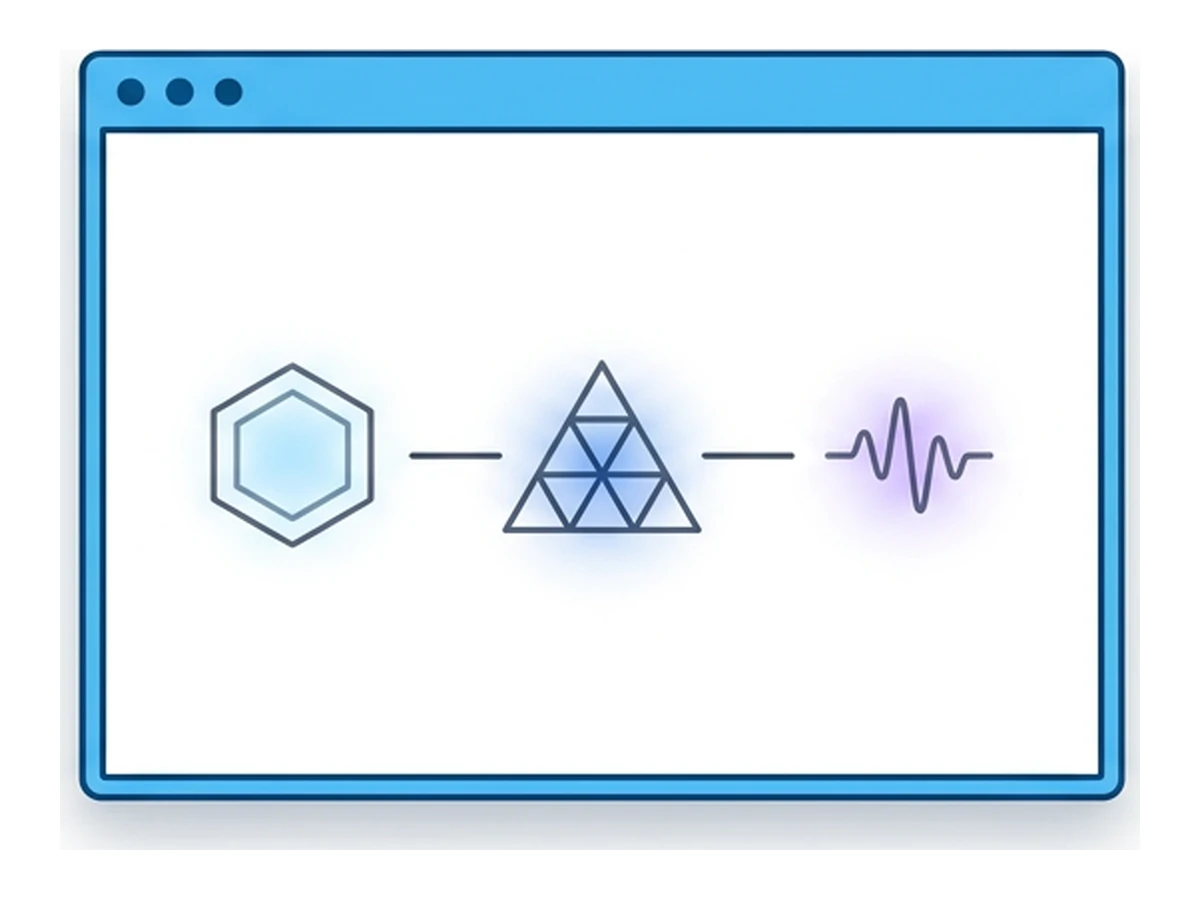
Canvas, WebGL, and Web Audio are three sources of browser signals. Graphics and audio output can reflect software, fonts, settings, drivers, and hardware. Some values may stay similar after a restart; others change with updates or privacy defenses. A tracker can combine them with other information, including an account or network address. This guide explains how the techniques work and why no single result establishes identity or anonymity.
A browser fingerprint is calculated from observable properties rather than read from one file. A script might hash the output of a drawing or an offline audio operation, then compare it with later observations. Matching values need not mean the same person, and changed values need not mean different people. For the broader mechanism, read our introduction to browser fingerprinting. Here we examine three browser APIs in more detail.
Why examine these three signals
A fingerprint can include request headers, screen dimensions, language, time zone, browser features, and many other observations. Which ones a script can collect depends on browser permissions, settings, and protections. Their usefulness also depends on the population being compared. A fixed count of "vectors" or entropy per field would imply a precision the evidence cannot support.
Canvas and WebGL can render selected content; an offline audio context can process a selected sound graph without playing it. A script may compare the output or hash it. Font rasterization, browser implementation, graphics stack, software versions, and hardware can all influence results. The same machine may return different values after an update or with different settings, while different machines may return the same values. See theW3C's fingerprinting guidancefor the broader limits of these signals.
Research demonstrates that graphics and audio signals can help distinguish browsers, but the amount of information varies by sample, browser version, and defense. The three signals are also correlated, so their information cannot simply be added together. The Tor Project's research overviewdescribes both these techniques and the absence of a perfect fingerprinting defense. Treat any test score as specific to its method and visitors, not as a universal probability of recognition.
Canvas fingerprinting in detail
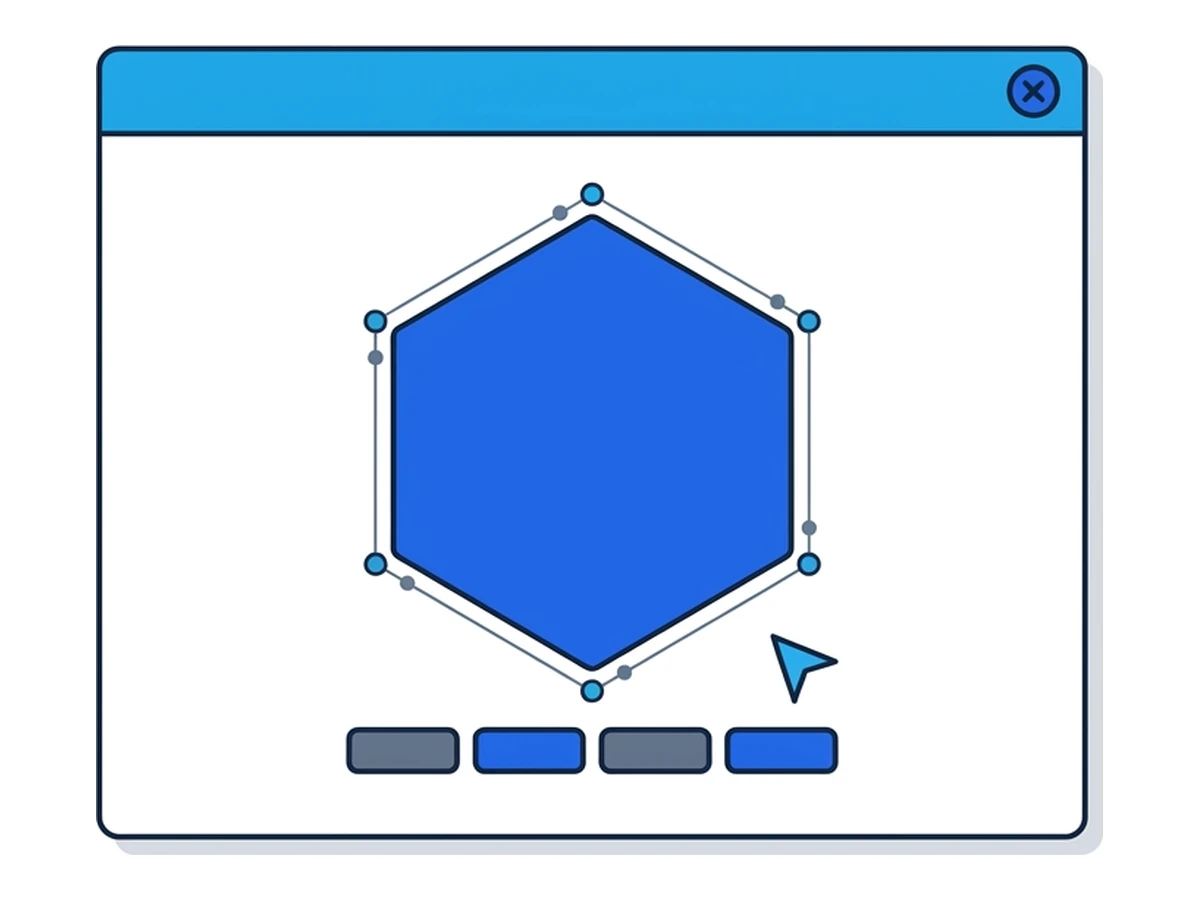
A script can draw shapes and text into an off-screen<canvas>, read the pixels or call toDataURL(), and compare or hash the result. The page need not display the image. Fonts, browser rendering, graphics settings, and defenses can affect the output. The hash is a compact way to compare results, not an identifier assigned by the device.
Repeating an identical drawing under unchanged conditions may produce the same pixels, but stability is not guaranteed across browser versions, privacy modes, updates, or sites. A changed output can break a simple match; a matching output can be shared by many visitors. This is why a fingerprinting system may combine canvas with other observations rather than rely on one hash.
A simplified readback looks like this:
const c = document.createElement("canvas");
const ctx = c.getContext("2d");
ctx.textBaseline = "alphabetic";
ctx.font = "14px 'Arial'";
ctx.fillStyle = "#069";
ctx.fillText("Cwm fjordbank glyphs vext quiz, ", 2, 15);
ctx.fillStyle = "rgba(102,204,0,0.7)";
ctx.fillText("Cwm fjordbank glyphs vext quiz, ", 4, 17);
const png = c.toDataURL();
// A site may compare or hash png; it is not a universal ID.
This example illustrates an API, not the implementation of any named vendor. Browsers can reduce the value of readbacks: Bravedocuments per-site, per-session farblingfor selected canvas and audio outputs, whileWebKit describes noise in private browsing. Browser settings and third-party blockers may also stop a script. A custom defense can itself change observable behavior, so test the configuration and sites you actually use.
WebGL fingerprinting in detail
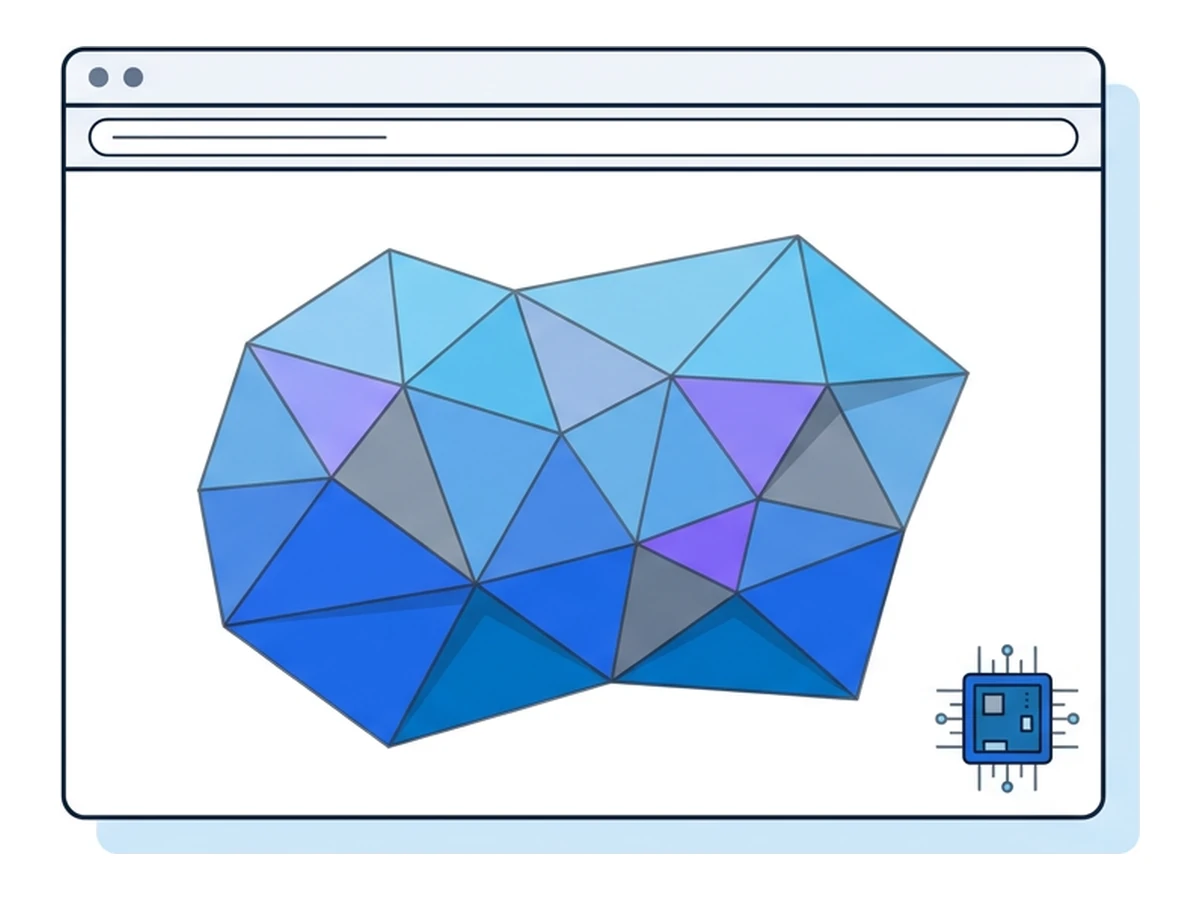
WebGL lets a page request graphics operations through the browser; it does not grant unrestricted access to the GPU. When available, the WEBGL_debug_renderer_info extension can reveal graphics vendor and renderer strings. For example, an implementation might report an ANGLE renderer with a GPU model.MDN notesthat privacy settings may restrict the extension. The detail and identifying value of any string depend on the browser and device.
Even without that extension, a script may render a chosen scene and read pixels with readPixels(). Shader behavior, precision, graphics software, and hardware can affect the image. The result may be hashable, but browser defenses can alter or block readback, and different devices can still produce matching output. A renderer string and rendered pixels are separate signals, not proof of a unique GPU or person.
Restricting renderer details or pixel readback can reduce exposure without removing WebGL entirely. Disabling WebGL is a stronger compatibility trade-off for sites that need 3D graphics and other accelerated features. Firefox offers the webgl.disabled preference, and its fingerprinting resistance disables the debug renderer extension. Brave has alsodocumented newer protections for GPU and renderer information. Availability and exact behavior should be checked in the browser version and protection mode being used.
AudioContext fingerprinting in detail
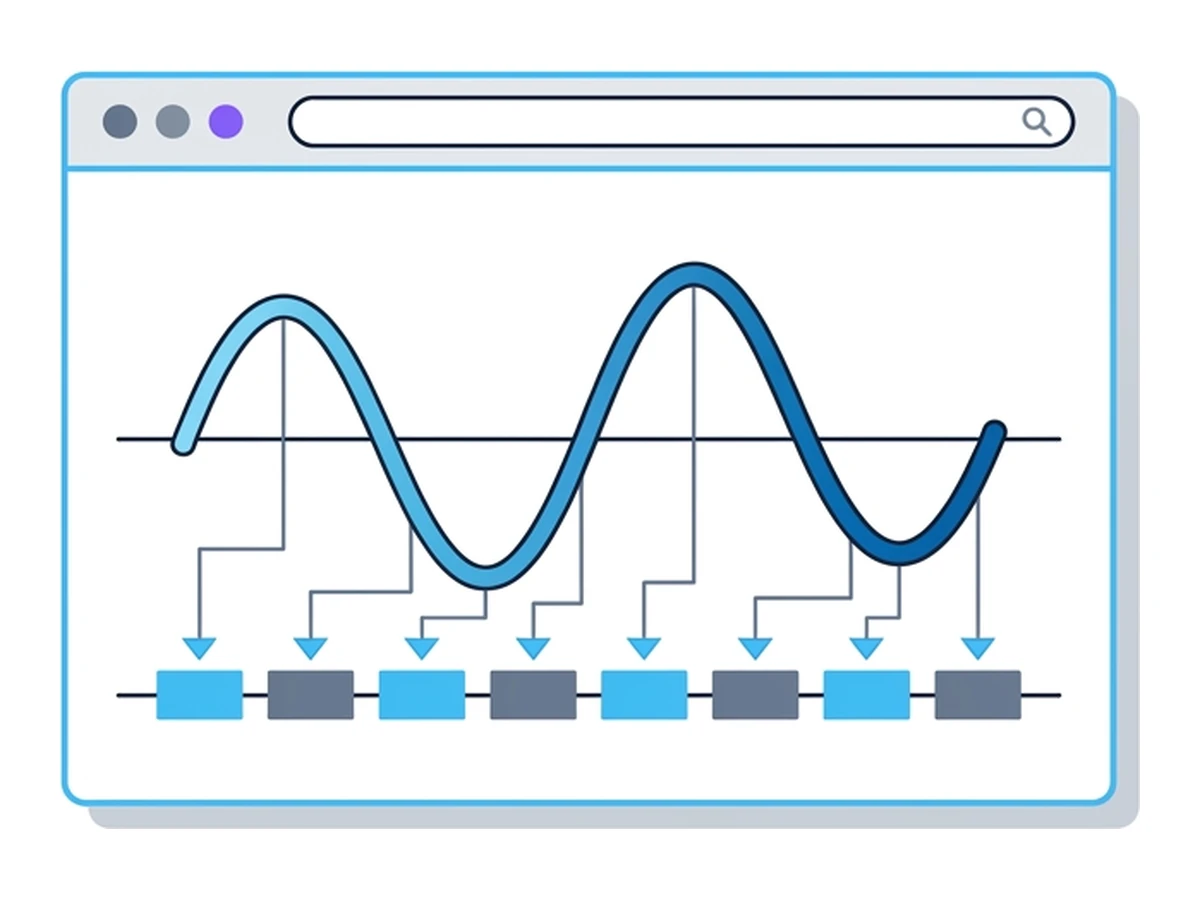
A script can create an OfflineAudioContext, process a selected signal through an audio graph, and inspect the resulting sample buffer. The graph can include an oscillator and compressor. Offline rendering creates a buffer rather than sending sound to speakers; the site's comparison concerns sample values, not what a person hears. See theOfflineAudioContext documentation.
Implementations and settings can produce different samples for the same graph. A script may compare a subset of values or hash the buffer, but differences are not guaranteed, and identical values can occur on different systems. Browser privacy features may also modify output. The result should be understood as one possible signal, not as a lasting hardware serial number.
Audio may add information to a comparison, but there is no universal number of bits it contributes. Its output can correlate with browser or platform characteristics already visible through canvas and WebGL. Defenses exist: Brave documents farbling for Web Audio, and WebKit describes noise in private browsing. Matching audio and canvas results may strengthen a hypothesis in a particular population; they do not prove that two visits came from the same person.
How the three compare
Each API exposes a different kind of information. What a site can read and how stable it is depend on the browser and its settings.
| Signal | What may be observed | What may change it | Available defenses | Trade-off | Check in your browser |
|---|---|---|---|---|---|
| Canvas | Pixel output from selected text and shapes | Fonts, renderer, browser version, privacy mode | Script blocking, readback controls, output noise | Blocking can affect legitimate drawing tools | Compare normal and private modes |
| WebGL | Renderer details or selected 3D pixels | GPU path, drivers, browser policies, updates | Limit renderer details or pixel reads; disable API | Disabling can break graphics features | Test both extension data and readback |
| AudioContext | Samples from an offline audio graph | Browser engine, processing settings, protections | Output noise, API limits, script blocking | Broad blocks may affect web audio features | Test the actual security level and version |
A defense can alter observable values, and an unusual combination can sometimes stand out. Whether that happens depends on the visitor population and the rest of the browser's signals. Multiple readings from the same software stack are not independent pieces of evidence, so adding their estimated entropy is unsound. Judge a setup by the complete set of exposed signals and the sites it needs to support.
How Tor Browser handles these APIs
Tor Browser aims to make users harder to distinguish, with protections that depend on version, platform, and security level. It has used canvas readback prompts and WebGL restrictions, among other measures. Its older behavior cannot be treated as the current behavior of every installation. TheTor Project's overviewexplains the design and explicitly warns against assuming perfect fingerprint uniformity.
Audio protection has changed over time too. Older Tor Browser releases disabled Web Audio in response to fingerprinting risk;Tor Browser 14 enabled Web Audio APIsagain. That release note does not establish that the current browser leaks a unique audio signature. Testing would need to specify the exact release, operating system, security level, and audio operation before drawing that conclusion.
Tor's security levels also control which page features can run. At the Safest level, JavaScript is disabled by default, so a page's ordinary canvas, WebGL, or audio probing script may not run. Such restrictions can affect site functionality. Consult thecurrent security-level guideand test the precise configuration rather than relying on an absolute claim about one API.
What the available defenses change
These outputs reflect software and settings as well as hardware. Each defense changes a different boundary, and none by itself guarantees anonymity.
Run on different physical hardware
Another device may produce different graphics or audio outputs, but matching values can still occur and sites can still link activity through accounts or information you enter. Physical separation may be useful for a particular threat model; buying different hardware is not a general remedy for web tracking.
Boot a different OS install
A separate operating system can change fonts, drivers, and browser state, though it need not change every tested value. Tails is an example of a purpose-built environment with its own network and browser policies. Its behavior should be assessed as a whole, not reduced to whether three hashes differ. Switching systems also has a practical cost in workflow and compatibility.
Use a remote, containerized browser
With Browser.lol, page code runs in a remote session rather than directly in your local browser. The website may therefore see different browser, graphics, font, and audio signals from those on your device. Remote sessions can share an image or underlying infrastructure, and saved profiles can retain browser state. A new session does not guarantee new values for all three APIs or prevent a site from linking visits through an account, network data, or other observations. Check the actual session and exit configuration.
Install a noise extension, with caveats
Some extensions change canvas or WebGL readback, block scripts, or restrict API access. Their effect depends on the extension's version and settings, and a custom combination can itself be observable. Browser-integrated protections such as Brave's farbling or Safari's private-browsing noise offer other approaches. Test important sites for compatibility and treat each defense as one part of a broader privacy setup.
FAQ
Can I disable canvas in Chrome?
Chrome does not provide a simple browser setting that disables every canvas operation while preserving normal page behavior. An extension may block or alter toDataURL(), but drawing tools and other sites may rely on canvas. Browser protections, script blocking, and a separate browser environment have different trade-offs. Test the sites you need.
Does a VPN change my fingerprint?
A VPN on your device changes the network route and usually the IP address seen by a site you visit locally. It does not, by itself, change your local browser's canvas, WebGL, or audio implementation. Other browser signals or settings may change independently. When you use a remote browser, a VPN on your device changes the path to that service, not the remote browser's website-facing exit.
Why does my fingerprint change after a Windows update?
An update can change the browser, graphics driver, fonts, or rendering behavior and therefore change a test result. It may also leave some results unchanged. Neither outcome establishes whether a site can relate your visits: accounts, cookies, IP addresses, and other signals may still provide links. Compare the same test before and after if you need to understand a particular configuration.
Are these fingerprints unique on their own?
Not necessarily. A value can be shared by many browsers or change between measurements. Combining signals may improve discrimination in one sample, but shared causes make the values dependent; their identifying power cannot be assumed or added from headline bit counts. A test result is relative to the tested population and method, not a universal identity claim.
Does incognito mode help against any of them?
Private browsing limits local history and storage after the window closes. Some browsers also add fingerprinting defenses in private mode, so API output can differ from a normal window. It does not promise to hide every browser signal or prevent a site from relating visits through an account. Check the browser's current protections and the sites you use.
Where this leaves you
Canvas, WebGL, and Web Audio can contribute information that cookies are not needed to collect. Their outputs depend on a mix of browser software, settings, fonts, drivers, and hardware. Their value for linking visits differs by population and changes as browsers add defenses. Private browsing, browser protections, script blocking, and network tools address different risks.
Start with an updated browser and its documented privacy controls. For a task that benefits from running page code away from your device, a remote browser changes that execution boundary, while bringing its own profile, network, and service considerations. Compare the exact setup you will use, including security level and saved state. A changed hash is not proof that visits cannot be linked, and a matching hash is not proof of the same person.
Need an isolated session for your next task?
Open an isolated desktop browser and get started in your browser.
Start a SessionNo browser installation required • Features vary by plan