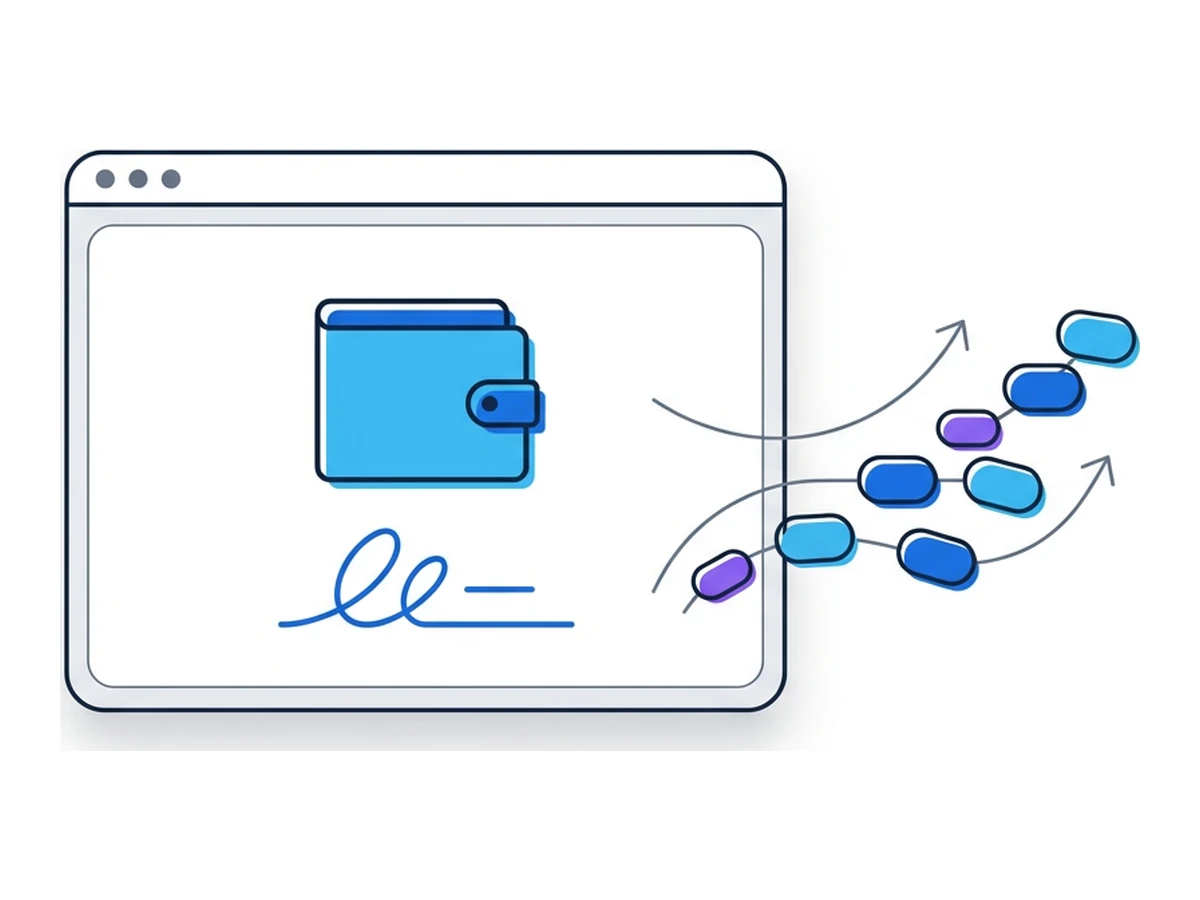

A site offering a token claim asks to connect a wallet and approve a request. It may look like a harmless sign-in, but the request could grant a spender access to a token, authorize an NFT listing, or submit a transfer. The recovery phrase never has to leave the wallet for assets to be at risk. The scope of the request, not the site's visual polish, determines what an attacker may gain.
"Wallet drainer" describes a collection of phishing tactics, not one universal contract or signature. A direct transfer can move a specified asset immediately. An approval can authorize later transfers of a specified token or NFT collection. A signed permit can grant a permission when it is submitted on-chain. None of these automatically gives control over every asset, chain, or DeFi position. MetaMask's signature-phishing guide explains how attackers abuse these distinctions.
Signature, transaction, or permission?
A wallet prompt can ask you to sign a message, submit an on-chain transaction, or approve a spender. Read which action it actually requests. In ERC-20, an on-chain approval sets an allowance: a named spender may transfer up to a specified amount of one token using transferFrom. It is not itself a transfer, and it does not authorize other tokens. The ERC-20 specification defines the approve and allowance functions.
For ERC-721 NFTs, an on-chain setApprovalForAll transaction lets an operator manage all NFTs of that collection owned by the account, including ones acquired later while the approval remains active. It does not cover every NFT contract or every chain. A signed marketplace order is a different mechanism and depends on the order's terms and existing approvals. See the ERC-721 specification.
A permit is an off-chain signature that another party can submit later. ERC-2612 can set an ERC-20 allowance for a particular spender, value, nonce, and deadline. Permit2 has separate one-time transfer and time-bound allowance modes; it generally needs a prior on-chain approval from the token to the Permit2 contract. The exact token, spender, chain, amount, and expiry matter. Compare the ERC-2612 permit with Uniswap's Permit2 overview.
How a drainer campaign works
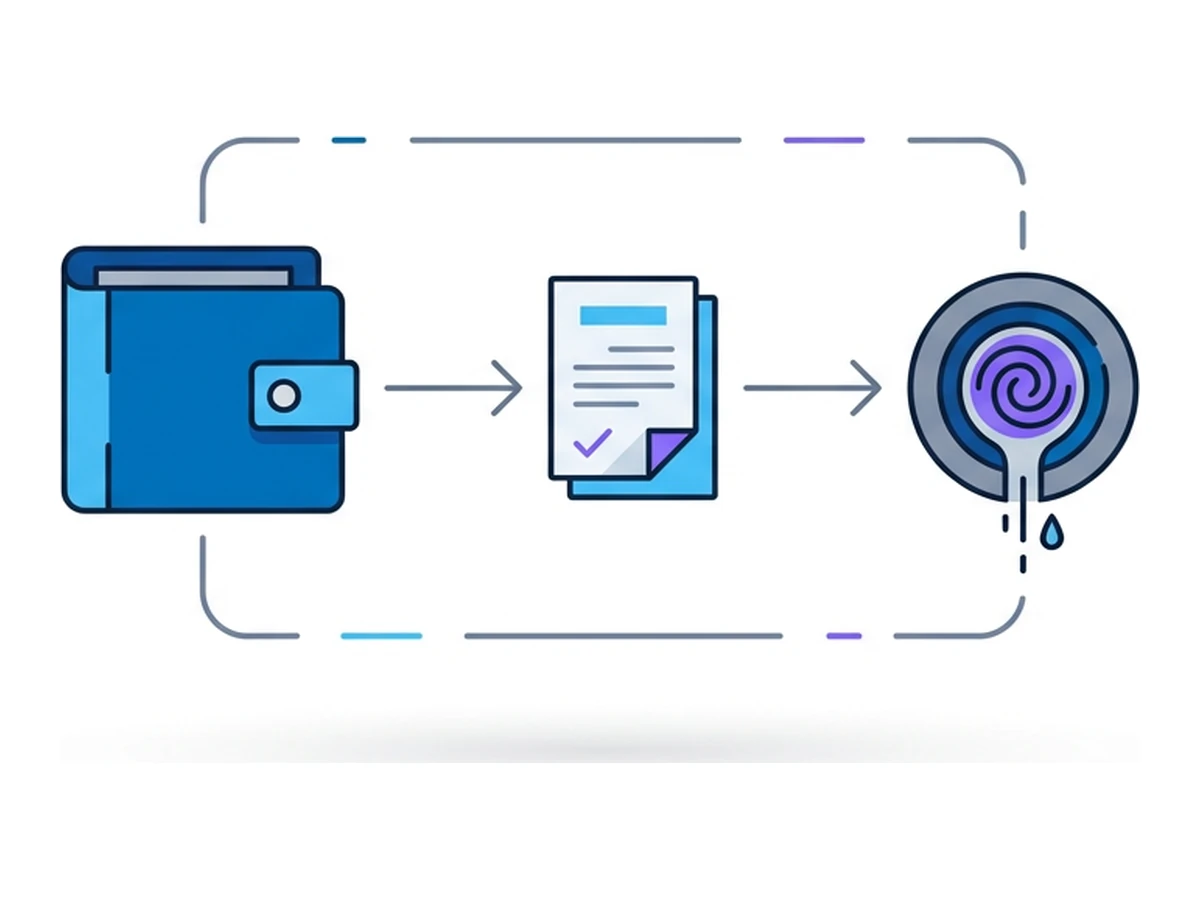
A phishing campaign can combine a copied website, an urgent claim or mint story, a wallet-connection request, and a malicious transaction or signature prompt. The attacker may use shared software or service providers, but there is no fixed kit, revenue split, or single contract behind every case. The decisive step is what the wallet owner authorizes on the relevant chain.
An attacker may tailor a prompt to the wallet, asset, and network it sees. Ethereum, an EVM-compatible chain, and Solana do not share one universal approval mechanism. A request on one chain does not automatically authorize transfers on another. Check the chain name and contract address in the wallet, not just a site's claim that a request is a harmless verification.
Attackers also exploit existing permissions. If a spender already has an allowance, it may move tokens later without another approval from the owner. A new signature might authorize a separate action, or an old approval might be the real exposure. That is why reviewing permissions matters even when no asset moves at the moment you connect a wallet.
Token, collection, spender, chain and amount
An approval may persist until revoked or exhausted
Connecting a wallet is different from granting spending permission
Why wallet prompts are hard to read
Wallets differ in how they decode contract calls and typed messages. Some prompts show a useful summary, while others leave important fields difficult to interpret. EIP-712 structures signed data, but does not make every request safe or guarantee that a wallet can explain its effect. The wallet display is only one source of evidence; the destination, contract, chain, amount, and expiry also need checking.
A legitimate dapp can use approvals, permits, and marketplace orders. A fraudulent site can ask for the same kinds of action with a malicious spender or unfavorable terms. Hardware wallets protect signing keys but cannot decide whether a permission is wise. Their displays and clear-signing support vary by device, app, and contract. Do not assume a device screen makes an unreadable request safe.
If you cannot identify the action and its scope, reject the request and verify the site through an independent route. Avoid signing under a countdown or a promise that the request is "only verification". If you already approved something suspicious, inspect the relevant chain's active permissions promptly; merely disconnecting the website does not revoke an on-chain allowance.
Requests worth stopping for
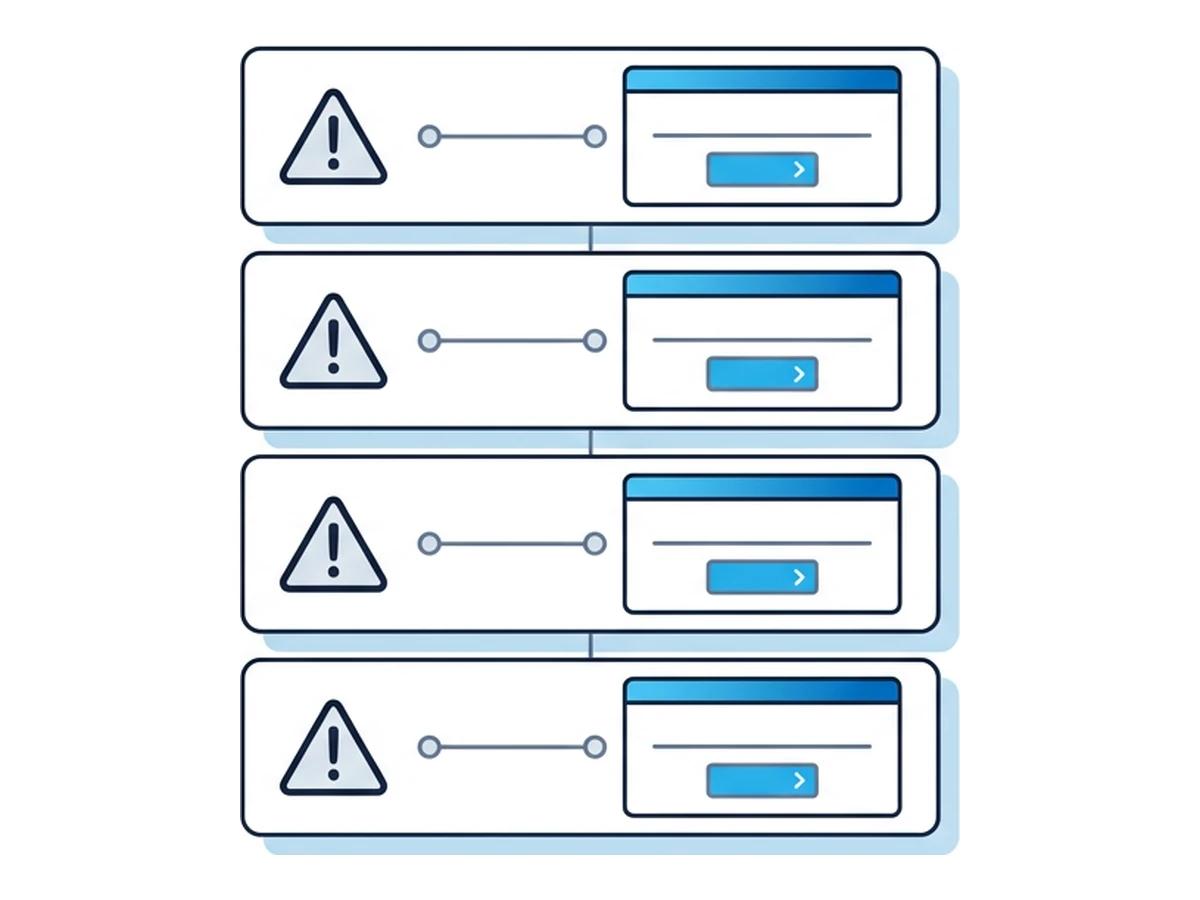
setApprovalForAll grants an operator control over NFTs in one collection. Marketplaces and other applications may legitimately need this, but it is broad. Confirm the operator and collection, and ask whether a narrower permission is available. Permit2 is for ERC-20 tokens; it is not a general replacement for ERC-721 approvals.
Large ERC-20 allowances may be used by legitimate applications for convenience, but they expose more of that token if the spender is malicious or later compromised. Inspect the named spender and choose a smaller spending cap where the wallet permits. A large value is a risk signal, not proof of a drainer. MetaMask's spending-cap guidance explains how to review and revoke supported approvals.
Permit and Permit2 requests can be useful but require scrutiny. Check the token, spender, amount, nonce or one-time scope, chain, and deadline. An off-chain signature may be submitted later by someone else. Reject a request when you cannot verify the spender or when the requested permission exceeds the task. Do not confuse a signature with an already completed transfer.
Marketplace orders can describe several items, prices, recipients, and conditions. Check the actual offer and consideration before signing. An order signature authorizes what the order specifies, subject to the marketplace contract's rules and any relevant token approvals. It does not by itself grant universal access to a wallet. OpenSea's Seaport model documentation shows these separate fields.
Limit what a site can reach
Separate higher-value holdings from a wallet used for unfamiliar dapps, and limit the assets and approvals exposed to any one site. A low-value account can reduce the amount available to a malicious spender, but it does not make a bad signature safe and it can still lose what it holds. Review the address and permissions for every chain involved. If a prompt was approved by a high-value account, switching browsers afterward does not undo that authorization.
Browser.lol can run the dapp's web page away from your usual browser, reducing direct exposure to page code. It is not a wallet, signature validator, or on-chain permission manager. A wallet on your local device, a hardware signer, or an extension in the remote browser still has to show and authorize the request. Browser.lol does not erase a signed permit or an on-chain approval when its session ends. To respond to a suspicious approval, follow the wallet's revocation guidance for the affected network; revocation costs gas and cannot reverse transfers already completed.
Need an isolated session for your next task?
Open an isolated desktop browser and get started in your browser.
Start a SessionNo browser installation required • Features vary by plan