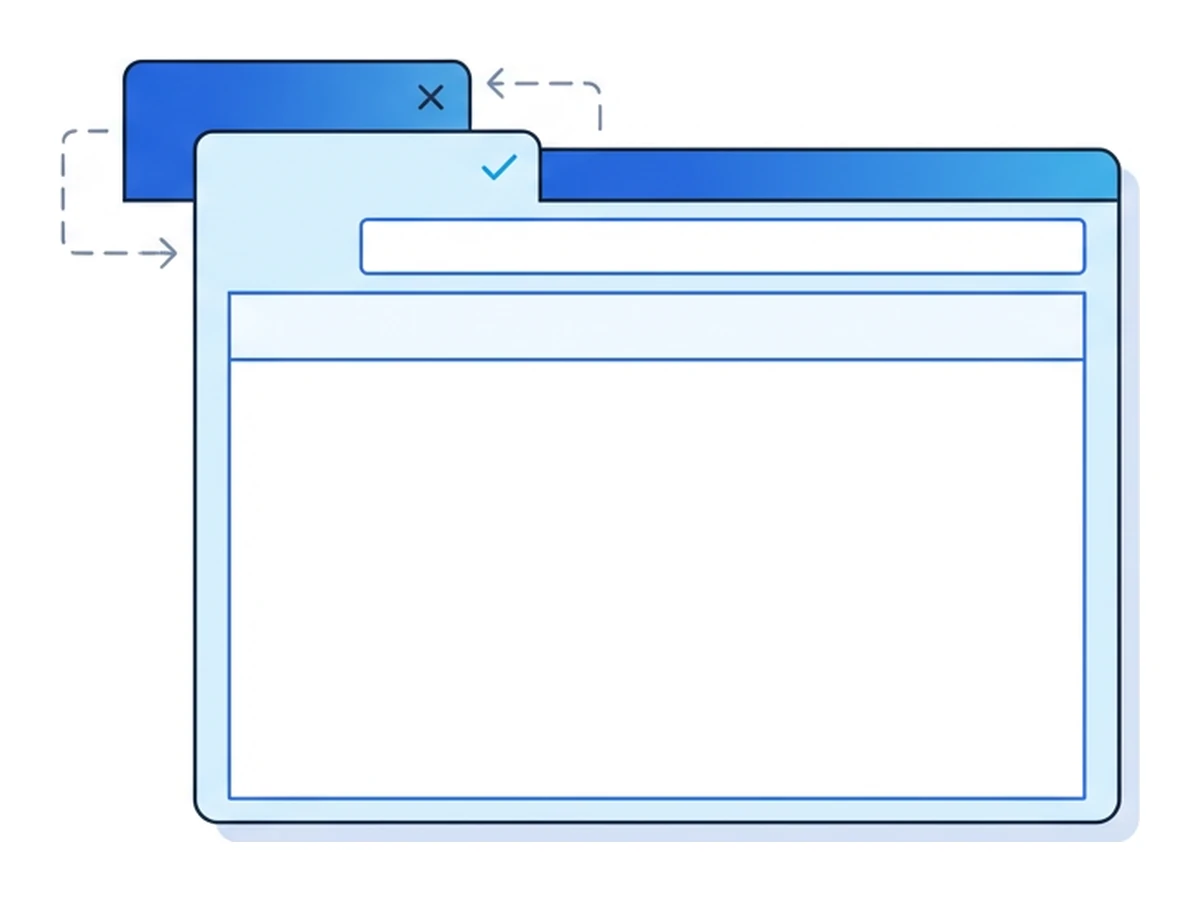

A tab you left open now displays a sign-in screen that looks like a familiar service. The address bar still shows the site you originally visited, but the page itself has changed. If you enter credentials without checking the address, you may be giving them to that site's operator. This is one form of tabnabbing: a malicious page uses a normal browser capability to create a misleading interface.
Clickjacking is related but different: an attacker tries to make you interact with a legitimate page embedded inside their own. Both attacks depend on the page you opened and on browser or site protections. Neither requires malware, but neither succeeds merely because several tabs are open. The useful defenses combine careful origin checks with safeguards built by site operators.
How a tab can change its appearance
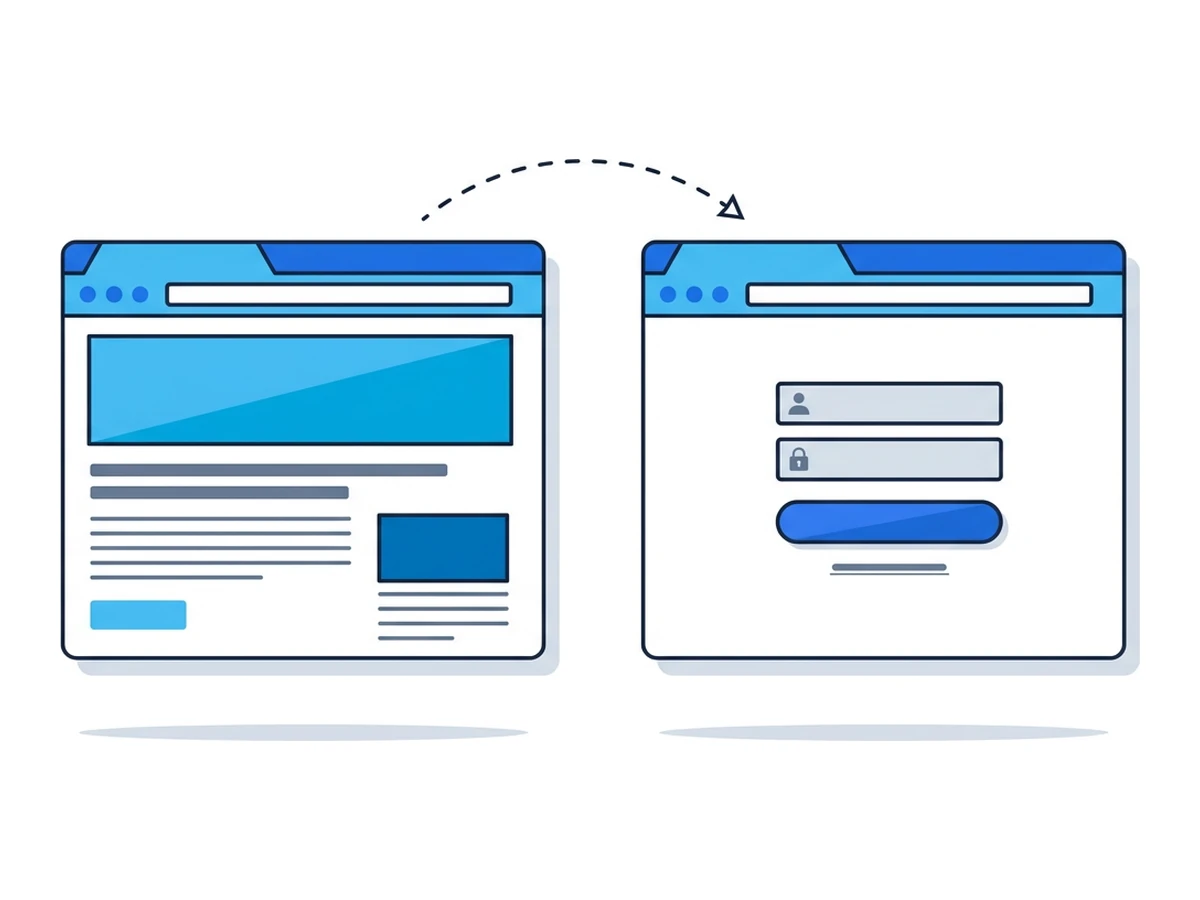
A page can change its own content, title and icon after it loads. It can also learn whether its tab is visible through the Page Visibility API. Those capabilities support ordinary web features, but a malicious page can use them to imitate a service the user trusts.
One possible sequence is that you open an attacker-controlled or compromised page and switch away. Its script detects that it is in the background and later displays a fake sign-in prompt. It can change its own HTML and favicon, but it cannot change the real origin shown in the browser's address bar. The timing and appearance depend on the attacker's code; there is no fixed delay.
If you enter a password or one-time code into that form, the page may send it to the attacker. It may then redirect to the real service to make the exchange less obvious. Check the address bar before entering credentials, especially when a tab asks you to sign in unexpectedly. A passkey bound to the genuine origin can resist this kind of fake-site credential capture.
Clickjacking through an embedded page
In a clickjacking attempt, an attacker places a legitimate site inside an iframe and arranges a decoy so a click lands on a control in the embedded page. The target site must allow that embedding, and the click has to reach an action available in the user's current state. MDN illustrates the mechanism. It does not give the attacker arbitrary access to every account or transaction.
A classic example is a social button hidden beneath a game element, causing a user to click the button without intending to. The impact depends on what the framed page permits. Sensitive actions may require a fresh confirmation, and cross-site cookie rules may prevent the iframe from having the user's signed-in state. Do not assume an authorization or payment screen is frameable simply because it has a button.
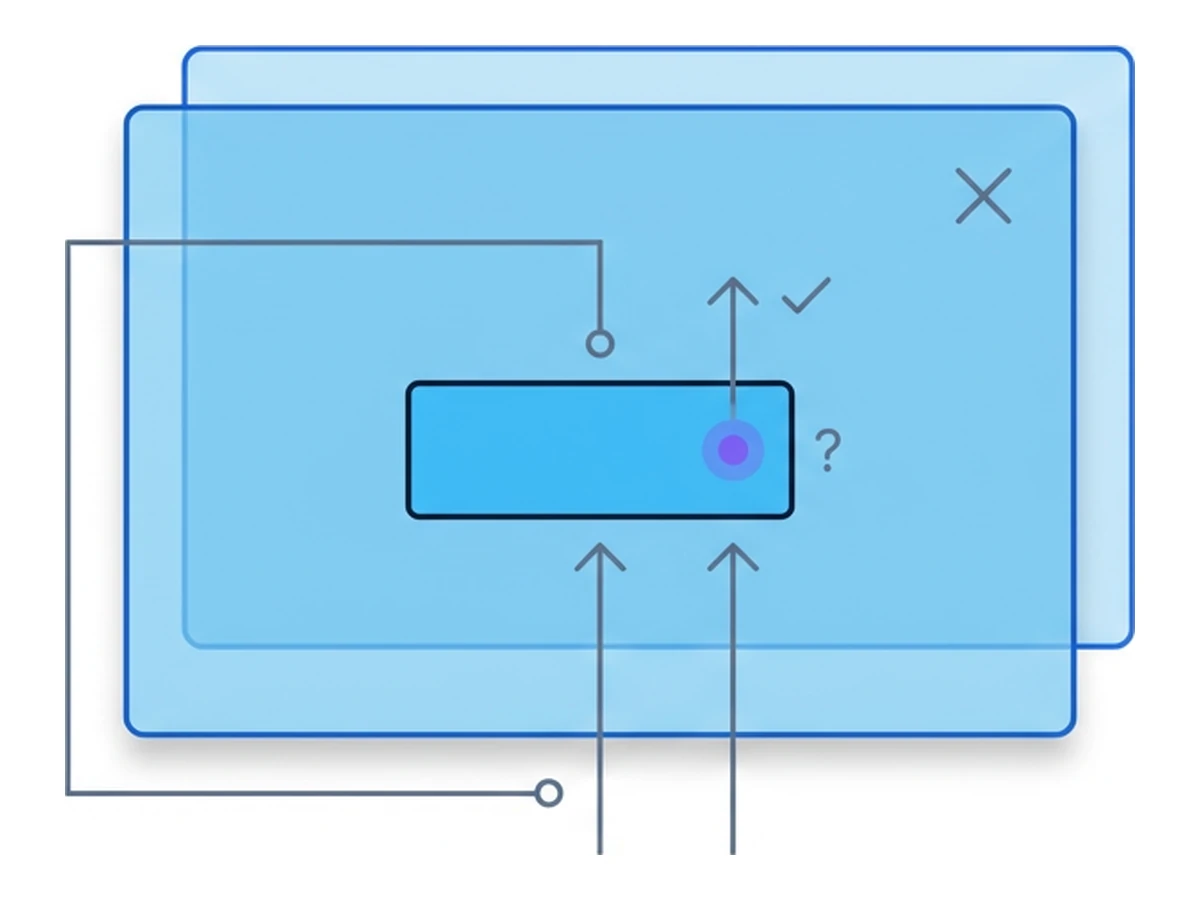
Site operators control the main defense. The CSP frame-ancestors directive limits which sites may embed a page; X-Frame-Options provides a simpler restriction for older browsers. Sites that need framing can allow trusted parents and add confirmation for consequential actions. Missing frame restrictions can create an opening, but exploitability depends on the page and its other defenses.
When window.opener matters
Reverse tabnabbing depends on an opener relationship. If a page opens another window and leaves window.opener available, the opened page may be able to navigate its opener to a phishing site. Cross-origin rules prevent it from reading the opener's page, but may still allow navigation, as MDN explains.
Modern target="_blank" links implicitly behave as if they had rel="noopener", leaving window.opener null unless an opener is explicitly requested. MDN documents this default. Scripts using window.open() should still request noopener where appropriate. A link to an untrusted site is not automatically a reverse-tabnabbing risk.
The conditions these attacks need
These attacks use ordinary web features in misleading ways. A page can change its own appearance, and some sites intentionally allow framing. The danger depends on the origin of the page, its frame policy, available account state and the user's next action. Visual familiarity is not evidence that a page belongs to the service it imitates.
Browser defaults have closed some older openings, especially the usual new-tab opener link. Sites still need to choose suitable framing policies, and users still need to check origins before signing in or approving actions. OWASP's clickjacking guidance also discusses SameSite cookies and confirmation steps as additional layers. No single user habit or response header addresses every UI deception.
Check the real address before entering credentials
Sites can restrict who embeds sensitive pages
target=_blank links default to no opener
Practical defenses for users and sites
Use browser defaults and site controls, then verify the page before acting.
- 1
Treat unexpected sign-in screens as a prompt to verify
If a tab suddenly asks you to sign in, inspect its address. When in doubt, open the service separately through a trusted bookmark or a manually entered address. - 2
Check the origin, not just the page design
The address bar shows where the tab actually is. A lookalike domain is not the service you intended to use. Where available, passkeys tied to the correct origin can also reduce fake-login credential theft. - 3
Review consequential actions in context
Before approving access or a payment, check which site is asking and what action it describes. Site operators should restrict framing of sensitive pages and require appropriate confirmation. - 4
Use isolation for its actual boundary
A Browser.lol session can separate web content from your local browser environment. It does not authenticate a page's appearance or stop a malicious page in that remote browser from repainting itself or using an allowed iframe. Keep checking the origin and the requested action there too.
Need an isolated session for your next task?
Open an isolated desktop browser and get started in your browser.
Start a SessionNo browser installation required • Features vary by plan