
Browser isolation was long discussed as a control for managed organizations: run risky web content away from an employee's device and decide what can cross the boundary. Today, a person can also open a remote browser from an ordinary web page. The delivery model has changed, although the security tradeoffs have not disappeared.
This guide traces the move from centrally managed deployments to cloud services and personal sessions. It separates documented milestones from possible uses, and asks what product teams must still solve: website compatibility, performance, data handling, and clear expectations about what isolation protects.
Enterprise origins: managed browser isolation
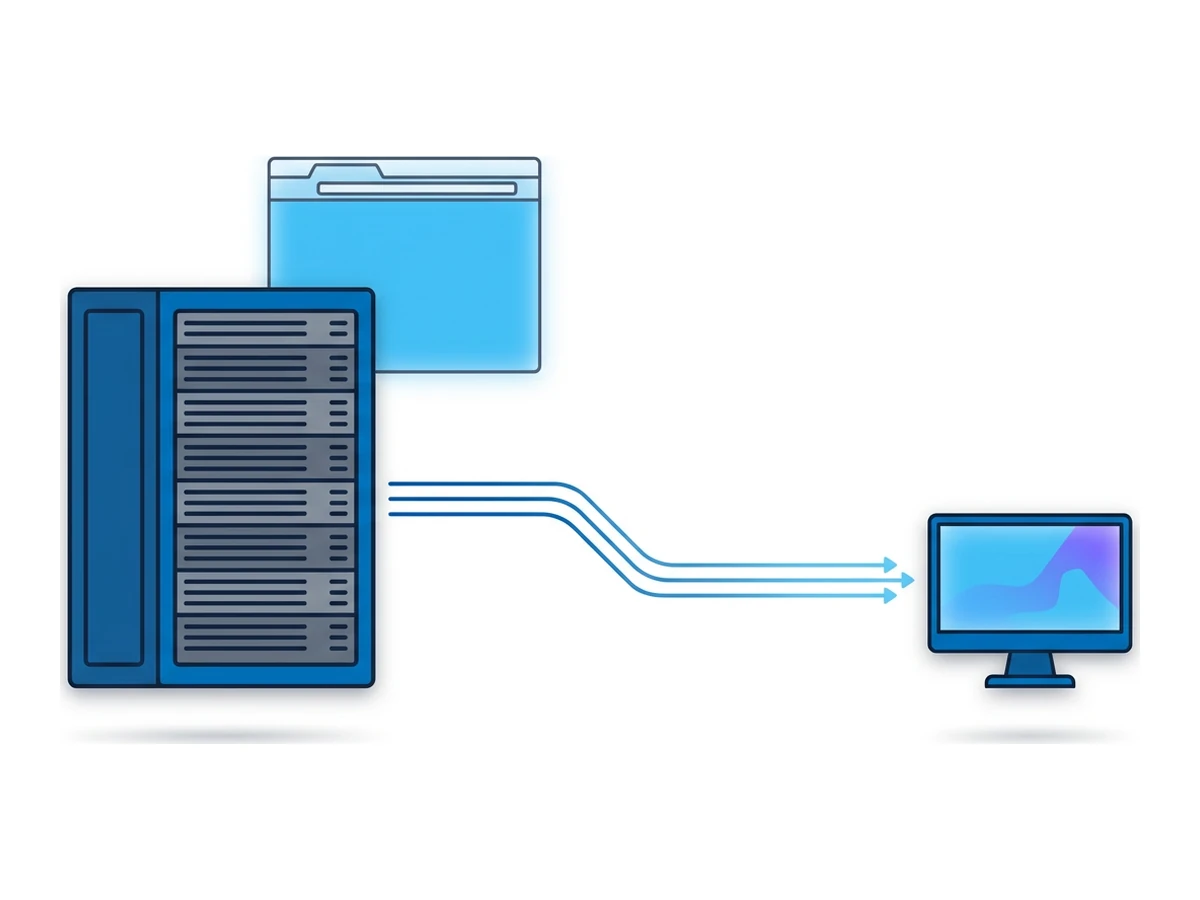
Organizations adopted browser isolation to put distance between untrusted web content and employee devices. Early deployments often required security teams to operate infrastructure, apply policies, and support the users affected by them. The audience was mainly organizations with the budget and staff to manage another security control, rather than anyone opening a link on a personal device.
Approaches varied: some executed browsing in a separate virtual environment; others rendered remote content for a local browser. Administrators also had to decide whether to allow downloads, uploads, clipboard use, and sign-in. Those policy decisions remain central today. No single launch year, appliance price, or setup time describes the whole category.
Cloud delivery and changing needs
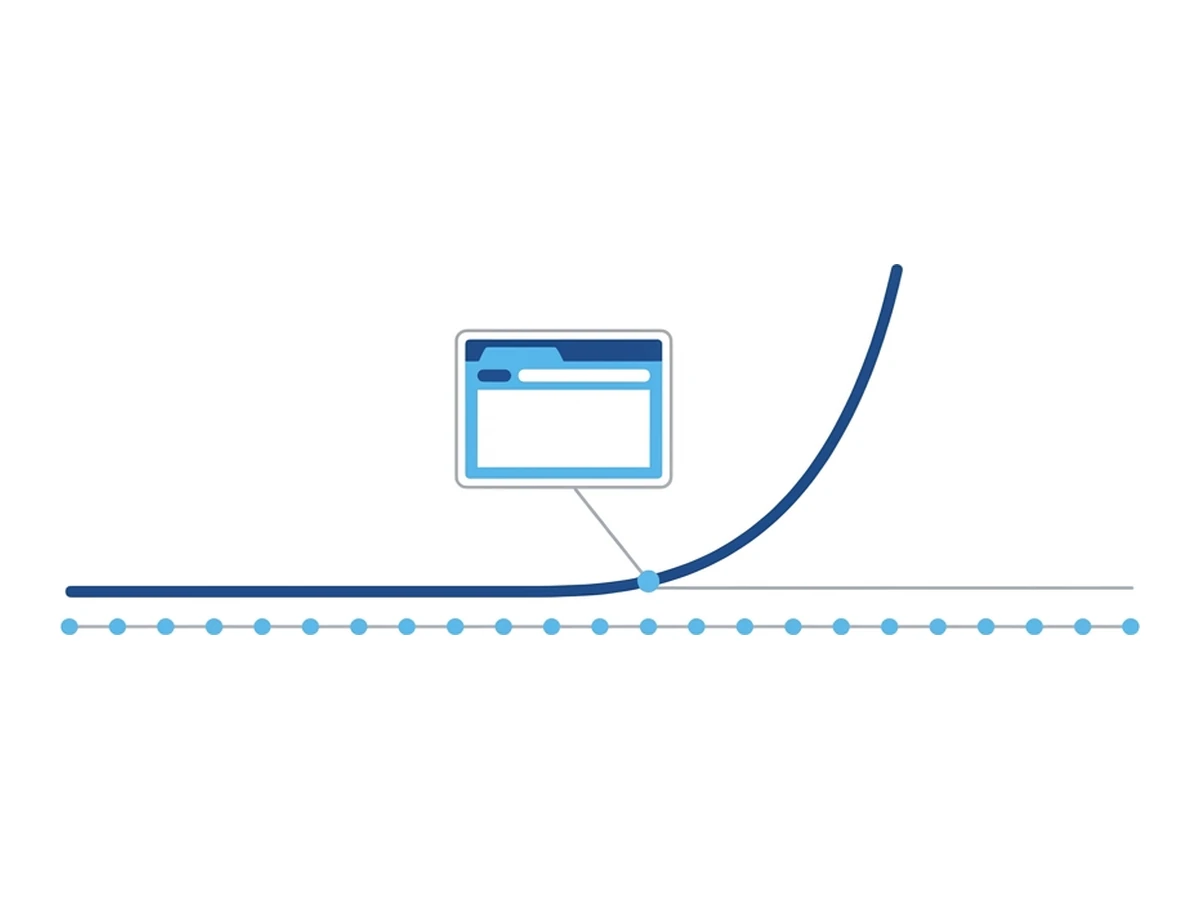
As more work moved into web applications, organizations had more reasons to consider where page code runs and which data users can move between the page and their device. A compromised web page does not automatically compromise a device, but it can still present phishing forms, misuse an authenticated session, or exploit a browser flaw. Isolation addresses part of that risk; access controls and web filtering address other parts.
The browser also remained an attractive place to deceive users or attack software. Isolation can reduce the exposure of a local device to active page content, but it does not make a fraudulent site trustworthy or prevent someone from entering a password there. That distinction matters whether the user is an employee or an individual checking an unfamiliar link.
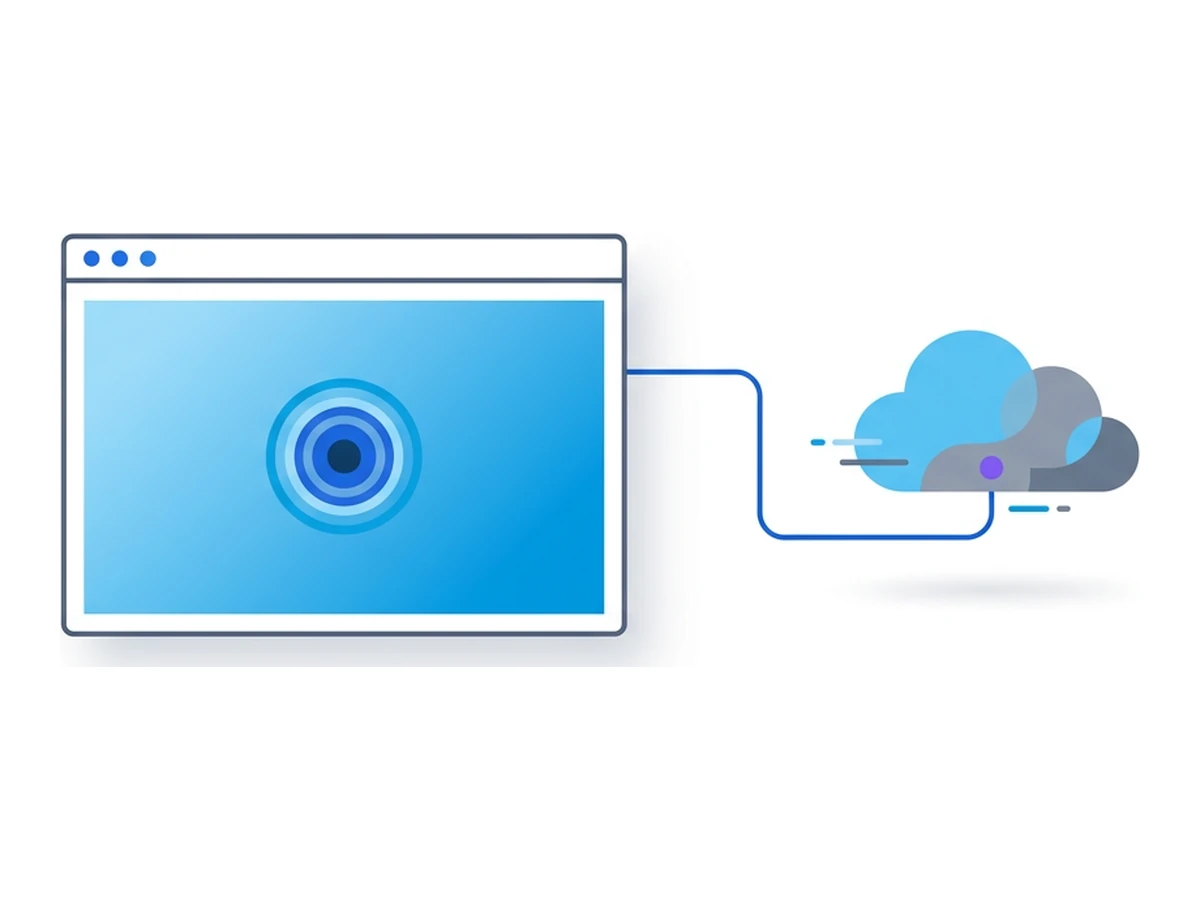
Cloud delivery changed how the service could be offered. In2020, Cloudflare described its acquisition of S2 Systemsand a cloud-based remote browser approach; its currentdocumentationstill presents isolation as an enterprise policy control. Browser.lol takes a different entry point: start a hosted session from the web. Neither example proves that remote compute is cheap in every setting or that one pricing model fits all.
Why individuals might use it
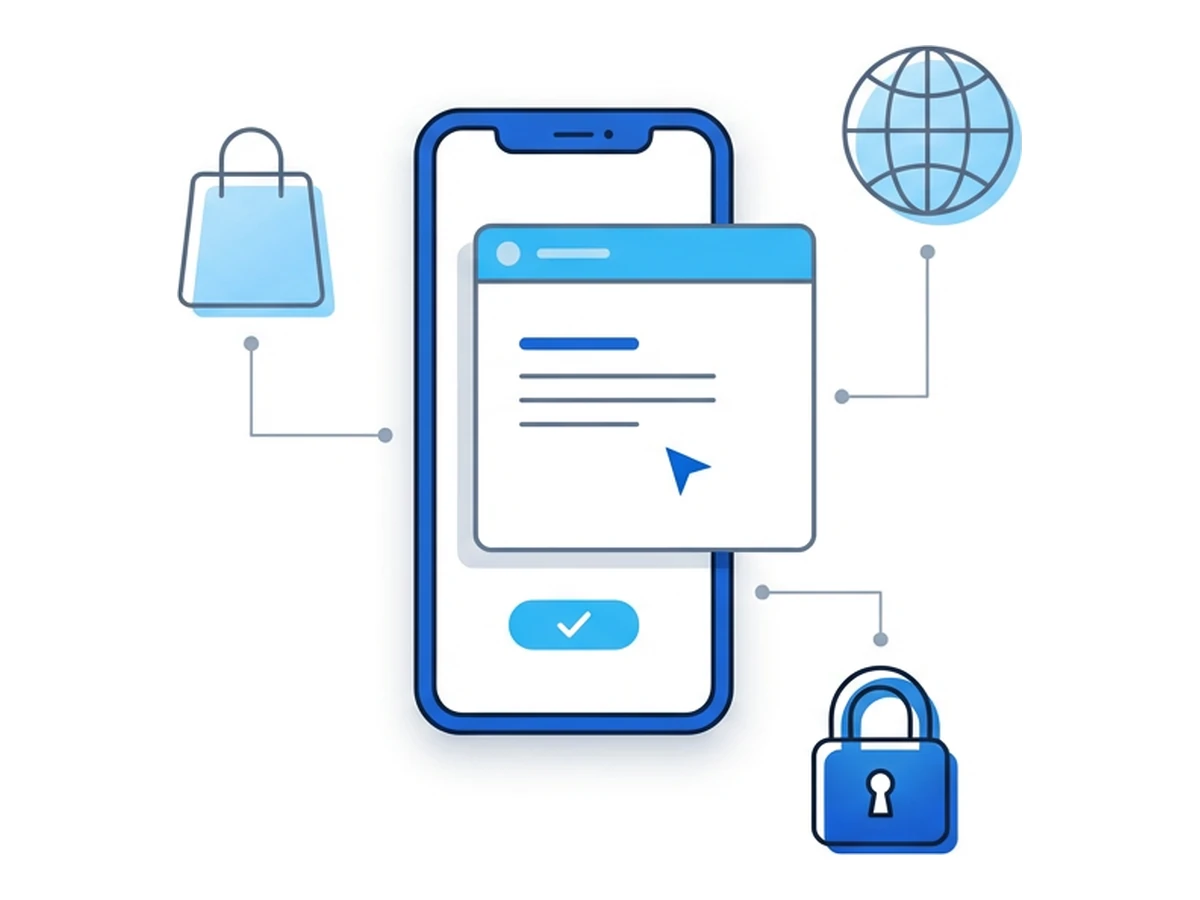
The same separation can help in personal workflows, even when someone has never heard the term browser isolation. The useful question is what the remote session separates and what it still exposes. Three situations illustrate the appeal and the limits.
Creators and independent workers may need to inspect unfamiliar services or links sent by clients. A remote session keeps the page's execution environment apart from the local browser. It does not remove risks from downloaded files, shared credentials, or information entered into the site.
Privacy-sensitive browsing can benefit from keeping site cookies and local browsing state separate. A new remote session can start without the previous session's cookies when no saved profile is reused. That does not make the user anonymous: accounts, network information, and behavior can still connect visits. Private browsing in a local browser has different limits; it mainly changes what is saved on that device.
Help with suspicious links is another use. A person can inspect an unfamiliar page in a separate environment before deciding what to do. They should still avoid entering credentials or downloading files they do not trust. Remote browsing is one layer of judgment, not a verdict that a link is safe.
Three practical scenarios
These are illustrative workflows, not customer accounts or measured outcomes. Each needs its own privacy and security checks.
Creator-economy agencies
Imagine a small agency receiving a link from an unfamiliar sponsor. A team member could open it in a remote browser, check the visible page, and share observations with colleagues. This separates the inspection from the local browser; it does not verify the sponsor or make signing in safe. If the team uses saved profiles, session state may persist by design. Platforms may still recognize accounts or challenge unusual sign-ins.
Telehealth startups
A clinic might evaluate remote browsing for unfamiliar payer portals used on mixed devices. Separating page execution could be useful, but patient information would still pass through whichever provider hosts the remote browser. Before using it for protected health information, the clinic would need to review contracts, access controls, storage, transfers, and applicable healthcare requirements. Isolation alone does not establish HIPAA compliance or an audit outcome.
Elder-fraud response teams
A fraud-support volunteer could inspect a suspicious invoice link in a remote browser while explaining warning signs to a caller. They would still need a safe way to share the view and protect any personal details shown on screen. The workflow may help with triage, but the remote browser does not determine whether an invoice is genuine or prevent every mistake.
What changed to unlock adoption
A self-service product needs a different experience from a centrally managed enterprise deployment. People must understand how to start a session, what is remote, what may persist, and how uploads, downloads, and sign-ins work. Usability is part of the security boundary because confusing controls invite mistakes.
One change is web-based access. Browser.lol lets users start a hosted session from its website, subject to availability and the chosen plan. Startup time varies with capacity, connection, and browser image. A shared session link can let another person view a session where that feature is available; it is not a special banking or investigation template.
Another possible design is task-specific guidance. A service could explain when to use a fresh session, when to keep a saved profile, and what a remote browser cannot protect. That is a product design opportunity, not a claim that Browser.lol currently supplies preloaded bookmarks, notes, or task templates.
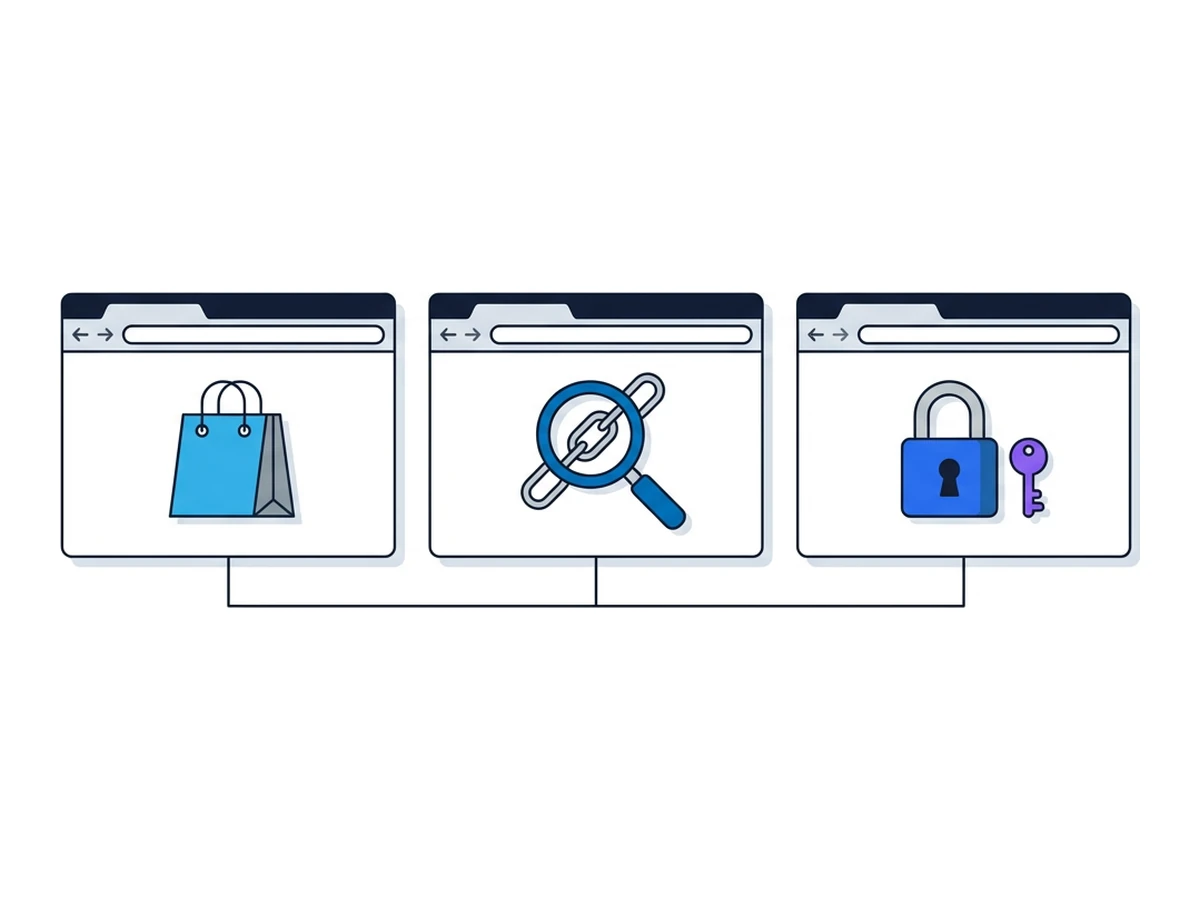
A third question is how to document a finding. Screenshots or notes can help someone explain a suspicious page, but they may also expose names, account details, or tokens. Browser.lol does not provide automatic session recordings or an evidence package. Any sharing workflow should make consent and redaction straightforward.
Milestones in browser isolation
A handful of public product milestones show how delivery options broadened. They do not establish a market size or a funding trend. The three examples below mark different ways to reach users, from a managed security policy to a browser started directly from a website.
Cloudflare announced its S2 Systems acquisition and cloud isolation approach
Cloudflare documents isolation within managed Zero Trust access
Browser.lol offers web-launched remote sessions
The distinction matters to a buyer or builder. Enterprise products can apply identity-based policies and restrictions on uploads, downloads, or clipboard use; Cloudflare documents both those controls and website compatibility limits. A self-service browser makes the entry point simpler, but users still need to understand the service's session lifecycle, data handling, and available controls. Public product documentation supports these comparisons; it does not support invented investment totals or claims of bank partnerships.
Building the next isolation experience
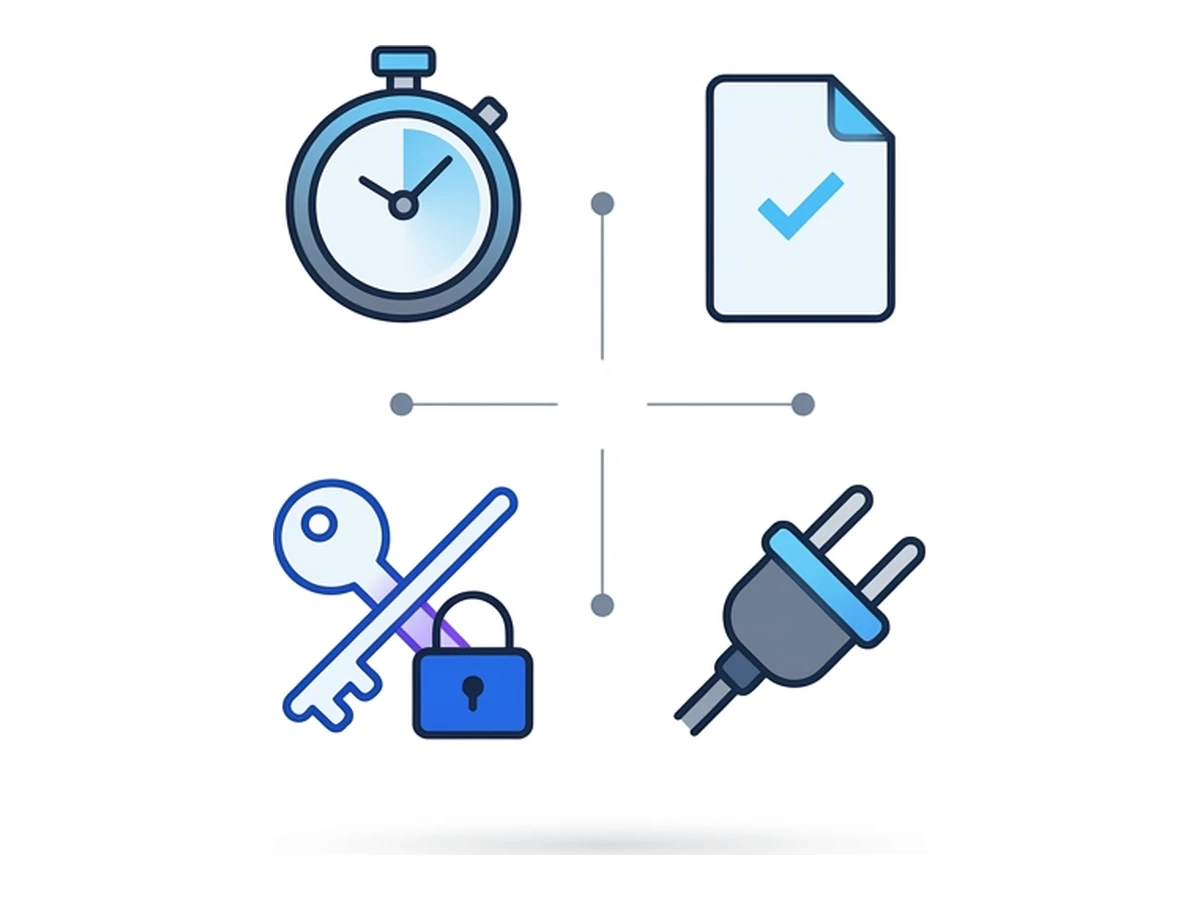
For teams designing remote browsing, four questions are more useful than an assumed market forecast. Each involves tradeoffs that should be tested with the intended users.
Make the boundary clear. Show when the user is controlling a remote browser, what website receives their input, and what changes when a session ends. Explain any saved profile option separately. A simple launch flow helps only if users also understand what is being isolated.
Design retention and sharing deliberately.Decide what session state is deleted, what can be saved, and how someone can report a suspicious page without exposing personal data. Screenshots, logs, or AI notes would create additional privacy and storage obligations; they should not be assumed to exist in a basic remote browser.
Test sensitive workflows. Sign-in methods, passkeys, payment pages, uploads, and downloads may behave differently in a remote browser. Some integrations require special handling; others may be unsuitable. Test each workflow and document its limits before presenting isolation as a place for sensitive transactions.
Offer APIs where they help. Programmatic session creation and browser controls can support testing or research, subject to access rules and quotas. Those interfaces also need authentication, usage limits, and clear data handling. Browser.lol has API and MCP documentation for available actions; that is more useful than promising arbitrary scripts or telemetry from every session.
What may come next
One possible direction is guided link inspection. A support team might offer a remote session when helping someone examine an unfamiliar site. The hard part is preserving the user's trust: a link supplied by an attacker could imitate that same workflow. Any design would need a clear, verifiable entry point and safeguards against credential entry on fraudulent pages.
Another is assisted browsing. Families or community support groups could use separate sessions while teaching people how to assess a page. That would require careful choices about screen sharing, consent, and personal information. A remote browser alone cannot supply the coaching or determine which offer is a scam.
A third is more choice of remote location. Some services let users select an available browser region or network route. The visited site then sees the remote browser's egress, while the connection from the user's device to the service remains a separate leg. Region choice does not guarantee access to a geo-restricted site, anonymity, or a different price; the site's own rules and other signals still apply.
Bring isolation to everyday browsing
Remote browsing is available beyond centrally managed security teams. Browser.lol lets you start a hosted session and, where your plan allows, choose whether to use a saved profile. Try a separate session for an unfamiliar site or a research task, keep sensitive information out of sites you do not trust, and check which controls and limits apply to your workflow.
Need an isolated session for your next task?
Open an isolated desktop browser and get started in your browser.
Start a SessionNo browser installation required • Features vary by plan