
In a documented campaign against YouTube creators, attackers sent fake business offers that led to malware stealing browser cookies. The stolen sessions helped them take over channels without obtaining a fresh login code. Google's Threat Analysis Group describes the campaign. It illustrates a gap that remains after strong sign-in: a service also has to protect the session it creates.
A session cookie or another bearer token tells a service that authentication has already happened. If an attacker obtains a usable token, they may be able to send requests as that user without repeating the original MFA step. Whether this works depends on expiry, revocation, device binding and additional checks by the service. Session theft is one account-takeover path, alongside stolen passwords and compromised recovery methods.
What a session actually is
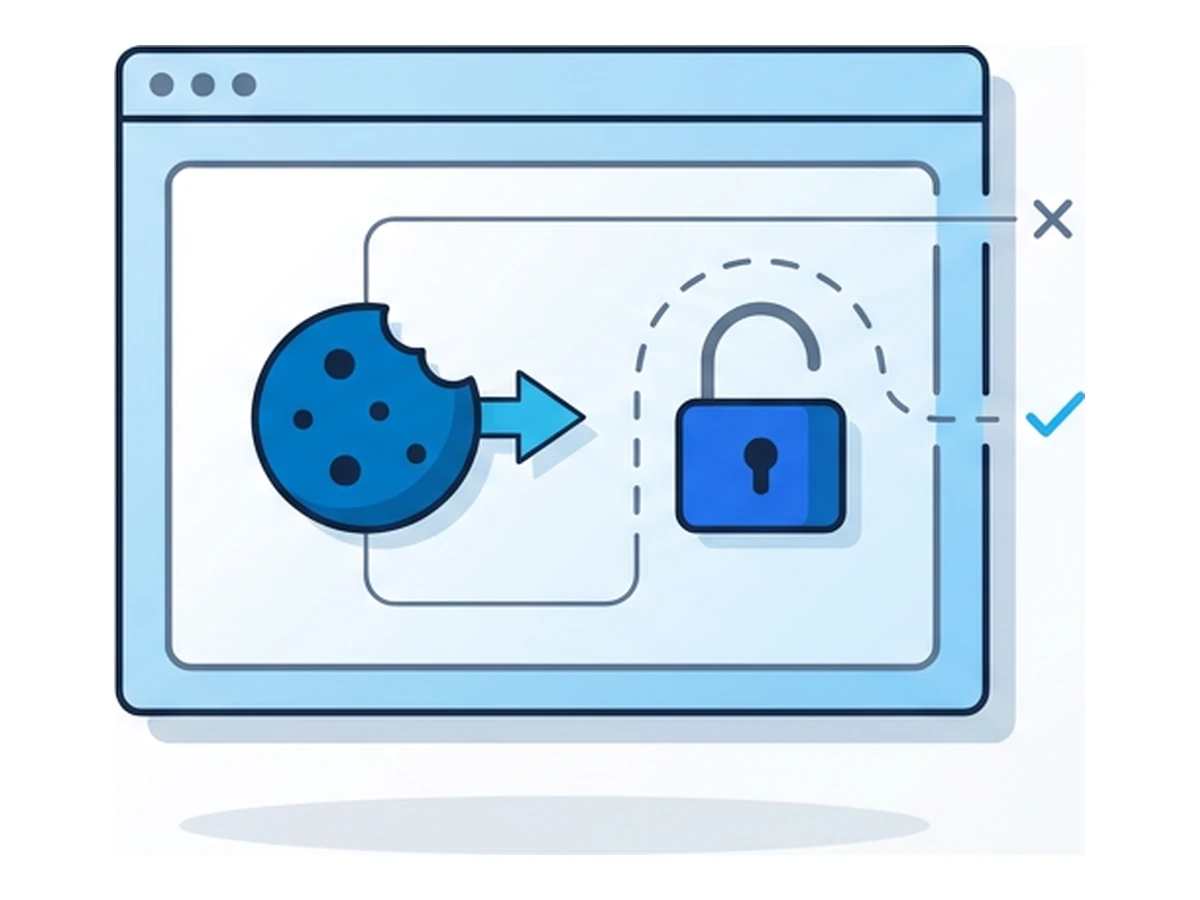
After a successful sign-in, a service often issues a session identifier in a cookie. Your browser sends it on later requests so you need not authenticate on every page. Services can also use other tokens and may demand reauthentication for sensitive actions. OWASP's session-management guide explains how the identifier and server-side session state work together.
Session lifetime varies by service, account policy and activity. A token can expire, be rotated or be revoked after logout or a security event. Some services also compare device or network signals and request another check. A stolen bearer token is dangerous while it is accepted, but it is not automatically valid forever or on every device.
Browsers protect cookies from ordinary page scripts with settings such as HttpOnly and Secure, and platforms may protect stored values. Those controls do not make a compromised device safe: malware with sufficient local access can obtain cookies from browser storage or memory. Google's device-bound sessions update describes why software-only storage cannot reliably prevent theft after that level of compromise.
How cookies get stolen today
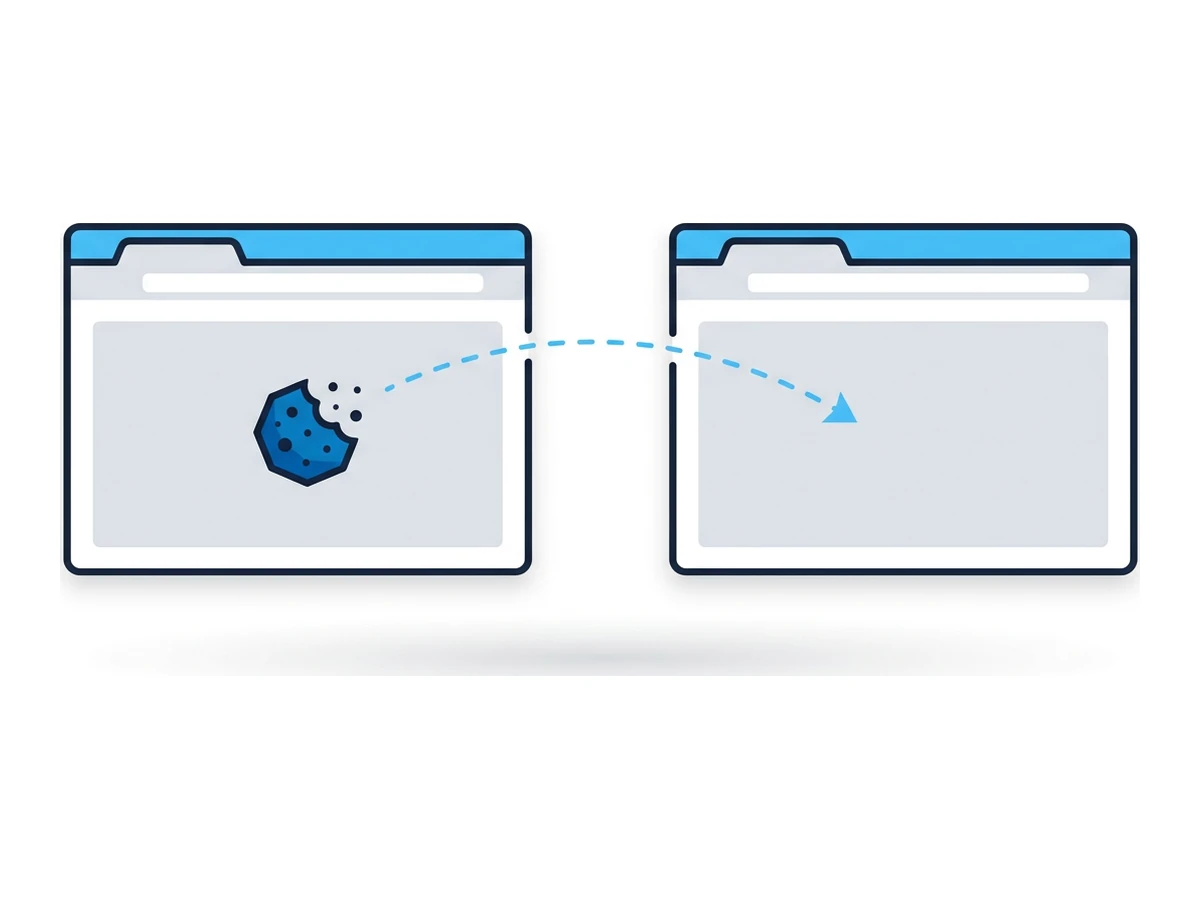
One route is an infostealer: malicious software that runs on the user's device and searches for credentials and browser session data. It may arrive through a fake download, a malicious attachment or another infection path. What it can extract depends on its permissions, the browser and the device's protections; no single family collects every cookie or password.
Another route is an adversary-in-the-middle phishing page. It relays a real sign-in while capturing credentials and, in some flows, the session token issued afterward. This can defeat a one-time code entered into the fake page. Microsoft documents this pattern. Passkeys tied to the real site resist this kind of phishing at sign-in, although a later compromise of an authenticated session is still possible.
Stolen tokens may be used directly or traded with other account data. An attacker can try to imitate familiar device or network characteristics, but matching a user agent or IP address does not guarantee access. The service may reject the token, require a fresh check or detect unusual behavior after access. OWASP describes the value and limits of these contextual checks.
What MFA and passkeys do and do not stop
MFA substantially improves sign-in security. It does not, by itself, prove that every later request carrying an existing session token comes from the original user. If a service accepts a stolen token as a bearer credential, an attacker can act within that session without repeating the MFA challenge. Services can still require step-up authentication for sensitive actions or revoke suspicious sessions.
Context checks such as changes in IP address, browser or time can help detect reuse, but legitimate travel and device changes can also trigger them. Likewise, an attacker may look familiar enough to avoid a simple rule. Token rotation and short expiry reduce the window of exposure, while server-side revocation and reauthentication can end access once theft is suspected.
Passkeys and FIDO2 security keys resist fake-site sign-ins, a major advantage over phishable codes. They do not make an already-issued bearer session immune to theft, as the FIDO Alliance explains. Device Bound Session Credentials add proof tied to the device when both browser and site support them. Google began public availability for Chrome on Windows in 2026; support and deployment still vary.
Warning signs and first response
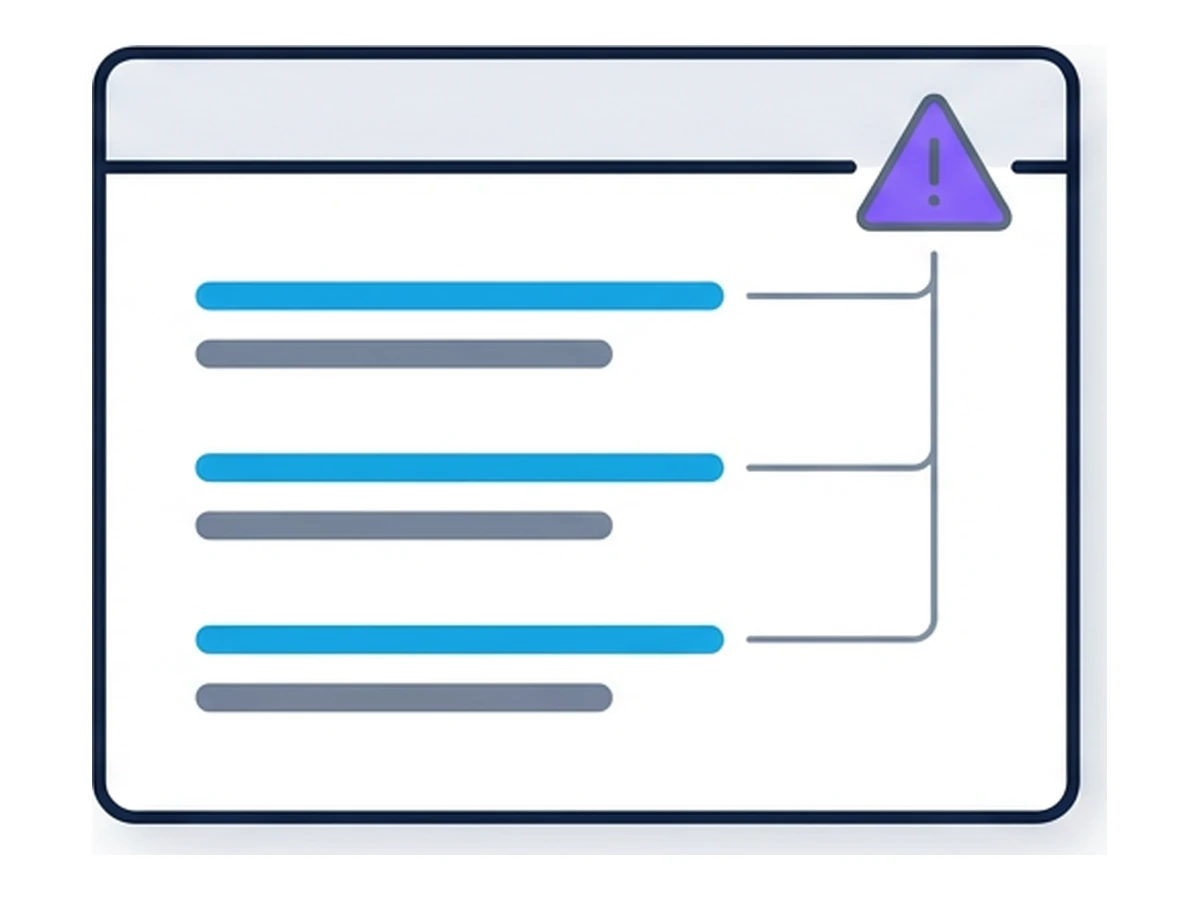
A new-login alert may not fire when someone reuses an existing session, though providers can detect other anomalous activity. Watch for messages you did not send, unexpected inbox forwarding rules, unfamiliar account changes and security alerts. Any one signal has other possible explanations; investigate promptly rather than assuming the account is safe because there was no login notification.
Use the service's session or device-management page where available. Google, for example, lets you review and sign out sessions. A location estimate may be imprecise, and one device can show several sessions, so compare the details with your own activity. Revoke unfamiliar sessions using the provider's controls and follow its account-recovery guidance.
If malware on your device is plausible, stop using it for sensitive sign-ins and get it cleaned or rebuilt according to your organization's process. From a trusted device, revoke sessions and change affected passwords; review recovery methods, MFA settings and account changes as the provider advises. Changing a password alone may not revoke every existing session.
Reducing the risk of session theft
Keep devices and browsers updated, avoid untrusted downloads, and use the strongest sign-in method a service supports. Where the provider offers session review, alerts, short lifetimes or device-bound sessions, enable the protections that fit your work. These measures reduce different parts of the risk; none makes a compromised device harmless.
A Browser.lol session can keep a destination site's cookies in the remote browser rather than your local browser profile. It does not stop malware on your device from observing typed credentials, controlling your browser or targeting your Browser.lol account and connection. Remote sessions can also remain active after a tab closes, and saved profiles may retain browser state. Use isolation as one layer alongside device security and the destination service's session controls. For related risks, see How Hackers Use Your Browser History.
Need an isolated session for your next task?
Open an isolated desktop browser and get started in your browser.
Start a SessionNo browser installation required • Features vary by plan