
A sponsored search result can look like the official download page for a tool you need. Another malicious ad may load inside an ordinary website. Both fall under malvertising, but the path to harm differs: one depends on a click and a deceptive download, while a rarer exploit path depends on a vulnerable browser or platform. Seeing an ad does not mean infection.
Malicious advertising can place a harmful destination or payload in an otherwise legitimate ad system. CISA describes both ads that redirect or prompt people to act and ads that can expose vulnerable browsers without a click. The publisher may not know what a particular visitor was served. The useful question is which path occurred and which safeguards could have interrupted it.
What malvertising actually is
A web page may load ads from an outside service, and search results can contain sponsored links. An advertiser can use these placements to send people to a lookalike site, a misleading download, or a harmful redirect. Ad systems review campaigns and remove abuse, but a placement on a familiar site or search page is not proof that its destination is safe.
Some campaigns imitate software vendors or public services and wait for a user to click, then try to persuade them to install a file or enter information. Others abuse ad delivery to redirect selected visitors toward an exploit server. Attackers can change destinations or show different content to reviewers and targets. The exact chain varies by campaign.
This makes the publisher's reputation a poor shortcut for judging an individual ad. It also matters what the visitor does next: a fake installer requires more user action than an exploit targeting a particular unpatched browser. Both deserve attention, but they call for different defenses.
Two paths from ad to harm
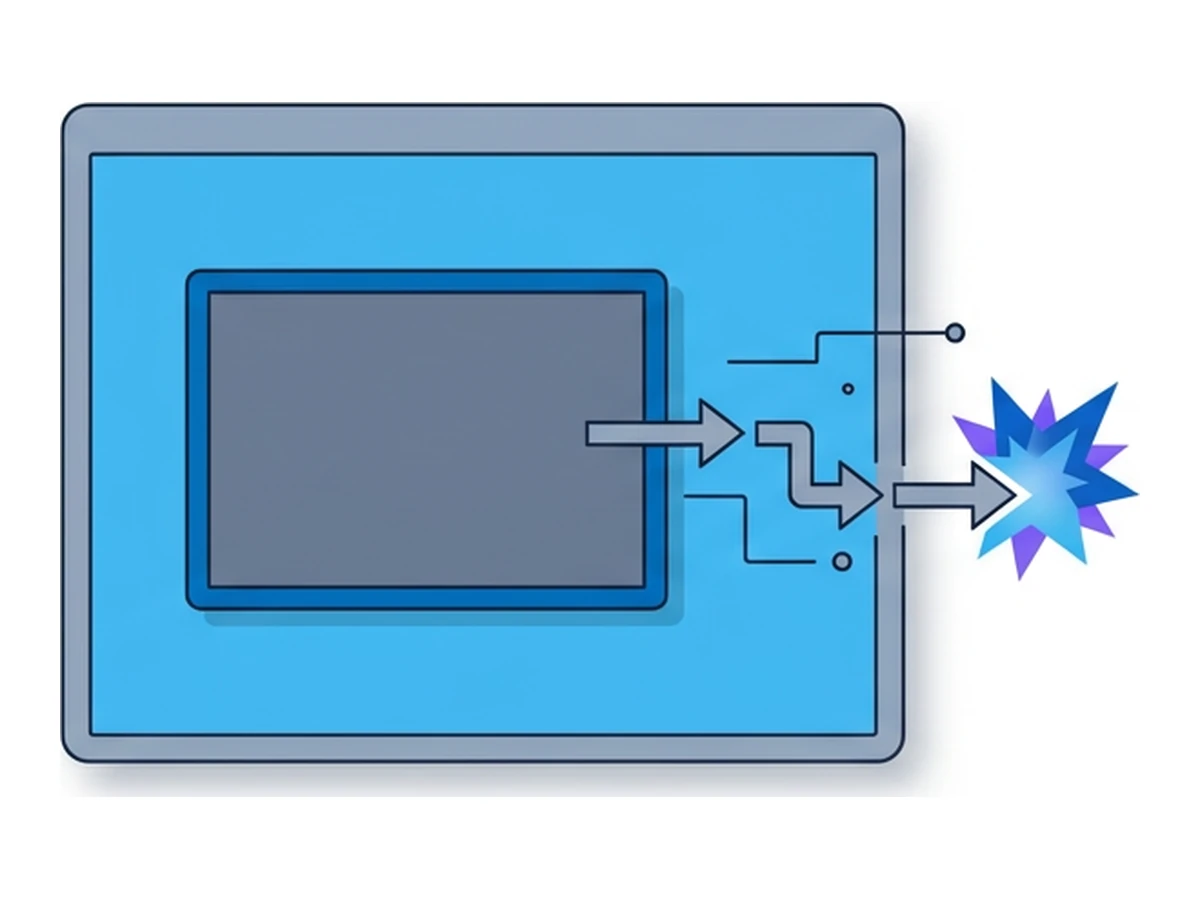
Consider the chain as four possible stages, not a fixed sequence that every ad follows. In most examples below, a person must interact with a deceptive page or file.
Place and route. An attacker gets an ad in front of the intended audience. A click may lead to a fake software page; an embedded ad or redirect may instead send selected traffic elsewhere. The ad's appearance and destination can change during a campaign.
Choose a target. A malicious landing page can ask for credentials or offer a file. More targeted operators may use browser and device signals to select visitors for an exploit. This does not imply that every ad fingerprints its viewers or carries an exploit kit.
Deliver. On the click path, the person downloads and runs a disguised installer or follows a phishing prompt. On the exploit path, code must reach a browser or platform with the relevant vulnerability. There is no universal payload, and current browser protections can interrupt the chain.
Gain access, if the attack succeeds.The result might be stolen credentials, a malicious installation, or code execution in a browser process. A renderer flaw alone does not necessarily grant access to the whole device: Chromium explains how its sandbox and site isolation limit that step. Further exploitation may be needed to escape those limits.
Documented campaigns
In a 2023 investigation, Mandiant documented sponsored search and social ads that drew users to fake sites about unclaimed funds. Those sites delivered downloaders leading to DANABOT and DARKGATE backdoors. This was a click-and-download route, not evidence that simply displaying the ad infected everyone who saw it.
A different, more targeted path appears in Google Threat Intelligence's December 2025 report on Intellexa. Its researchers observed some customers using malicious ads on third-party platforms to fingerprint and redirect selected people to exploit-delivery servers. Google says direct one-time links remained the vendor's primary delivery method. The finding shows that ad-based exploit routing exists without making it the typical advertising outcome.
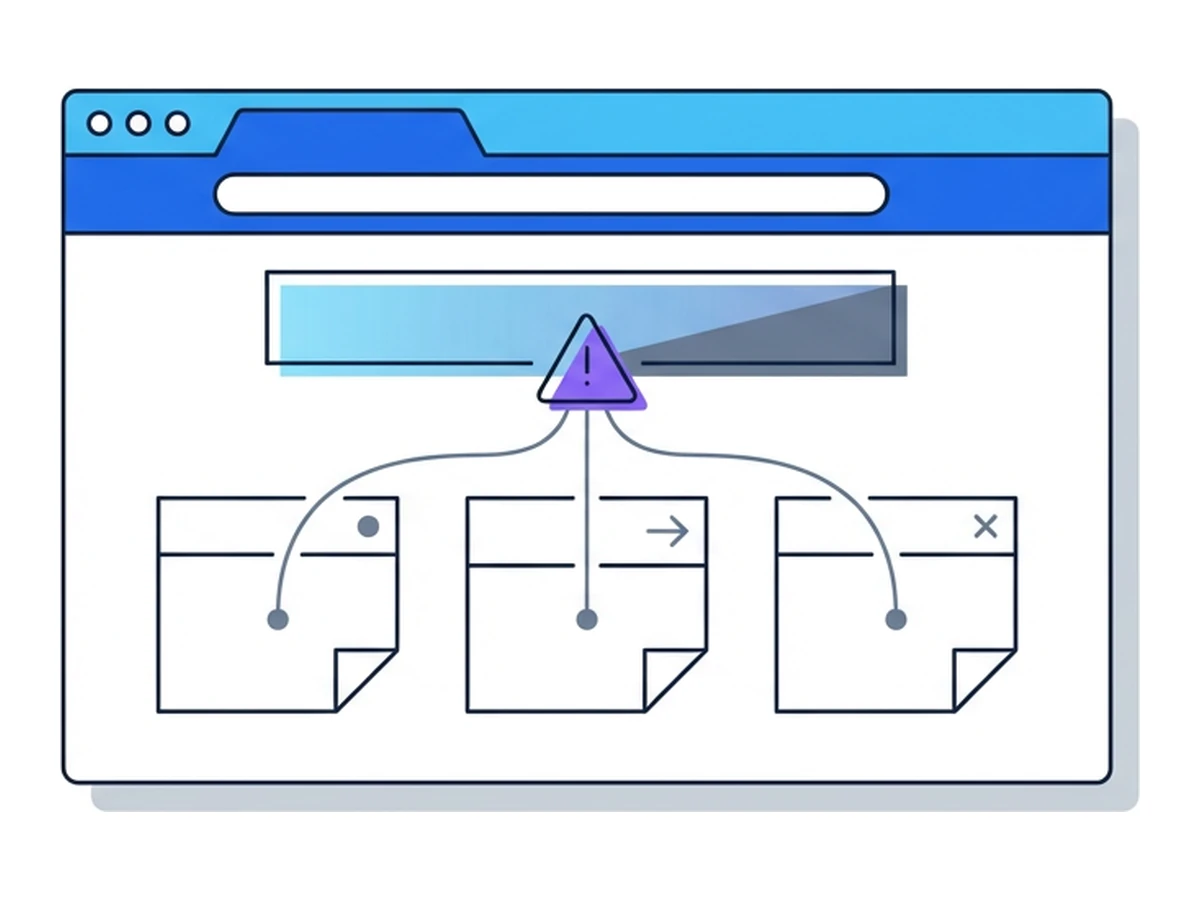
A deceptive ad can lead to a fake download or sign-in page
Some operators use ad delivery to select visitors for exploits
The cited investigations do not establish a universal infection or detection rate
Where defenses help and fall short
Security software can detect known harmful files, suspicious behavior, and some malicious destinations. It cannot promise to catch every new lure or exploit. The click-and-download route may leave a file that endpoint protection can inspect; an exploit route tests the browser's own defenses. For more detail, see Why Antivirus Fails.
Ad and content blockers can remove many ad placements and reduce exposure, but their behavior depends on rules, settings, and how the page loads ads. Platform review also matters: Google describes blocking malicious software ads and warns that scammers may ask users to ignore security warnings or disable antivirus. No blocker or review process is a complete guarantee.
Keep the browser and operating system updated, verify the publisher before downloading software, and treat unexpected prompts to disable defenses as a warning sign. Patching reduces exposure to known vulnerabilities; its timing varies by product and device. For an organization, reporting a suspicious ad or destination can help its security team block and investigate the campaign.
Using remote browsing as one layer
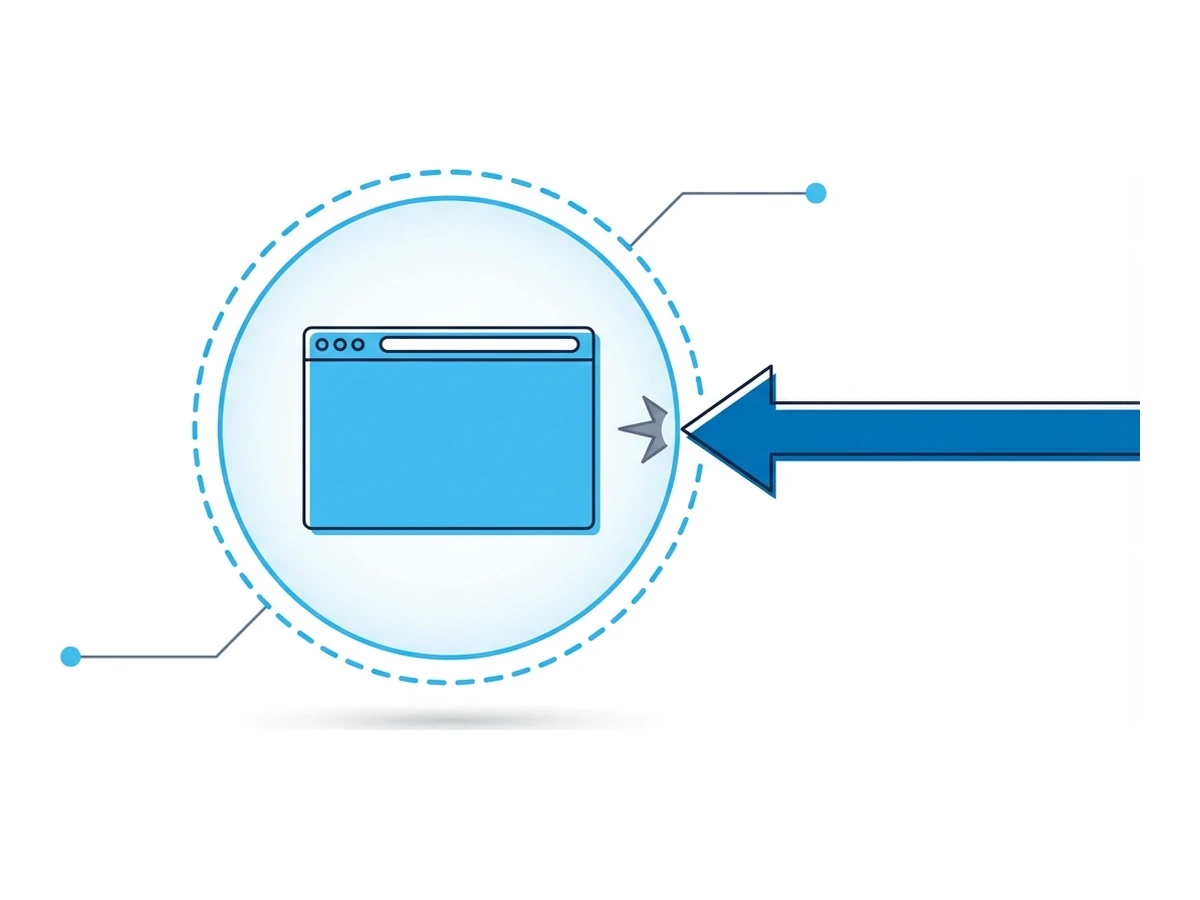
A remote browser runs visited pages away from the local work device. If a harmful page tries to exploit the browser, that separation can reduce direct exposure of the local device. It does not make the remote environment invulnerable or prove that an ad is safe. A fake download can still be dangerous if moved to the local machine; a phishing page can still capture information entered into it.
Use Browser.lol when you need to inspect an unfamiliar ad destination or page without opening it directly in your local browser. Keep the browser and system patched, use content blocking where appropriate, verify the source of software downloads, and report suspicious ads. Do not sign in or transfer files from a questionable site until you have assessed it. These layers address different paths; none eliminates every risk.
Need an isolated session for your next task?
Open an isolated desktop browser and get started in your browser.
Start a SessionNo browser installation required • Features vary by plan